
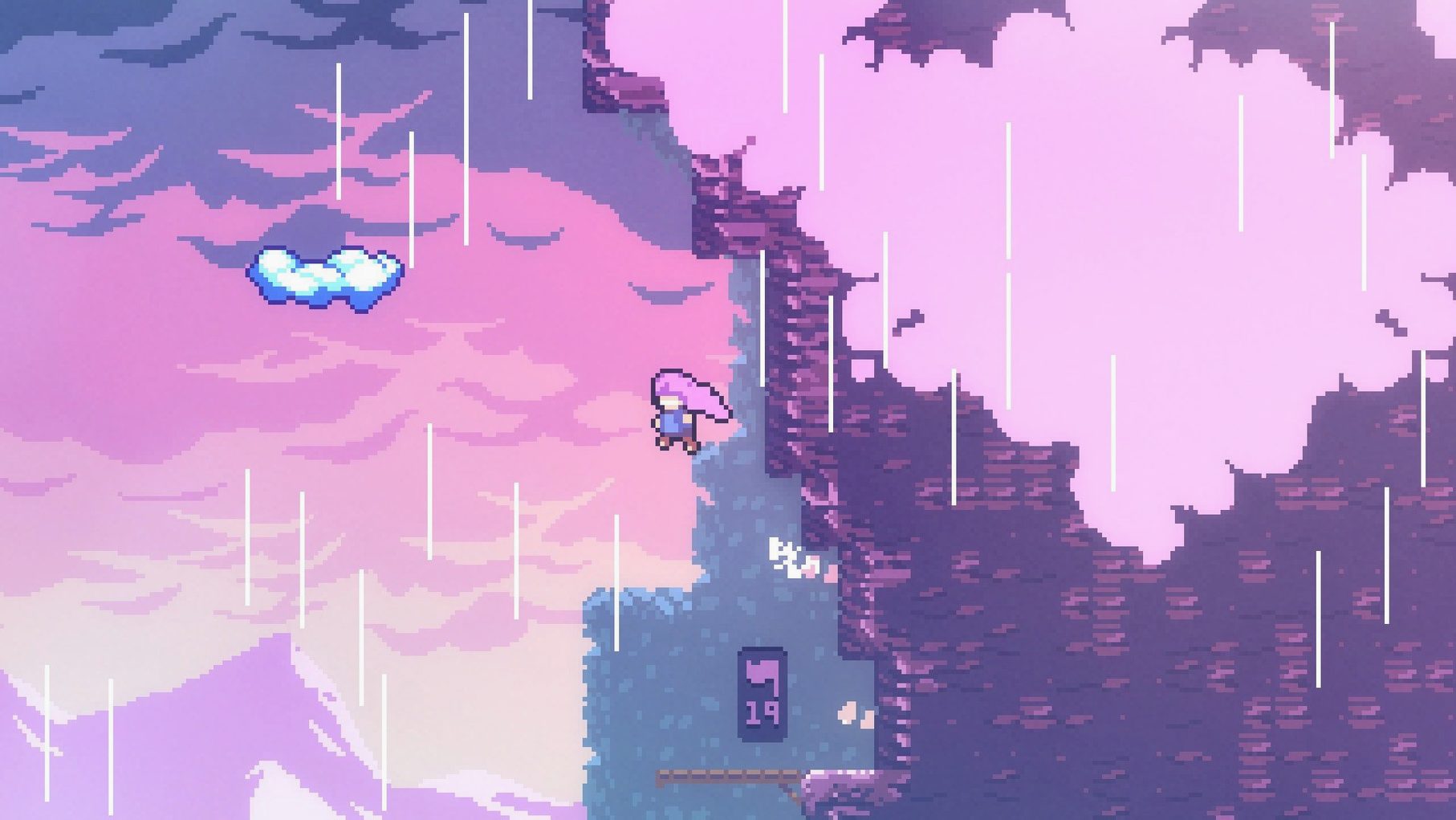
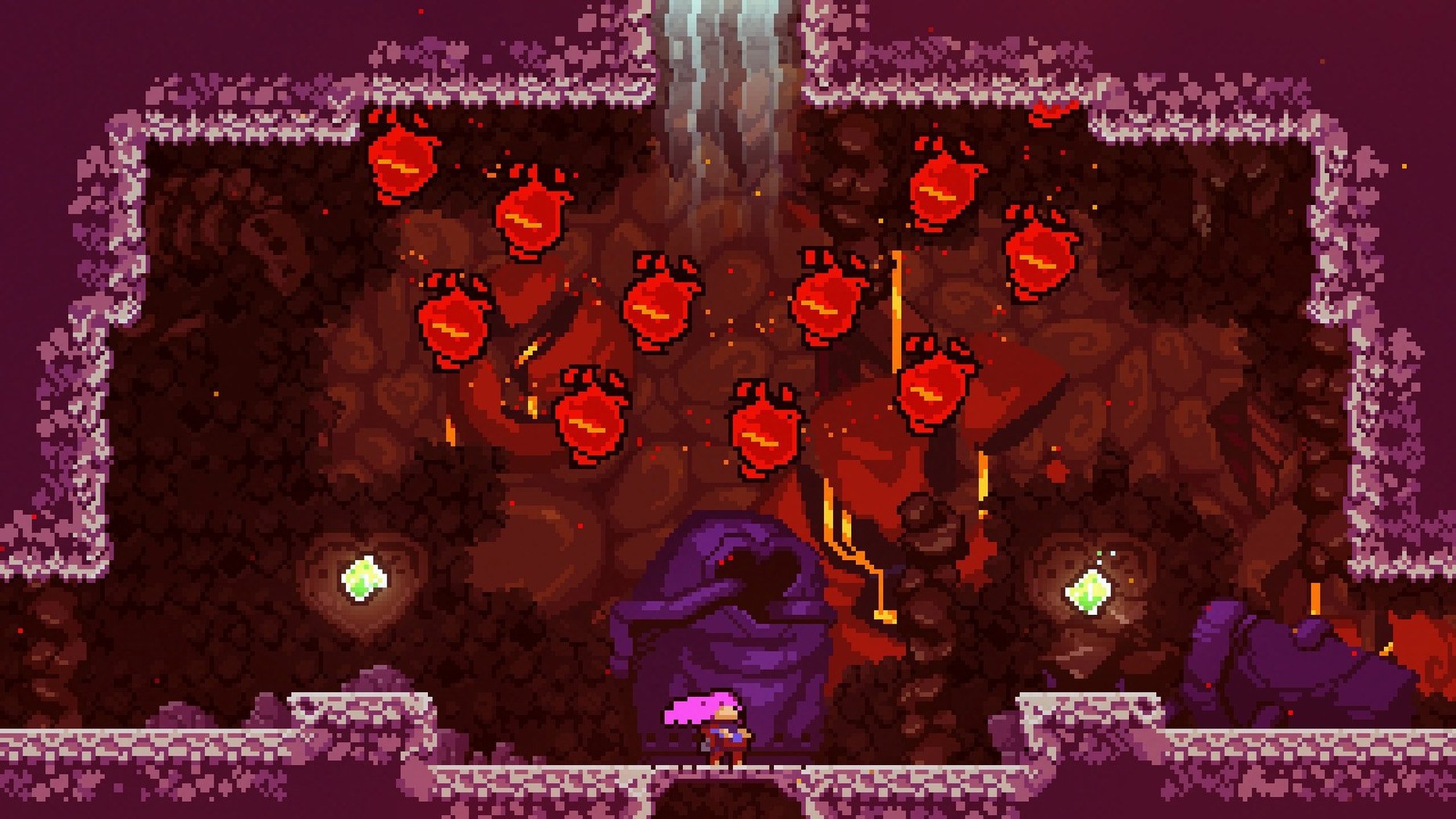
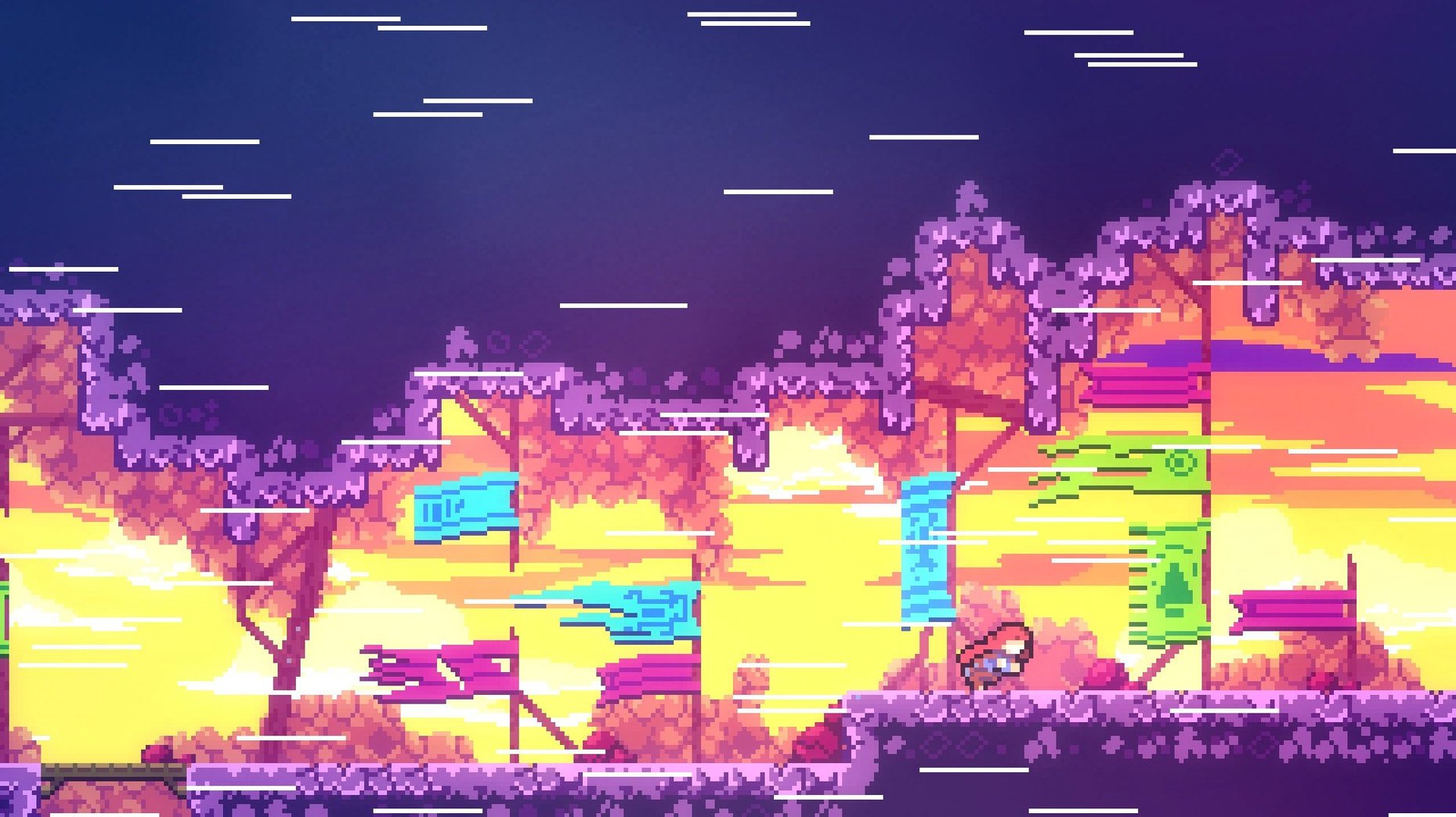
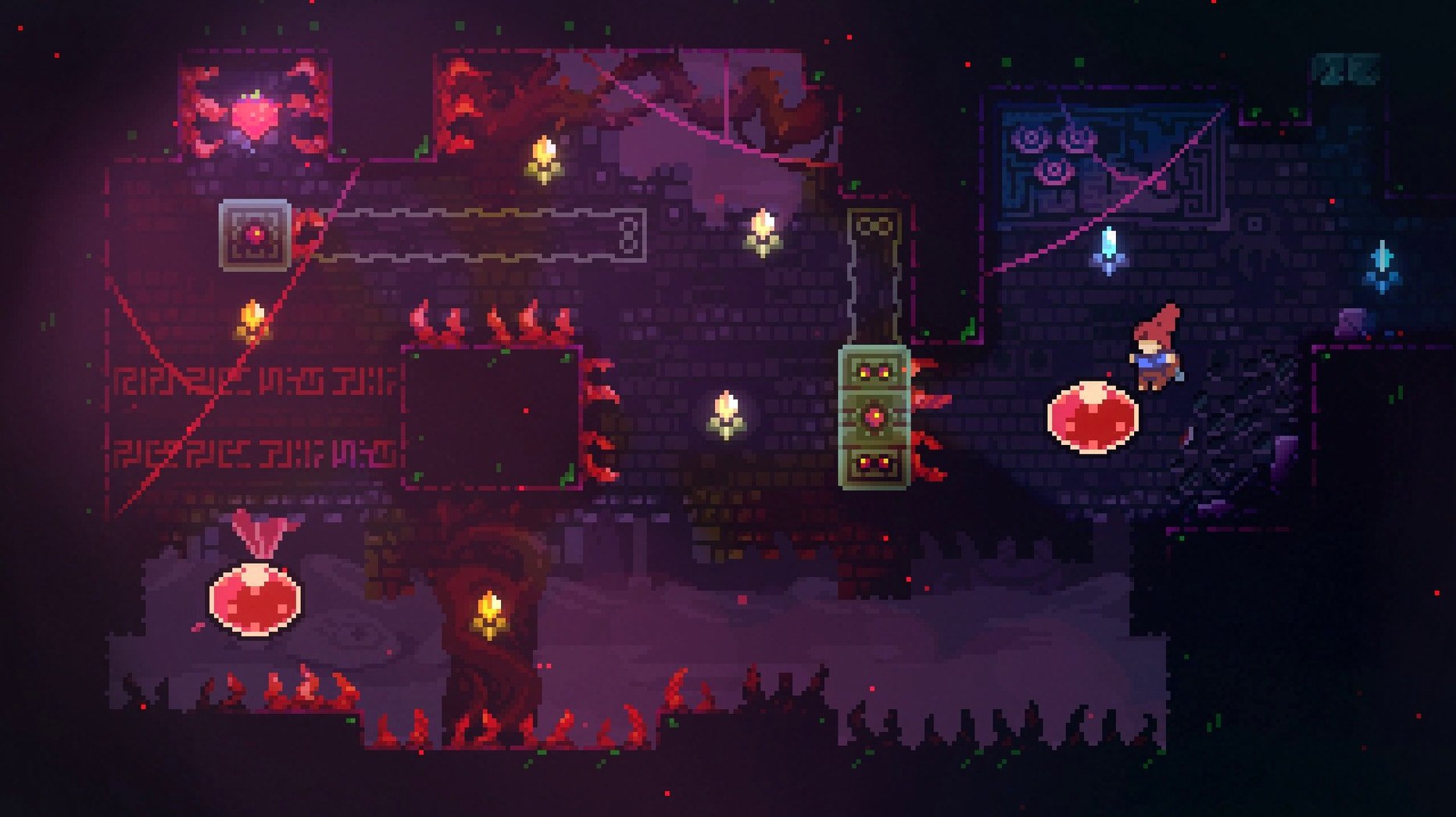
Celeste spans over 700 screens, and almost every one of them will ask you to fail before you succeed. That's the deal from the start: you play as Madeline, a young woman set on reaching the summit of Celeste Mountain, and the game gives you simple, responsive controls—jump, dash, climb—then immediately starts testing how well you can chain them together under pressure.
This is a single-player platformer built by the creators of TowerFall, but it lands differently. Where TowerFall is about competitive chaos, Celeste is inward and deliberate. Madeline fights her own anxiety and self-doubt made manifest, so the struggle on screen mirrors the story it tells. If you enjoy games where precision movement and emotional storytelling share equal weight, this one will stick with you.
Hidden areas and bonus chapters stretch the runtime well beyond the main climb. Some of the toughest challenges live off the critical path, which means casual players can reach the credits while completionists get months of bite-sized goals. Eight languages are supported, including Japanese, German, and Brazilian Portuguese, so the barrier to entry is mostly skill, not text.
Who might bounce off it? Anyone who finds repeated failure discouraging rather than motivating. Celeste is fair but relentless, and the assist mode that eases difficulty is there for a reason—the default experience assumes you love earning every inch of ground.
Run Celeste on a MacBook without second-class limits
The most common one I hear is whether Celeste treats a MacBook like a second-class citizen. It has been tested on Sonoma running on an M1 MacBook Air, and the Intel build runs fine there, so even newer setups are covered. The download is a standard disk image, and there is no activation step—you install it and play. No account to make, no online check-in.
People also ask if the game is too hard. The honest answer is that it is demanding by design. The game teaches through repeated failures, and every challenge feels built to be learned, not brute-forced. If you hit a wall, the assist mode can soften the edges, but the core loop expects you to retry until a room clicks. That is the point, and it usually clicks sooner than you expect.
Another frequent question is about storage and languages. Celeste is a lightweight download despite its 700-plus screens and two hours of music. The supported languages include Russian, English, German, Spanish, Italian, Simplified Chinese, Portuguese, French, and Japanese. One small thing to know before you start: keep a US keyboard layout active when launching, or the game may not read your inputs correctly.
Working through one screen from start to finish
Let me walk through how a typical climb actually goes, using one of the mid-game rooms as an example. You enter a narrow shaft with spikes lining the floor and a floating platform drifting overhead. The goal is the ledge on the far right, and the path is not obvious at first.
- Stand still for a moment and read the room. Madeline can climb vertical walls for a short time, so the left wall is not a dead end—it is a handhold.
- Jump to the wall, grip it, and climb until you are level with the drifting platform. Your grip has a limit, so do not linger.
- Dash upward and to the right as the platform drifts near. A diagonal dash puts you just above it, and you land with a small bounce.
- From the platform, jump toward the far wall, grip, and climb one body-length higher.
- Dash left to a hidden alcove above the spikes—this is where the room's secret berry sits—then dash back before your grip runs out.
- From the alcove, a final dash carries you to the exit ledge. Collect the berry only if you can afford the extra movement, because the detour costs a dash you might need.
That is the whole loop: observe, attempt, adjust, and complete. A failed dash does not cost progress; it costs a few seconds and a respawn at the start of the screen. Over an hour, you get much better at judging dash lengths and grip time without even noticing.
One kind of player who will get a lot out of it
A solo player on macOS who loves short, focused sessions is a natural fit. Picture someone who works on a laptop all day and wants a game that opens quickly, plays offline, and does not demand a forty-minute commitment. Celeste fits that rhythm beautifully because each room is a small puzzle. You can clear a handful of screens during a lunch break and feel like you actually progressed.
Madeline's story also gives that player something to chew on between sessions. The dialogue is quiet and personal, and the way the mountain pushes back against her self-doubt lands better when you sit with it for a few minutes at a time. Add the bonus chapters and hidden areas, and the game keeps giving reasons to return long after the main climb is done.
Tip: If you want to try Celeste on a Mac, search for celeste mac download or celeste for mac to find the disk image, then follow the standard install steps: mount it, drag the game into Applications, and launch. A celeste mac free download or Celeste torrent search might show up in results too, and the game is small and installs cleanly either way.
- macOS version information not provided by the developer
- Runs natively on Intel Macs
Questions from the stall
What languages does Celeste support on Mac?
It includes Russian, English, German, Spanish, Italian, Simplified Chinese, Portuguese, French, and Japanese.
Does Celeste have extra content beyond the main story?
Yes, it features hidden areas and bonus chapters that add tougher platforming challenges for players who want more after the credits roll.
What kind of story does Celeste tell?
Madeline travels to the top of Celeste Mountain while confronting and fighting her inner demons, making the climb both a physical and emotional journey.
Notes from other shops 0
Sign in or open a shop account to leave a note.
No notes yet. If you've used this on a shop Mac, tell me how it went.