You just unlocked the True Start Location Earth map, and suddenly the shape of continents matters as much as your tech tree. That recent addition is a good symbol for the whole game: it's a strategy sandbox that respects your curiosity, but not necessarily your free time.
Patient planners and history-curious tinkerers
- Patient planners. Turns stretch across the Ages, and decisions made early echo for hours. If you enjoy stacking leader abilities and seeing a cultural style evolve across your cities, the long arc feels rewarding.
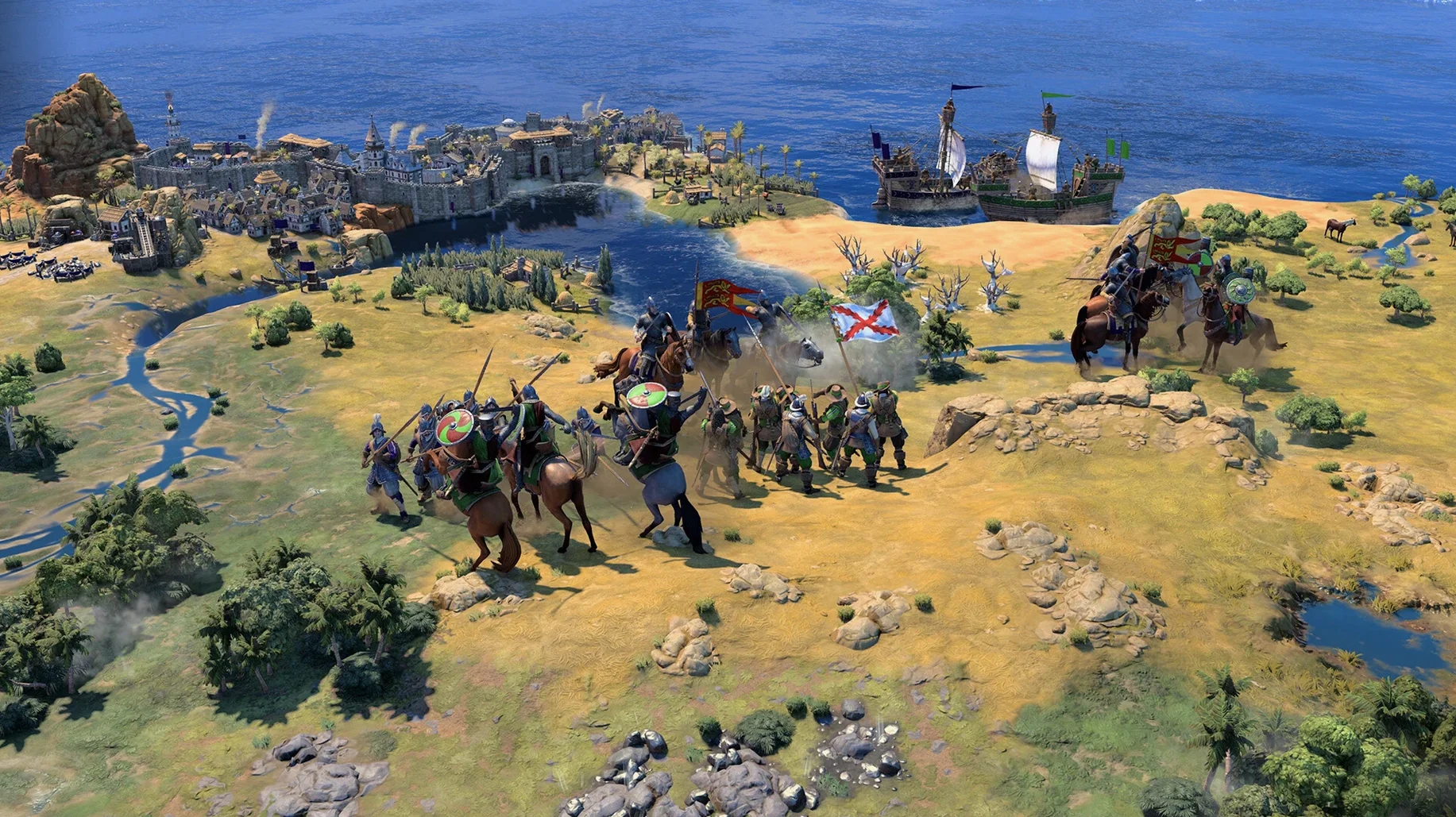
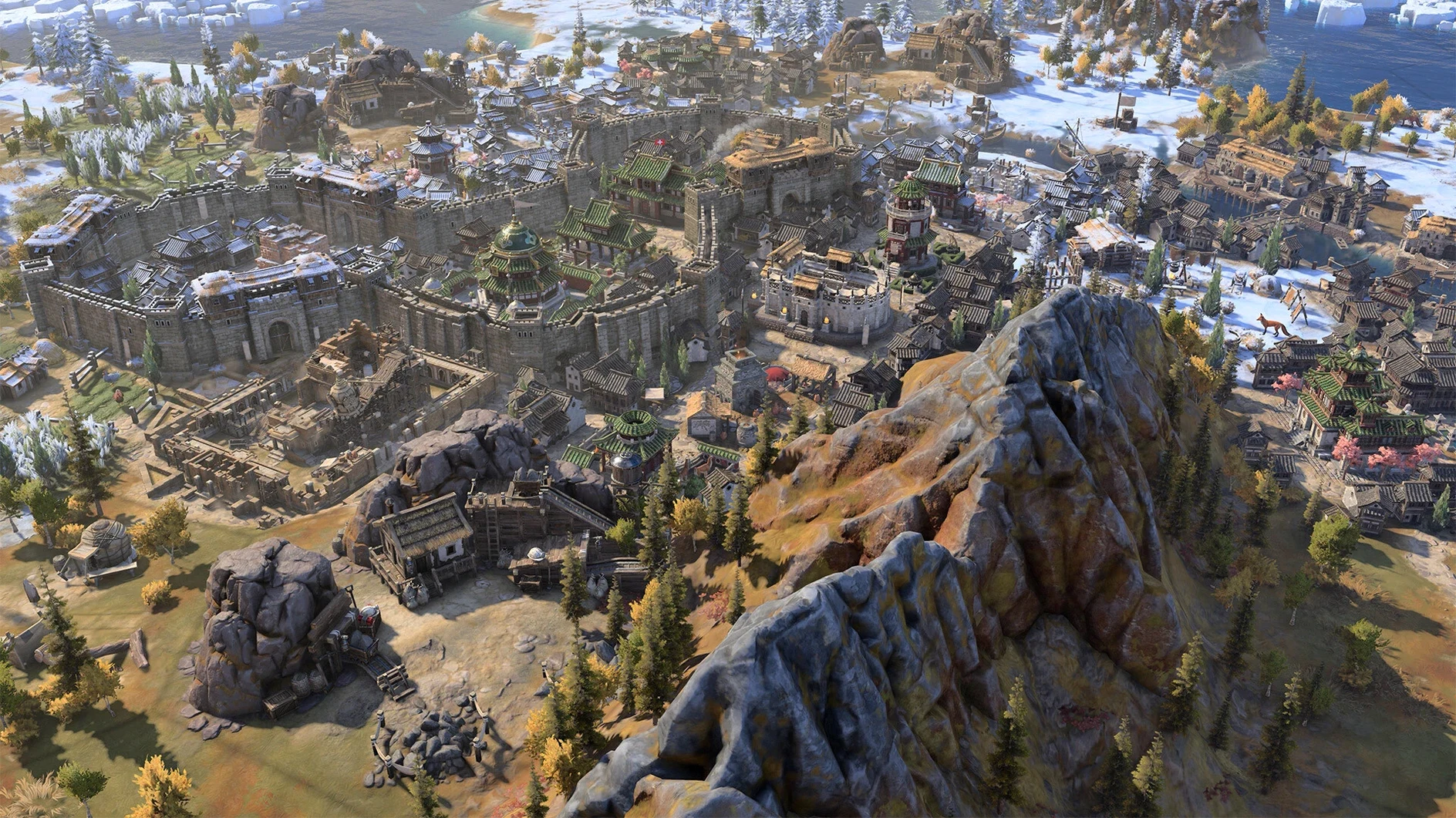
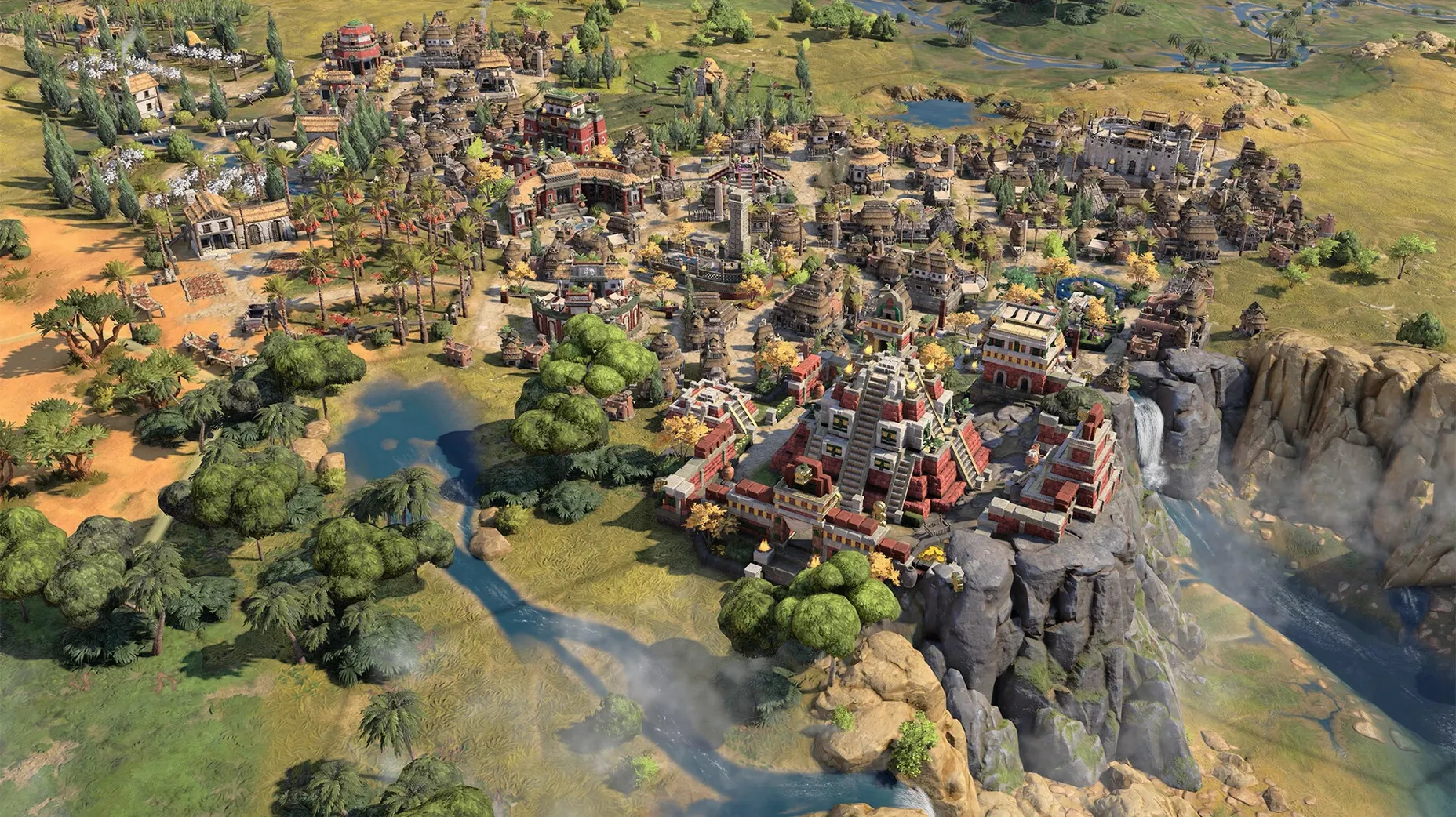
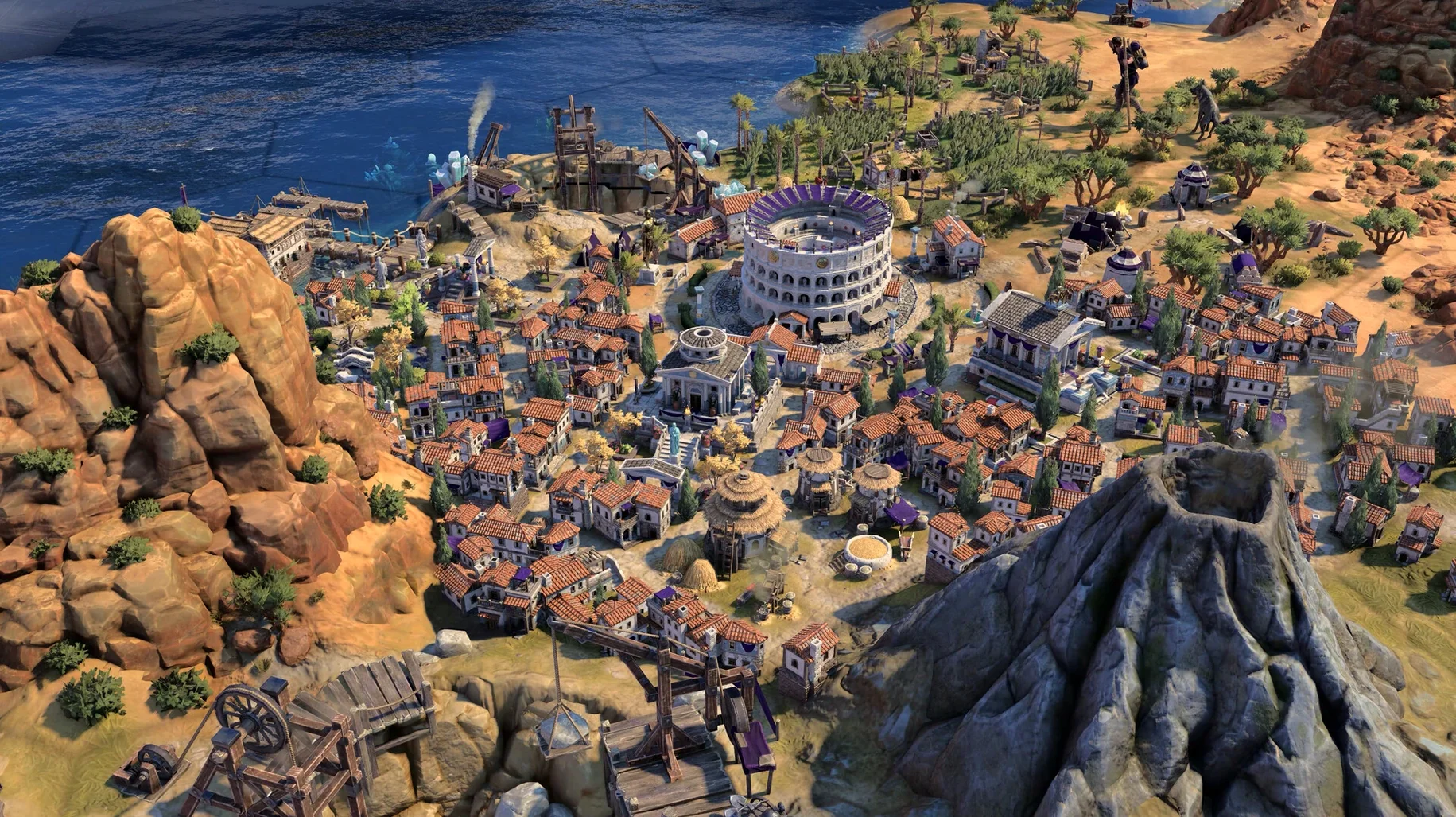
- History-curious tinkerers. The architecture and units shift to reflect your civilization’s identity. Pairing leaders with unexpected bonuses is half the fun — the other half is watching your empire look the part as it grows.
- Mouse-and-keyboard loyalists. The 1.5.0 update smoothed out an annoying lag that hit when using both inputs at once, so the native Mac feel is better than ever.
Campaigns demand evenings, not lunch breaks
If you want a tight, 30-minute session with a clear victory screen, this probably isn't your game. A single campaign asks for evenings, not lunch breaks. The depth is the draw, but it's also the barrier — there's no real tutorial that holds your hand, just a dense web of systems to learn by doing. Players who prefer quick tactical battles or handcrafted story beats may find the pacing too open-ended and the feedback too slow.
Late-game Modern Age crashes after the patch
Every Civilization game has its quirks, and version 1.5.0 is no exception — though the latest update did clean up a few persistent headaches.
- Late-game Modern Age crashes. The patch specifically addressed stability here, but if you still hit a freeze, try dialing down shadow quality and leader animation detail in the graphics settings. The Mac mini I tested on handled it fine, but Apple Silicon doesn’t mean infinite headroom.
- Input lag with mouse and keyboard. This was a known gremlin before 1.5.0, and the fix works for most setups. If you still notice a slight drag when mixing inputs, toggle V-Sync off and back on after launching — it forces a refresh of the input buffer on some machines.
- True Start Location Earth map not appearing. It should show up automatically in the map list, but a few folks reported it missing until they started a quick test game on any other map first. That seems to flush the map cache and make the new option visible.
- Audio crackling in the late game. Reducing the master volume just a touch and disabling ambient city sounds tends to clear it up without sacrificing the excellent voice acting.
Small conveniences worth stealing
These aren’t hidden features — just things the game never announces that I wish I’d known sooner.
- Leader ability stacking preview. When you combine leaders and civilizations, hover over the ability icons in the selection screen. The tooltip updates to reflect synergies you might not have considered. It’s a small thing, but it saves restarting a campaign when you realize two bonuses clash instead of complementing each other.
- Quick city cycling. Tap the
]and[keys to jump through your cities in order. Way faster than clicking around the map when you’re managing a dozen settlements across two continents. - Right-click to dismiss notifications. A simple one, but easy to miss when you’re new. Right-clicking any notification on the right side of the screen dismisses it instantly — no need to aim for a tiny close button while the turn timer is ticking down.
- Cultural style preview in the tech tree. If you care about how your empire looks — and I do — you can preview upcoming architecture and unit styles by selecting a tech or civic and looking at the small preview window in the corner. It doesn’t affect strategy, but it helps you feel the progression.
Overlooking how Ages reset your strategy
No judgment here. I made most of these myself in my first campaign.
- Ignoring era transitions. The shift between Ages isn’t just a visual change — conditions and benefits reset in ways that can break your strategy. What worked in the Ancient Age might be a dead end in the Exploration Age. Read the transition screen carefully and don’t assume your current advantage holds.
- Picking a leader based on name recognition alone. The historical leaders have abilities that are meant to be combined and improved, and some combinations are far stronger than others. A leader you’ve never heard of might fit your playstyle better than a famous one whose bonuses push you toward a victory type you don’t enjoy.
- Neglecting the voice language setting. The game ships with an impressive range of voiced languages, and switching to a different one can make a second campaign feel surprisingly fresh. It’s a small change with an outsized effect on immersion — and easier to appreciate if you’ve already played through once in English.
- Spreading cities too thin before understanding the map. With the new True Start Location Earth map, the geography is fixed, and it’s tempting to grab land fast. But early overexpansion without scouting properly leaves you vulnerable to barbarians and burns resources you’ll need for the first era transition.
A note for Mac players
If you’re used to hunting down strategy games that run natively on Apple Silicon, this one’s built for it from the start. The performance on an M4 was smooth, and the interface scales properly to macOS without the blurry text or odd window behaviors you sometimes see with ports. Whether you grabbed it through a sid meier's civilization v torrent for the older title or are jumping into the series fresh with a civilization vii mac torrent, the seventh entry feels like it was designed with Macs in mind, not just tolerated.
- Runs natively on Apple Silicon Macs
Questions from the stall
What languages are supported in Civilization VII for Mac?
The interface comes in Russian, English, German, Spanish, Italian, Traditional Chinese, Simplified Chinese, Korean, Polish, Portuguese, French, and Japanese. Voice acting is available in all those except Brazilian Portuguese.
Notes from other shops 0
Sign in or open a shop account to leave a note.
No notes yet. If you've used this on a shop Mac, tell me how it went.