
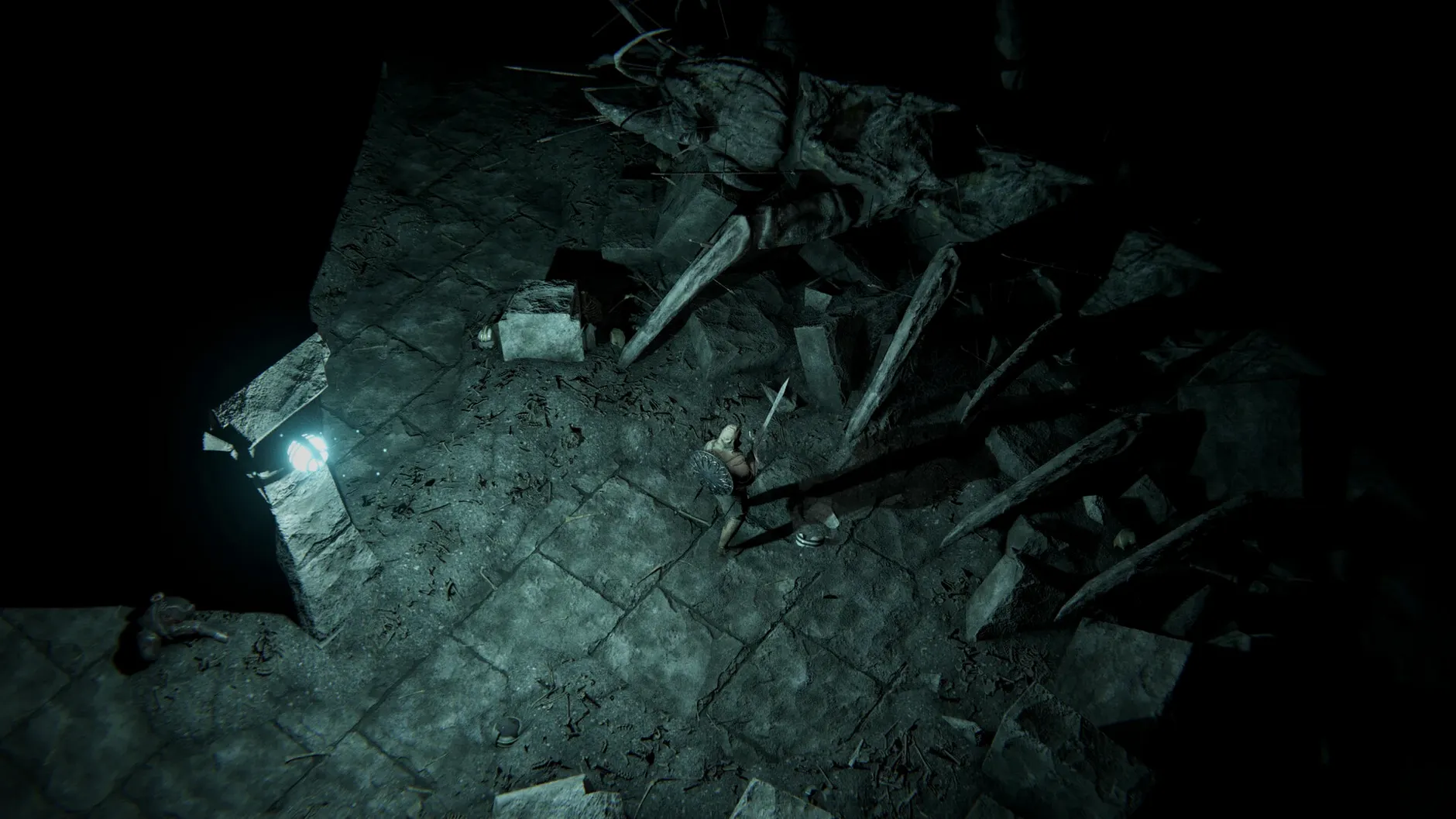
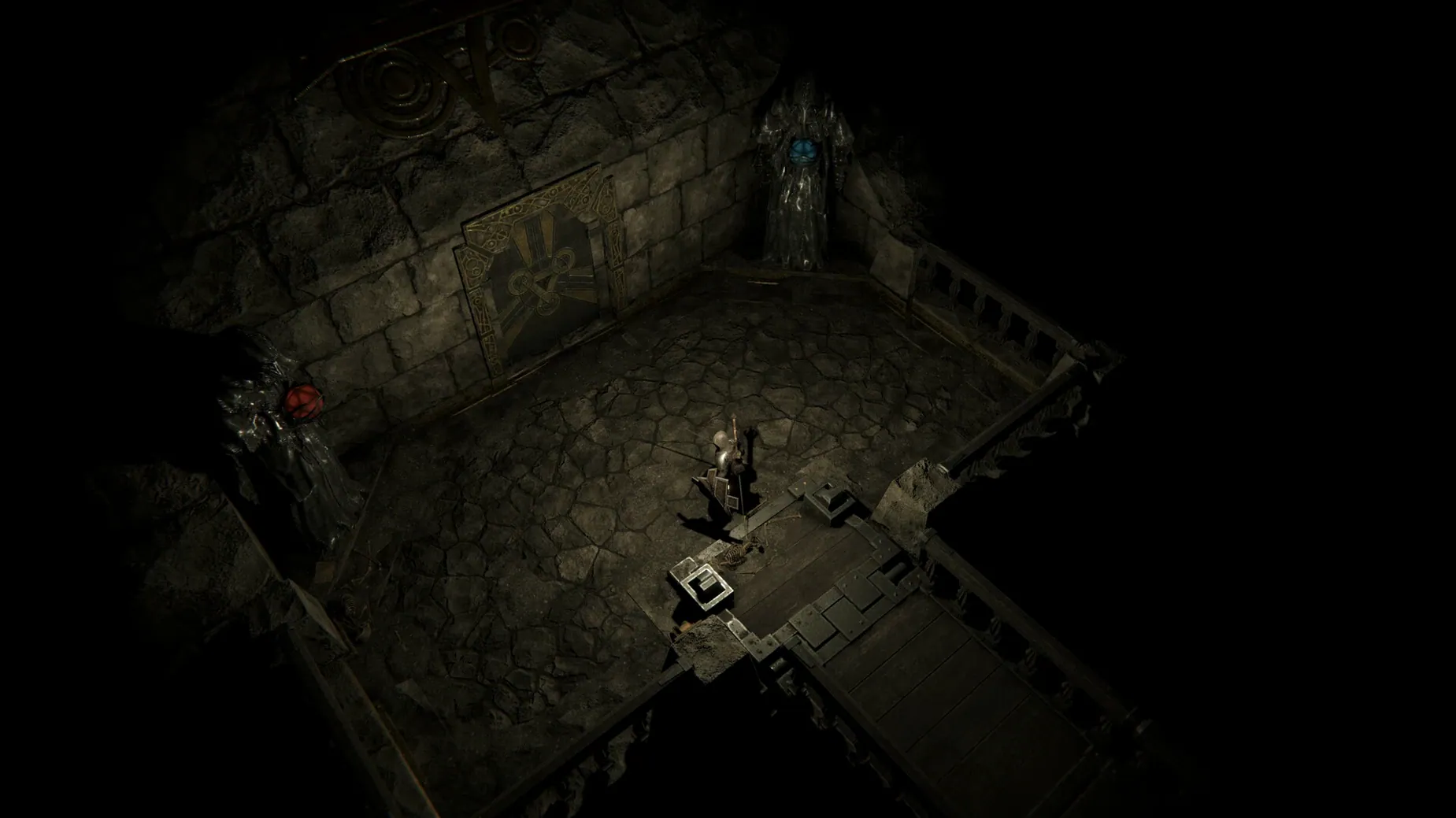
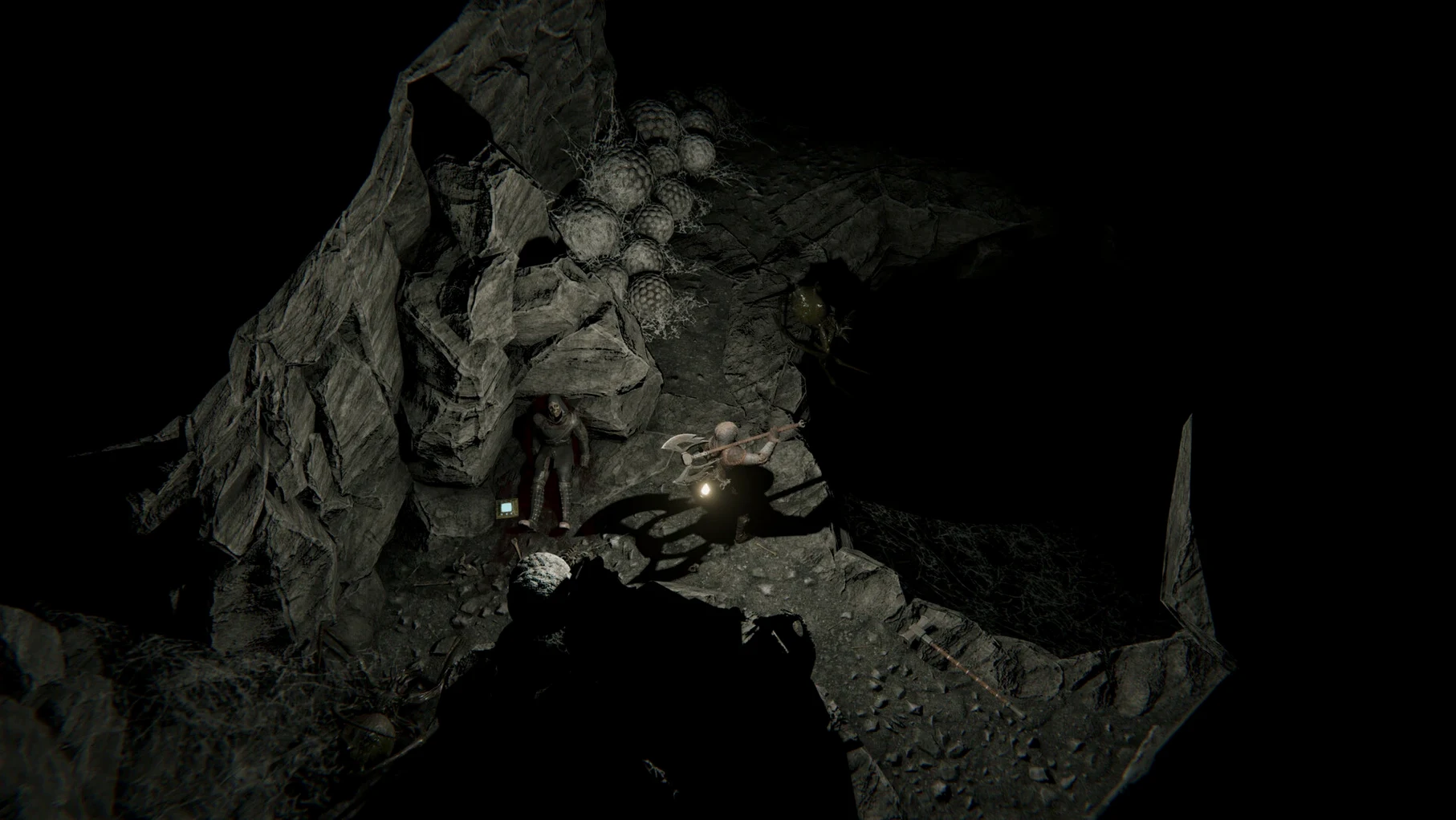
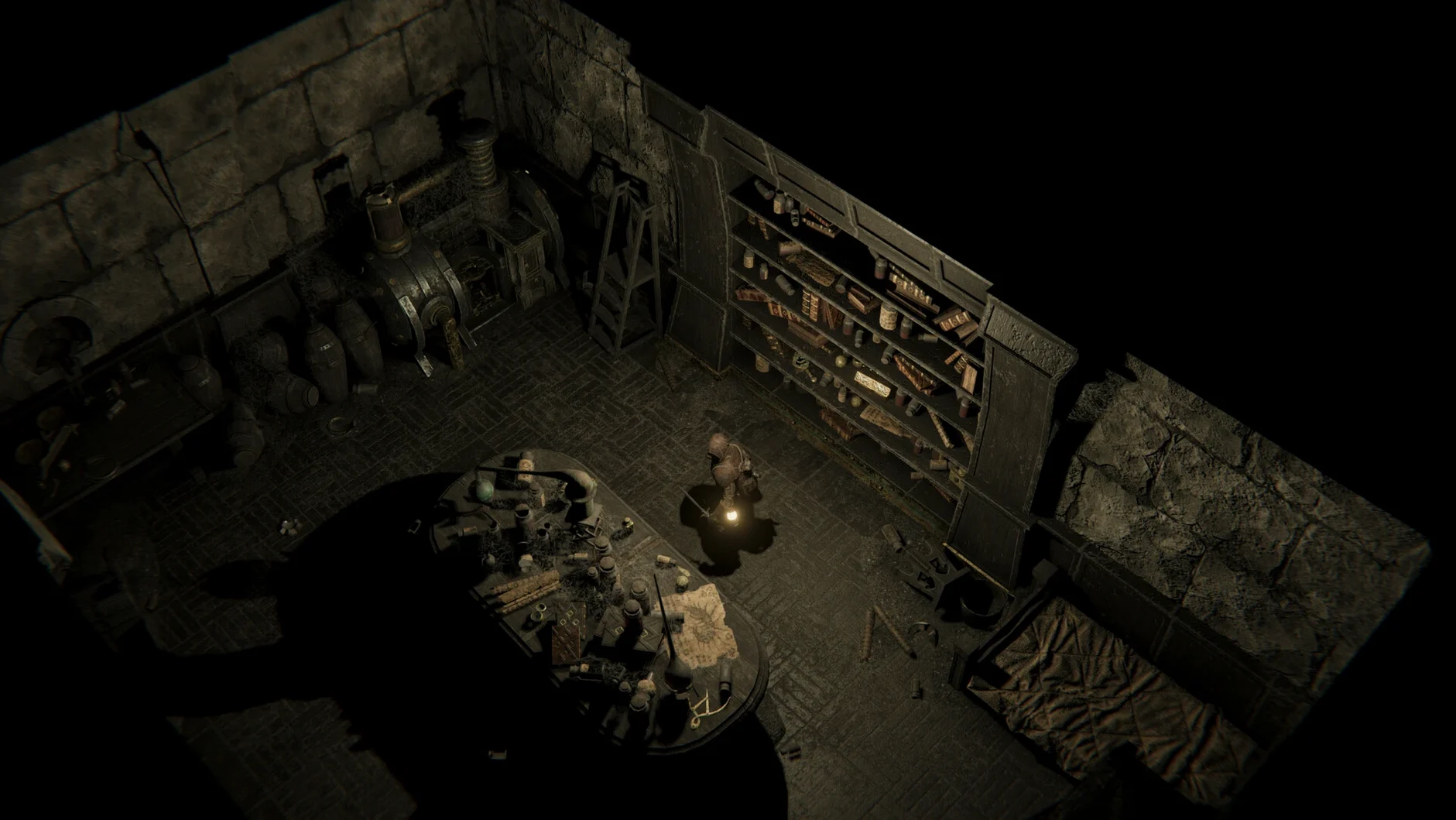
This version brings no headline changes—just the same unforgiving depths, kept sharp for Apple Silicon and Intel Macs alike.
Lighting the next stretch of dungeon
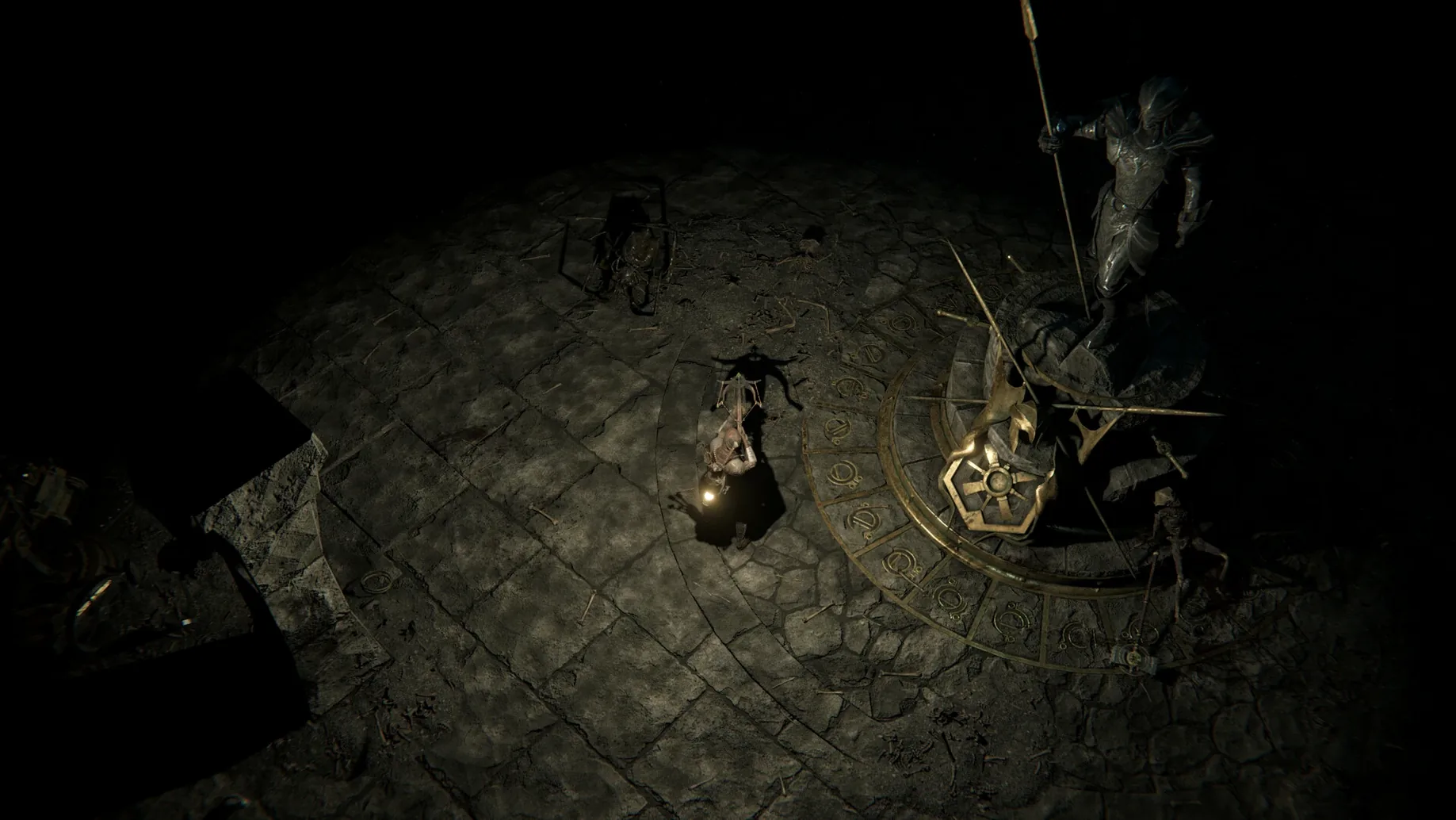
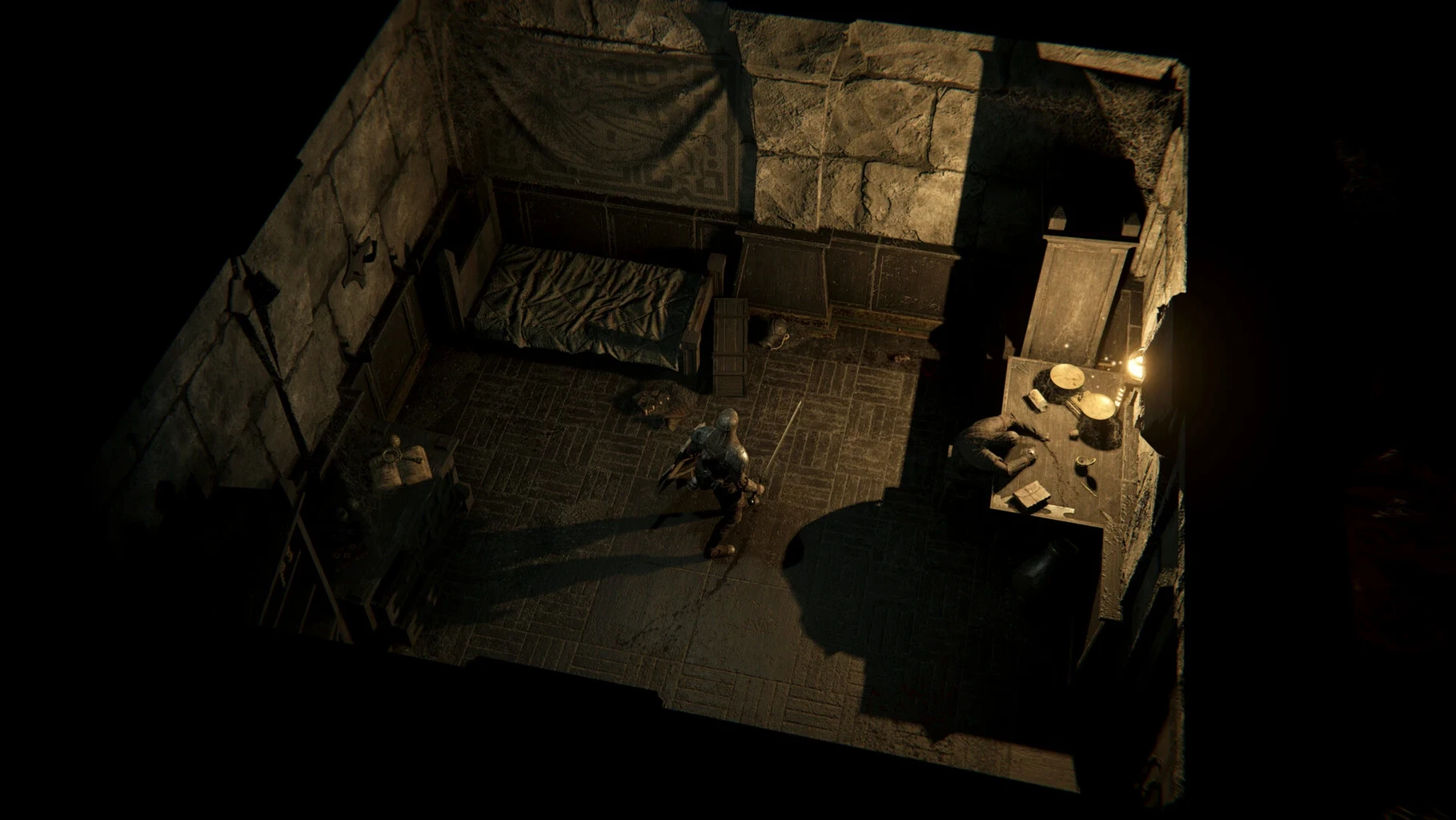
You pick a direction and press on, lighting the next stretch of dungeon as you go. Every step might reveal a new monster to fight, a trap to avoid, or a secret passage tucked behind a crumbling wall.
How does the gear work?
Weapons, armor, and trinkets are procedurally generated, so you never know what you'll pull from a loot pile. Everything wears down in a fight, and you'll need to patch it up before a broken blade leaves you defenseless.
What makes the combat feel dangerous?
It's not just the bloody creature designs—it's the stacking of curses, injuries, and blessings that can turn a simple skirmish sideways. A lucky blessing might save you, but an unlucky curse mid-brawl can end a run fast.
Is there more than one way through?
Yes. Secret locations are tucked into the dungeon, rewarding players who poke at suspicious walls or take a left where the map seems to end. The procedurally stitched rooms mean no two descents have the same loot or monster placements.
Tweaks to smooth out those first hours
Most of the defaults work fine, but a couple of tweaks make the early hours smoother. Head into the options menu after your first test death—you'll have one—and adjust these:
- Auto-pause on trap detection. Off by default, and that's a mistake. When your scout spots a pressure plate two tiles ahead, you want the game to stop so you don't blunder into it while reaching for a torch.
- Combat log verbosity. Set it to detailed. The default summary hides which modifier saved you or why that skeleton's blade ignored half your armor. Knowing the math helps you adapt.
- Torch brightness curve. The slider leans dark. Pull it up maybe ten percent unless you genuinely enjoy squinting at corridor edges. You'll still get the grim atmosphere without missing the lever that opens a secret study.
- Language. The game ships with eleven interface languages. If you picked up spark in the dark macos free from a friend and English isn't your first, check the list—there's a good chance your native tongue is already in there.
A scribe's first hour
Imagine someone who doesn't care about topping leaderboards but lives for the diaries and annals scattered through the dungeon. That player picks the Scholar class—not for combat prowess, but for the skill checks that open locked bookcases and decode faded marginalia.
They descend cautiously, torch held high, and spot a collapsed shelf in the third room. A successful Lore check reveals a water-damaged diary. The entry describes a knight who dragged herself into the dark after a failed blessing ritual. Three rooms later, they find that knight's rusted pauldron in a nest of bones. The procedural loot system didn't plan that connection, but the hundred or so books and notes in the game make these echoes happen naturally.
By the time their torch gutters out, they've mapped six rooms, read two annals, and barely survived a scrap with a feral acolyte. The skill-improvement system has already nudged their Lore and Perception up a notch—just from using them. No grinding, just careful exploration rewarded with better odds on the next secret door.
Tip: Books and notes stay in your journal across runs, so even a doomed character can leave your next hero a little wiser.
- macOS version: check the developer site for the latest minimum
- Architecture: Apple Silicon and 64‑bit Intel
Notes from other shops 0
Sign in or open a shop account to leave a note.
No notes yet. If you've used this on a shop Mac, tell me how it went.