
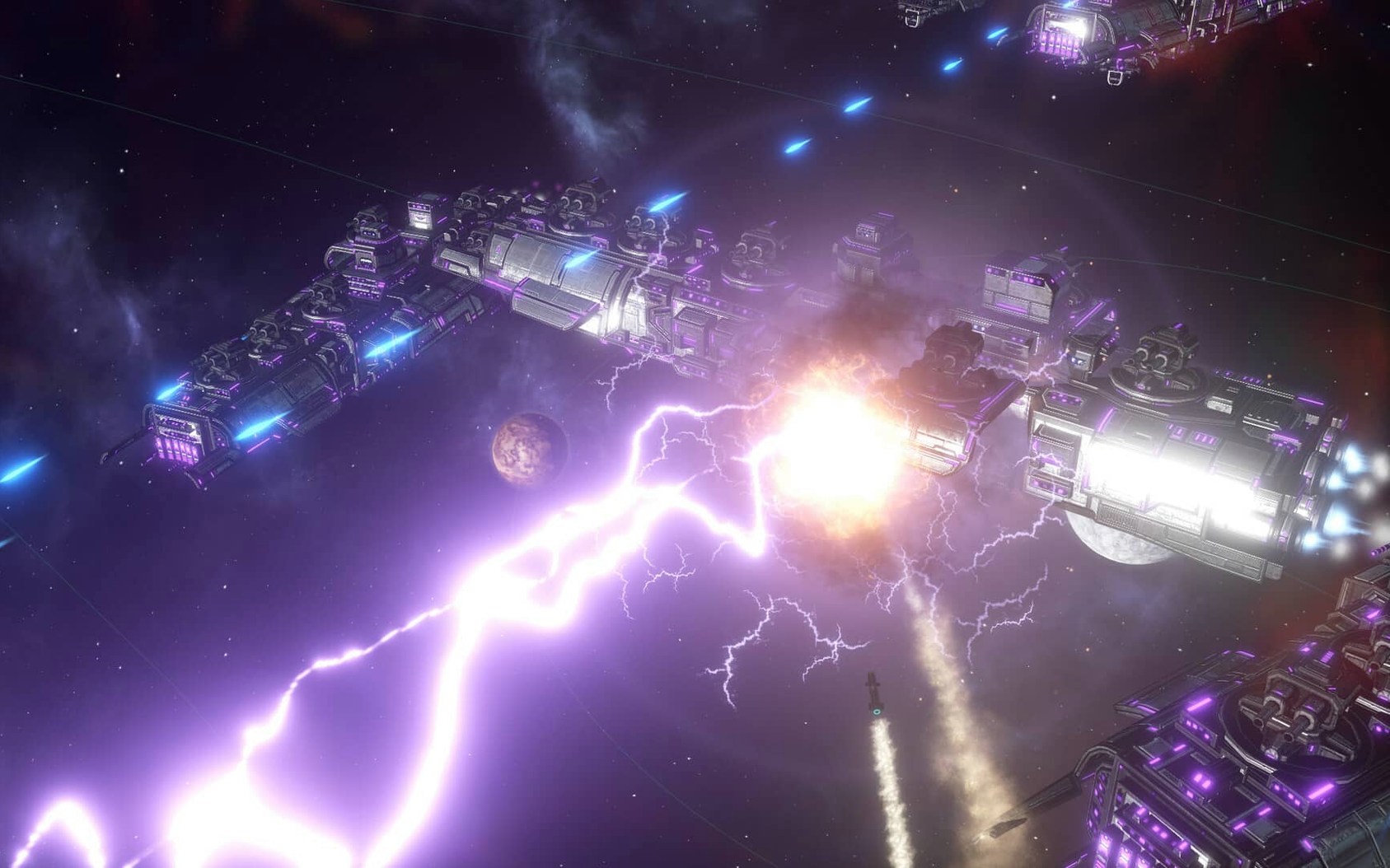
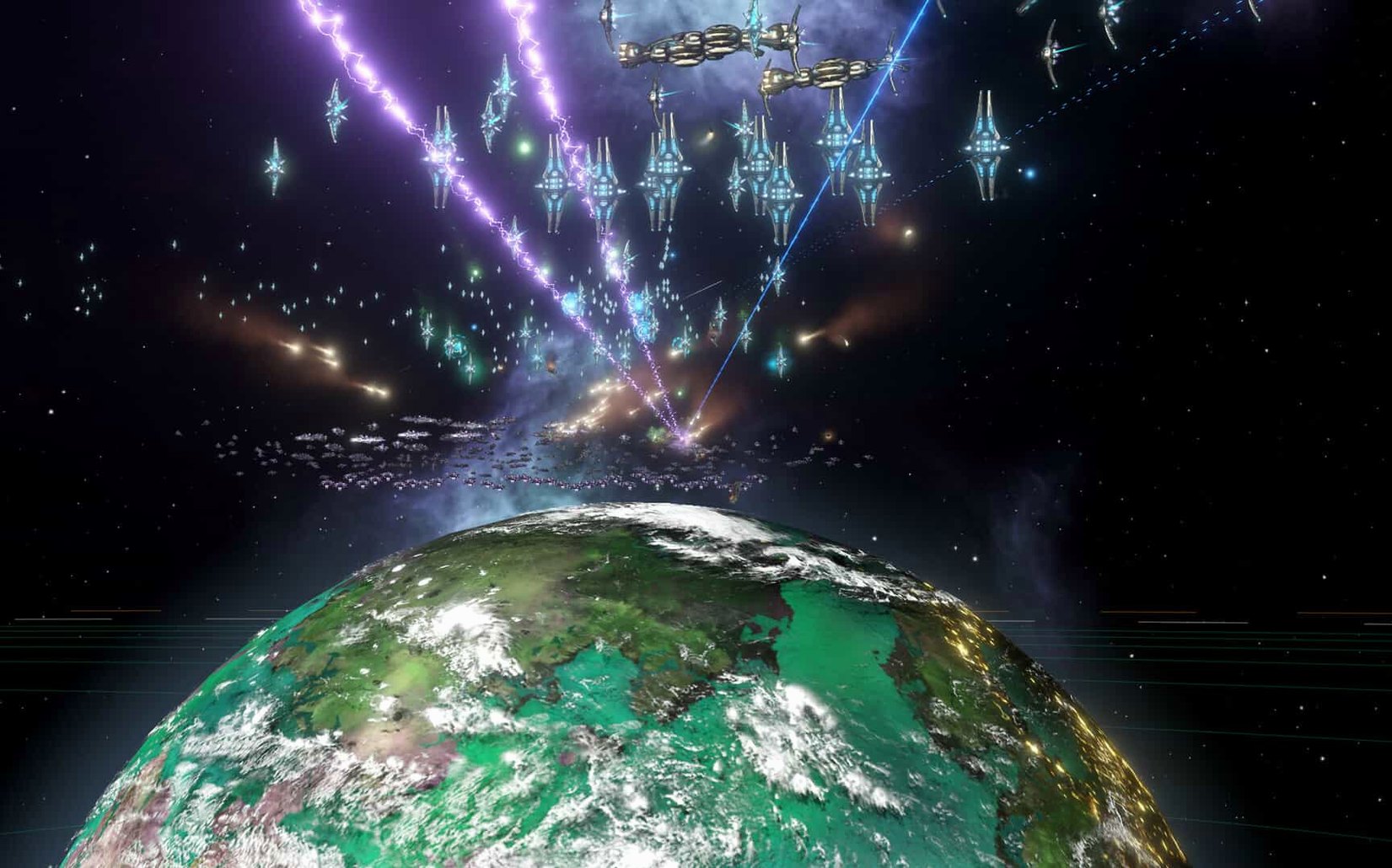
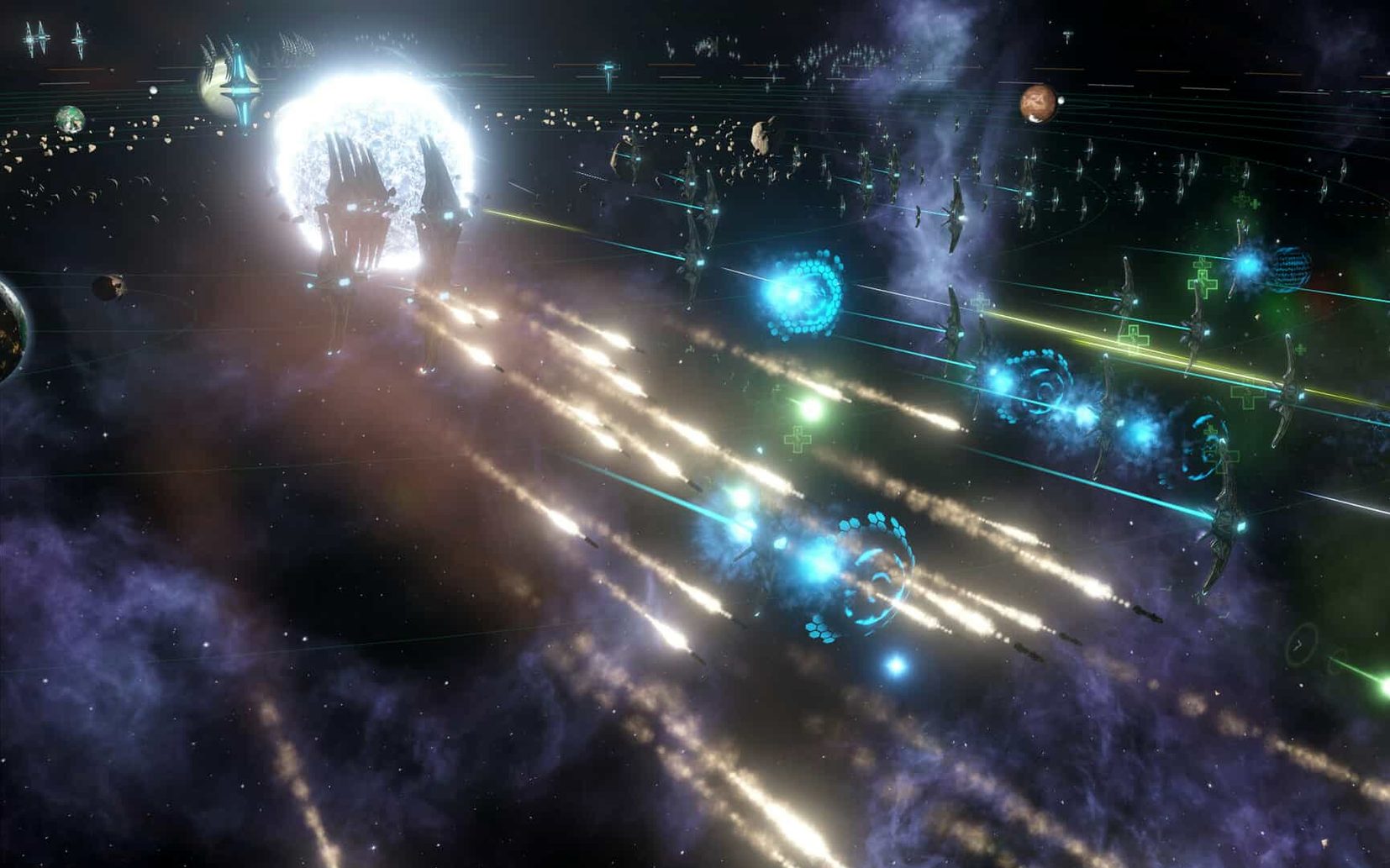
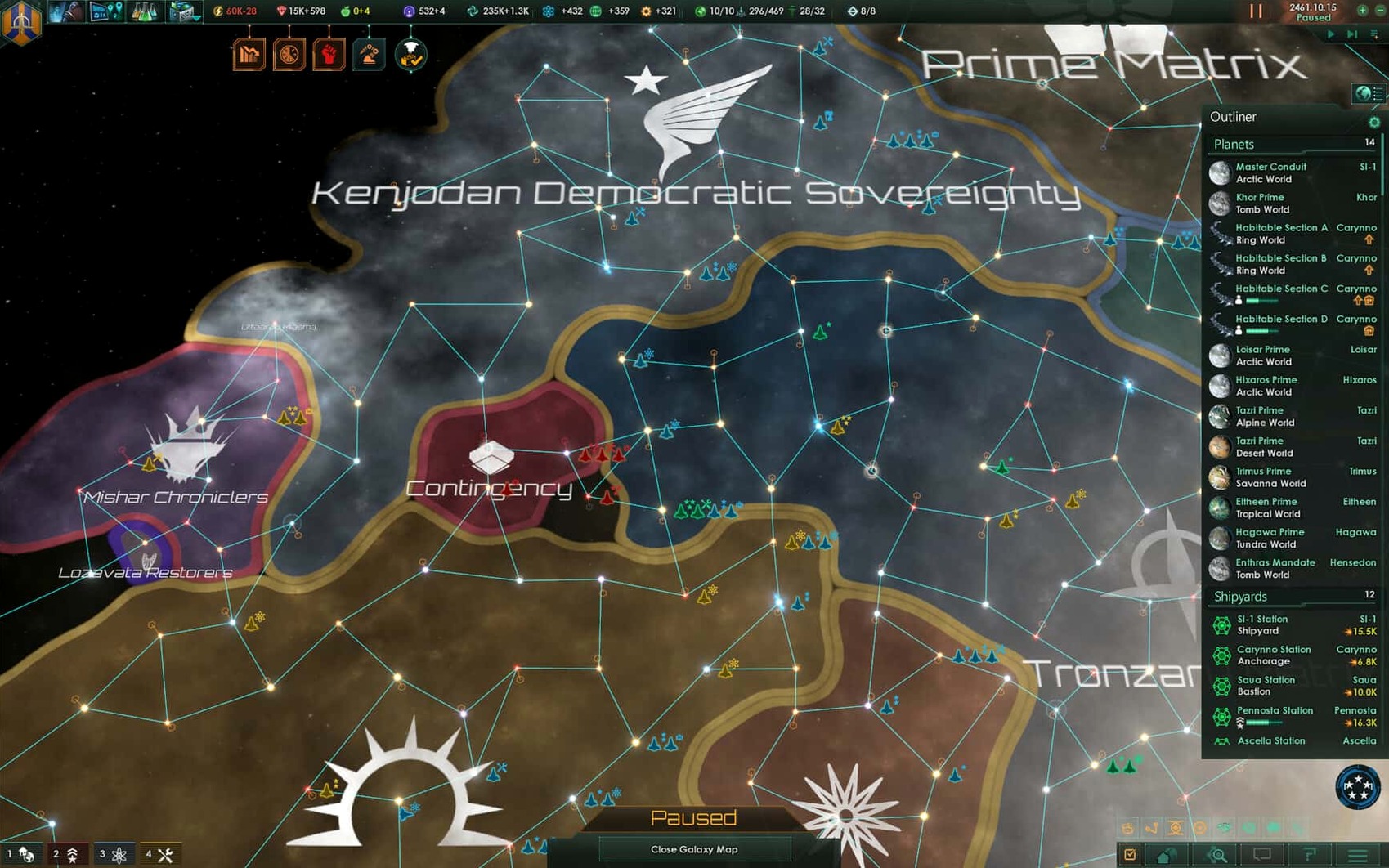
Galactic empire builders and Paradox strategy regulars will feel right at home here. Stellaris hands you a fledgling colony and lets you explore, negotiate, or fight your way across a living galaxy where not every planet welcomes a new flag.
Picking a habitable world
Your first colony ship leaves Earth early, and you quickly learn that not all planets are ready for settlement. Scanning systems and reading habitability ratings becomes second nature as you balance expansion against the alien races you encounter.
Running on a Mac
Stellaris needs a 64-bit Intel Mac. Controls translate cleanly to macOS — the real-time 4X flow works with keyboard shortcuts and a mouse, and late-game galaxy views stay responsive if your hardware sits comfortably above the minimum spec.
Keeping fleets and multiplayer in check
The 4.5.1 hotfix tightens fleet automation so ships follow your selected actions instead of drifting off, and it squashes a multiplayer out-of-sync bug that could hit sessions with custom AI empires.
What the latest hotfix actually changes
Hotfix 4.5.1 isn't flashy, but it quietly removes a handful of annoyances that had been tripping up regular players. The Synaptic Lathe ownership fix alone clears up a weird edge case where the machine wouldn't register control properly — if you'd seen that bug, you know how disruptive it was mid-game. Fleet automation now respects your chosen actions and options rather than second-guessing you, which makes late-game war micro a little less manual. The Harvesting Agreements Automation sub-menu toggle is gone, simplifying that corner of the diplomacy panel. Battle auto-disengagement after 15 idle days has been disabled too, so your fleets won't suddenly bolt from a standoff you were still arranging. And if you play multiplayer with custom AI empires, the out-of-sync fixes mean fewer sessions falling apart when the galaxy starts getting complicated.
Make the galaxy feel snappier before your first unpause
Before you sink hours into a campaign, a few quick adjustments make the game feel more responsive and easier to read. Open the settings menu from the main screen — you'll revisit it later, but starting clean helps.
- Auto-pause on events. Turn this on for pop-ups that need a decision. The galaxy clock keeps ticking otherwise, and missing a diplomatic offer while managing a colony feels sloppy.
- Galaxy map detail. Drop it one notch if your Mac's fans spin up during mid-game. The visual difference is subtle; the framerate gain on integrated graphics isn't.
- Notification priorities. Stellaris throws a lot of alerts at you. Set minor colony events to low priority so they don't interrupt fleet movement screens with the same urgency as an alien armada arriving.
- Edge scrolling sensitivity. The default can feel twitchy on a Mac trackpad. Dial it down until panning feels deliberate rather than jumpy.
- Interface language. The game supports Russian, German, Spanish, Simplified Chinese, Polish, Portuguese, and French. To switch, launch once so the menu loads, quit, then open
Documents/Paradox Interactive/Stellaris/settings.txtand changel_englishto your preferred language code. It's a small step, but the whole interface flips cleanly.
Three camps that each play a different game
This isn't a light strategy snack. The people who stick with Stellaris for hundreds of hours tend to fall into three camps, and the game rewards each differently.
Grand strategy veterans. If you've spent time with Crusader Kings or Europa Universalis, the Paradox DNA is unmistakable — budget sliders, diplomatic weight, internal factions that grow restless as your empire expands. You'll recognize the pacing and the pleasure of watching a small decision ripple across decades of game time. The move from Earth to a galactic scale just gives you more room to scheme.
4X players who want narrative, not just numbers. Stellaris generates stories. First contact with an alien race can go sideways in ways a spreadsheet can't predict. Autonomous regions with their own governors develop personalities, and internal conflicts don't always wait for a convenient moment. If you enjoy exploration and the messiness of managing a society that grows beyond your original vision, the real-time clock becomes a pressure cooker for interesting problems.
Single-player empire builders. While multiplayer works — and the 4.5.1 out-of-sync fixes help — the game shines brightest when you're alone with your galaxy. No pressure to speed through decisions, no compromise on pause frequency. You can spend an hour just surveying systems and reading anomaly descriptions, then pivot to a decade of frantic war preparation. The DRM-free build makes it straightforward to keep a campaign going across different Macs without online checks interrupting you.
People who prefer tight, 30-minute strategy sessions or who dislike real-time clocks in their 4X games will bounce off. But for anyone who's ever wanted to guide a species from a single colony ship to a sprawling, slightly unruly galactic civilization, Stellaris delivers exactly that — and version 4.5.1 makes the ride a little smoother than it was a month ago.
- Intel 64-bit Mac
Notes from other shops 0
Sign in or open a shop account to leave a note.
No notes yet. If you've used this on a shop Mac, tell me how it went.