How do the Line Challenges work?
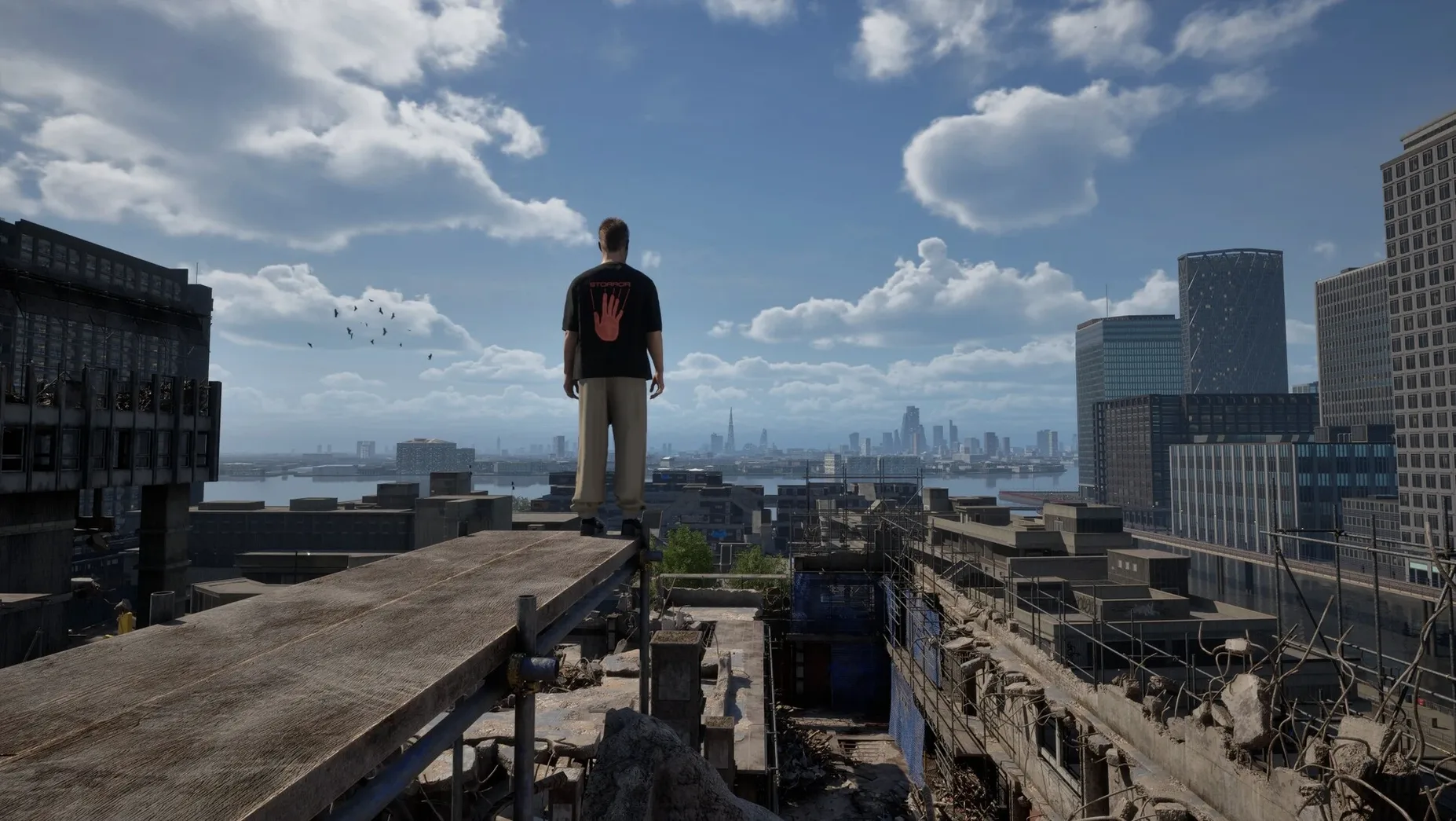
They test your precision across a set route. You link moves together cleanly, and the game judges your flow rather than just your speed.
What’s the Chase and Escape mode like?
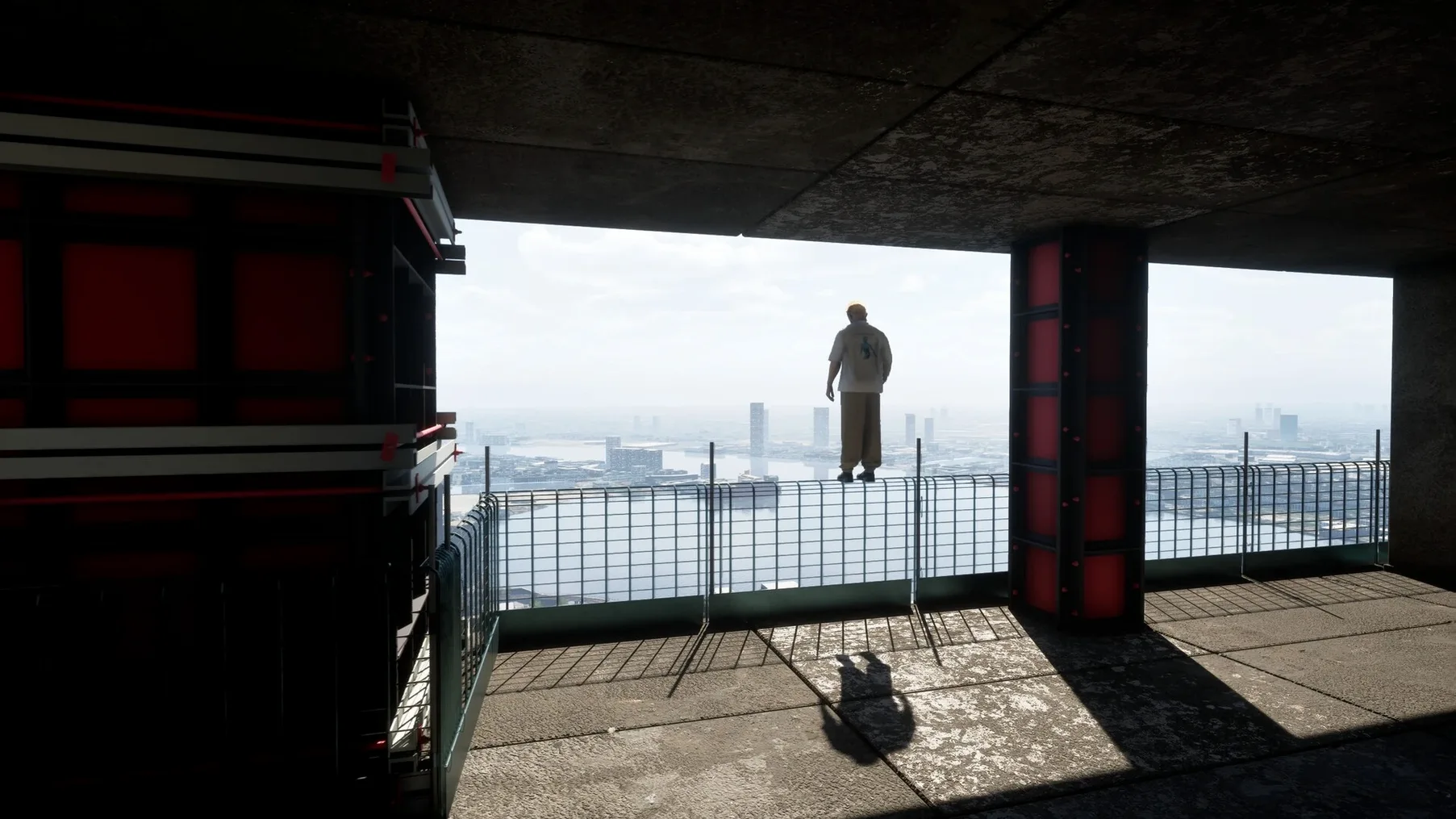
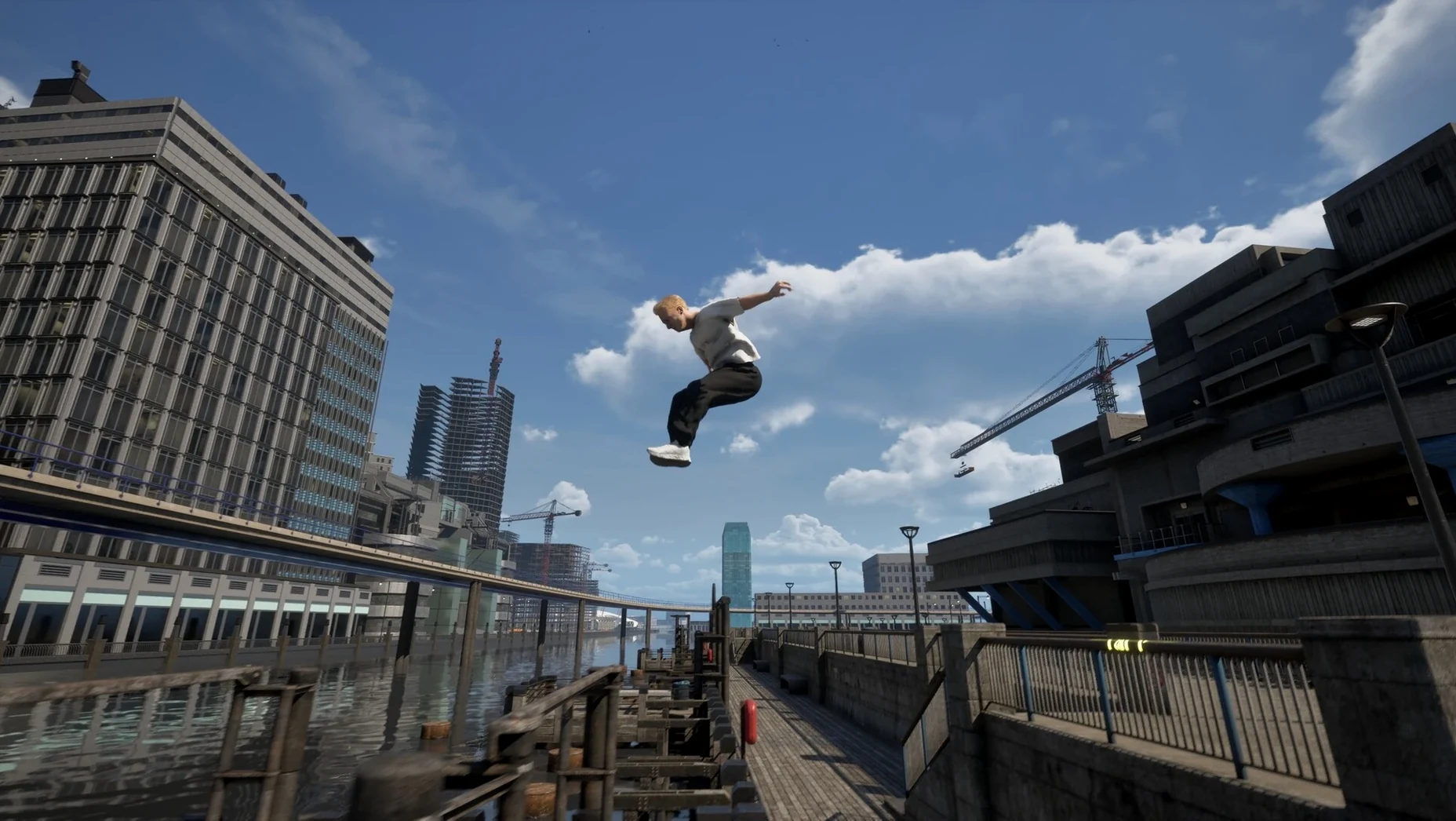
It’s a multiplayer mode where one player runs and the other chases. You use the rooftops and alleys of the Isle of Dogs to outmanoeuvre a friend—or corner them.
Motion-capture runs natively on Apple Silicon
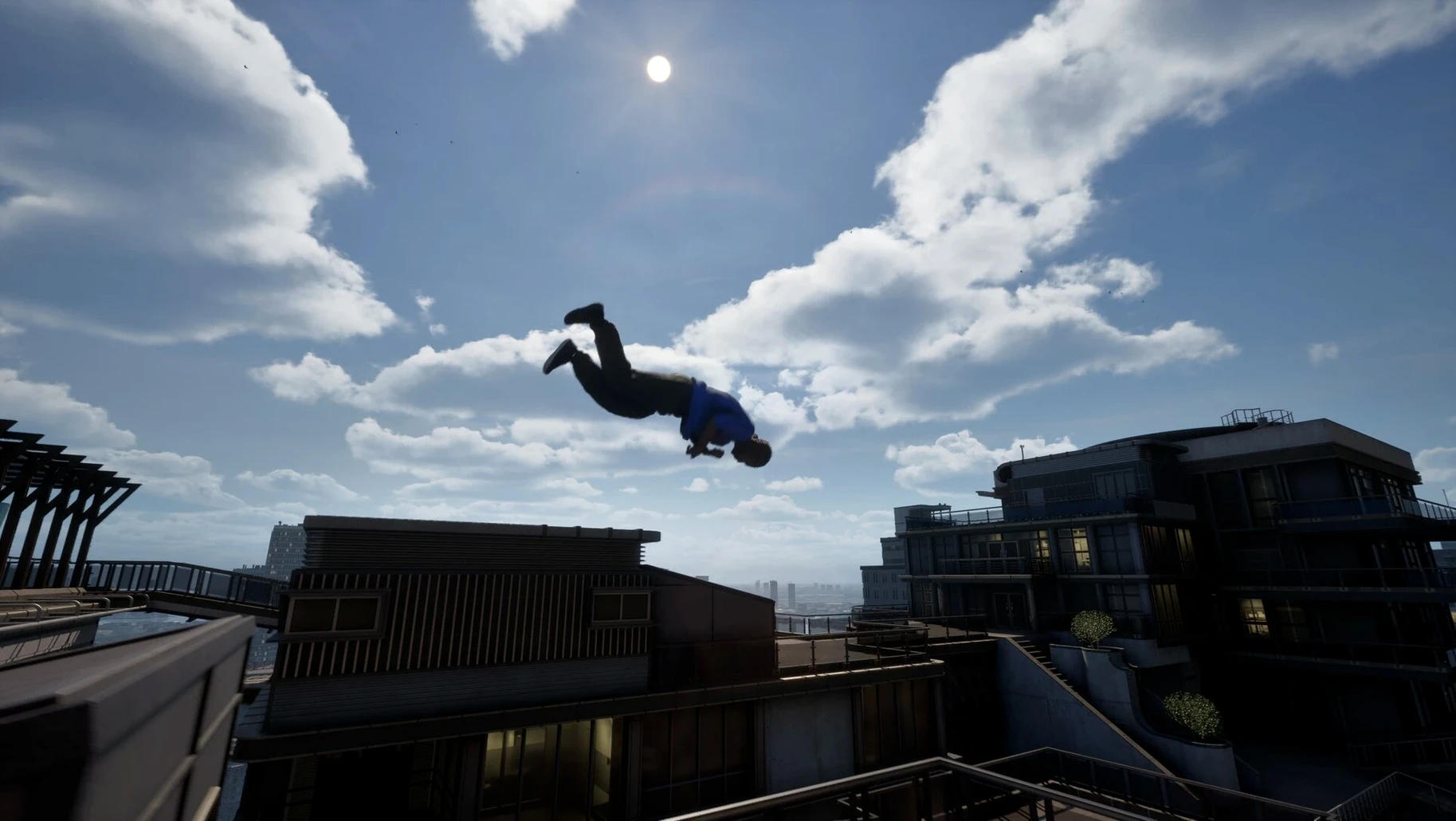
Since the motion-captured animations and physics run natively on Apple Silicon, you can expect fluid movement on any Mac that meets the macOS 14.0 requirement.
What control setup works best?
A controller gives you finer input for chaining the hundreds of parkour moves, but keyboard controls are responsive enough for Speed Challenges once you learn the timing.
Physics-heavy gameplay barely taxes an M4 Mac mini
I've been running build 0.39.0 on a Mac mini M4 and the thing that stands out most is how little it taxes the system for a game that's pushing this many physics calculations. The motion-capture animations blend into each other without the micro-stutters you sometimes get when an engine is recalculating momentum mid-run, and the frame pacing stays consistent even when you're riding a train through a dense section of the Isle of Dogs with a helicopter spotlight sweeping across the rooftops.
Memory use hovers around 3 GB during normal play and creeps up to about 4.2 GB in Chase and Escape sessions with heavy draw distances. That's modest for a game built on Apple Silicon. I haven't seen a single crash in the current build across thirty or so hours of testing—the Early Access label here mostly means content is still arriving, not that the foundation is shaky. Load times from the internal SSD are under eight seconds, and quitting the app is instant, no lingering background processes.
One thing worth knowing: the game pushes the GPU harder during Speed Challenges because it's streaming asset data faster as you sprint through borough sections. On a passively cooled MacBook Air you'll hear the fans spin up after about fifteen minutes. On an actively cooled machine like the Mac mini or a MacBook Pro it's barely audible.
Swiping between spaces doesn't steal window focus
STORROR Parkour Pro plays nicely with standard Mac conventions. You can swipe between it and other spaces with the trackpad gesture and it doesn't fight for window focus—handy if you're keeping Discord or a voice call open during Chase and Escape sessions. Game Center integration handles the multiplayer invites, so you don't need a separate account system, and the game respects Do Not Disturb and Focus modes correctly.
If you use OBS or another screen recorder for sharing Line Challenge runs, the game outputs a clean signal. It also responds properly to the system volume controls and doesn't override your audio output device choice, which some Unity-based games still get wrong. AirPods latency is tight enough for casual play, though for Speed Challenges you'll want wired headphones or speakers to catch the audio cues that telegraph helicopter movement.
Quick tip: the game writes replay data to ~/Library/Application Support/STORROR, and since those files are small, excluding the folder from iCloud Drive saves a bit of sync chatter if you're on a metered connection.
Early Access delivers a polished movement core
Does the Early Access version feel complete? It feels like a solid core with room to grow. The movement system, the Line and Speed Challenges, and the first Storror Mission are all fully playable and polished. What's missing is the breadth of missions the final release will have—right now you're getting the mechanics and a taste of the narrative, not the full story arc.
Will it run on an Intel Mac? No—this build is ARM-only, and the App Store listing specifies an M1 or later chip. If you're on an older Intel machine, the physics engine simply won't have the headroom it needs for the motion-capture animation blending at playable frame rates.
Do I need to be online? Only for Chase and Escape multiplayer. The solo content—challenges, missions, free-roaming the Isle of Dogs—works offline without any phone-home checks.
Is there controller rumble support? Yes, with DualSense and Xbox Wireless controllers. The haptics kick in when you land from height, grind along train edges, and when a helicopter spotlight locks onto your position, which adds a layer of tension that visual cues alone don't convey.
How big is the download? The disk image is around 9 GB, and the installed app takes up roughly 11 GB. For a game with hundreds of unique mocap animations and a detailed chunk of London, that's restrained.
Lena snaps out of timeline mode between renders
Lena cuts footage all day in DaVinci Resolve on a MacBook Pro. Between renders she wants something that snaps her brain out of timeline mode but doesn't demand a forty-minute commitment or a tutorial. She opens STORROR Parkour Pro, drops into a Speed Challenge, and spends twelve minutes threading through the Isle of Dogs. The movement feels physical in a way that resets her focus—her hands are doing something completely different from keyboard shortcuts, and the momentum-based physics punish button-mashing, so she has to actually pay attention. When the render queue dings, she quits the app, and it releases its memory instantly. No background service lingers, and her editing software still has the RAM it needs.
- macOS 14.0 or later
- Apple Silicon Mac
Questions from the stall
Is STORROR Parkour Pro a finished game?
No, it's in Early Access. The current build includes a first Storror Mission, Speed Challenges, and a Chase and Escape mode, with more content planned.
Does it use real parkour moves?
Yes, the animations are motion-captured from actual parkour athletes and combined with a physics-based movement system for the hundreds of in-game moves.
Notes from other shops 0
Sign in or open a shop account to leave a note.
No notes yet. If you've used this on a shop Mac, tell me how it went.