Civilization VI runs on any Apple Silicon Mac and most Intel Macs with a 64-bit processor, 6 GB of RAM, and a 1 GB GPU on macOS 11.7.10 or later.
Turn-based strategy — You take a whole turn, then every opponent does the same. No frantic clicking. Time to think.
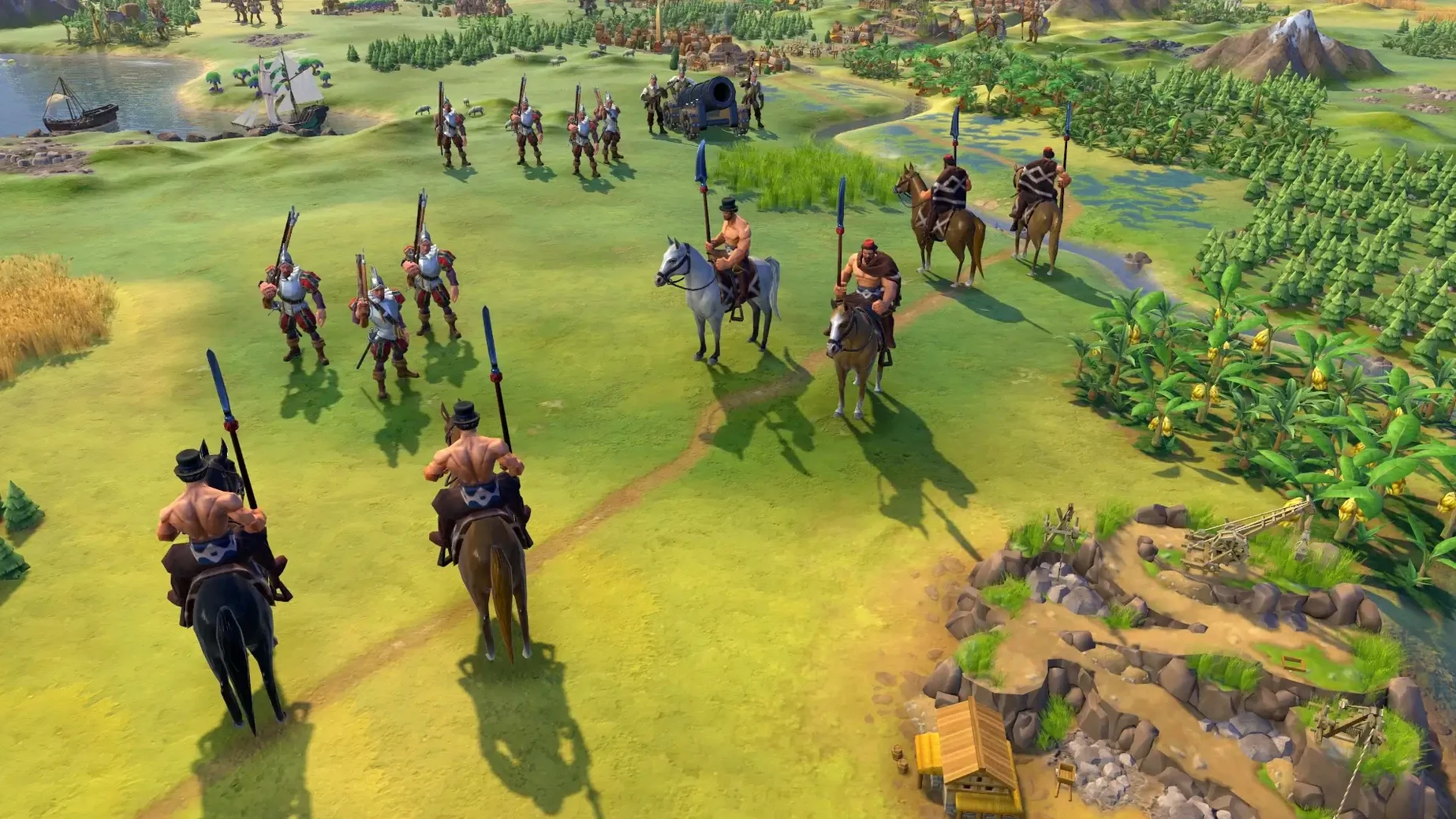
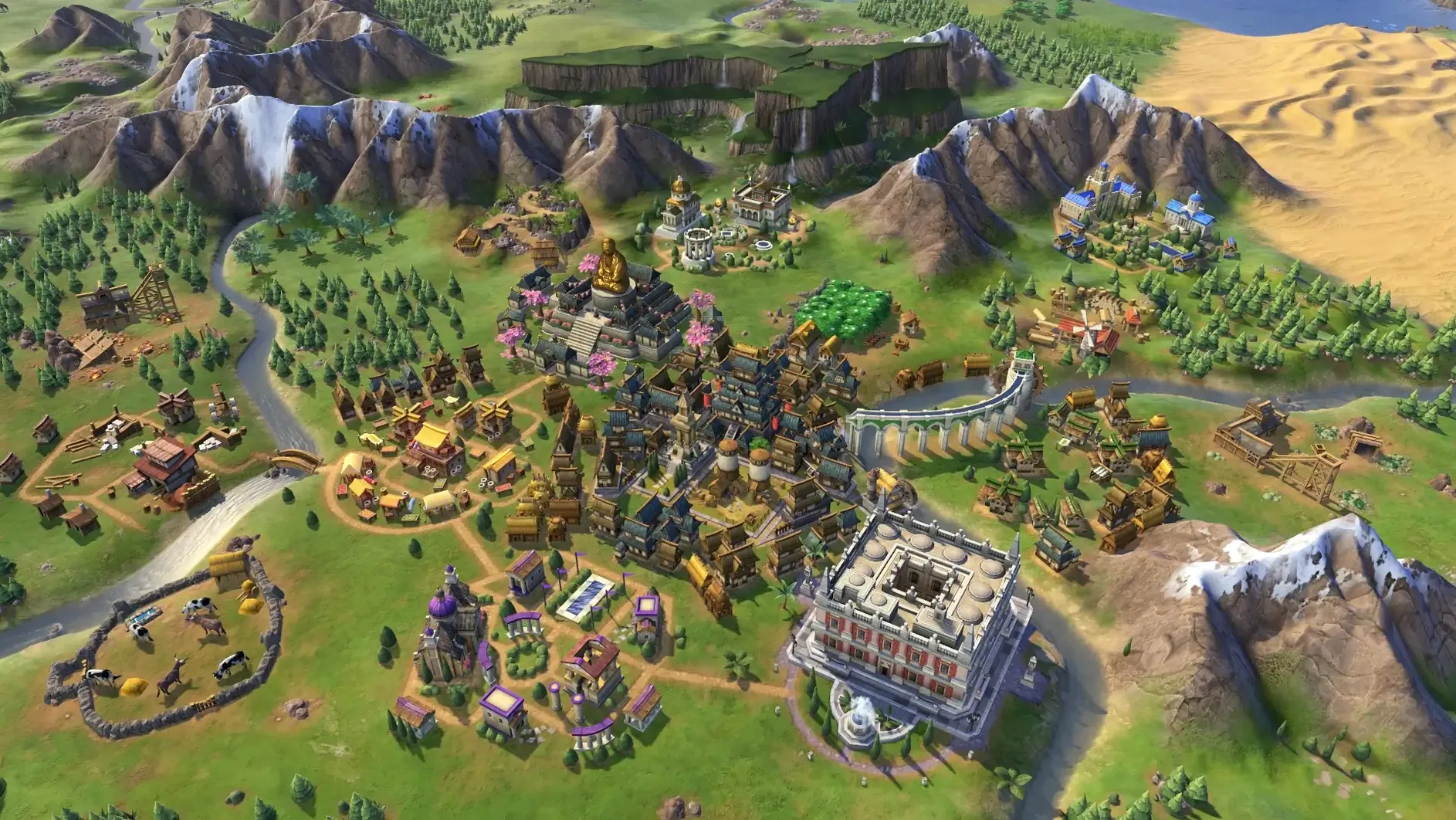
Empire building — Cities grow and sprawl across the map, claiming land. You manage districts, wonders, and the culture that shapes your borders.
Five paths to win — Conquest is obvious, but you can also win through science, culture, religion, or diplomacy. The game rewards focus.
Historical rivals — Opponents pursue goals that match their real-world personalities. Genghis Khan wants cavalry and conquest; Cleopatra chases trade and grandeur.
Patient solo play — This is slow food. A single match can run ten hours. It suits tinkerers, planners, and anyone who likes watching a small settlement become a world power one turn at a time.
Who might not enjoy it — If you want quick sessions or fast-paced action, the deliberate pace will frustrate you. It's a game for Saturday afternoons, not coffee breaks.
When the game won’t launch on M1 or M2
The game runs smoothly on most Macs that meet the requirements, but a few things trip people up. Here's what I see mentioned most often and the quickest fixes.
Game won't launch on an M1 or M2 Mac. This almost always comes down to the architecture setting. Right-click the app in Finder, choose Get Info, and make sure "Open using Rosetta" is unchecked for Apple Silicon Macs. The current build runs natively and doesn't need translation.
Black screen or crashes during the intro movie. The video codec sometimes disagrees with certain Mac GPUs. Hold down the Option key while launching, then choose a lower resolution in the graphics settings before starting a match. You can bump it back up once you're past the title screen.
Late-game slowdown on large maps. Turn-based doesn't mean light on processing. When you've got twenty cities and dozens of units, the CPU still calculates every AI move between turns. Drop the shadow quality and leader animation detail in Graphics Options — those two settings give back the most frames without making the map look worse.
Saved games not appearing. Check that iCloud isn't trying to offload your old saves. Civilization VI stores them in ~/Library/Application Support/Sid Meier's Civilization VI. If you switched Macs, you may need to copy that folder over manually.
Local multiplayer won't connect. Both Macs need to be on the same network and using the same version of the game. Also check that your firewall isn't blocking the app — macOS sometimes prompts for permission once and then quietly blocks it if you missed the dialog.
Does the App Store edition match Steam’s content
Does the Mac App Store version have everything the Steam version has? It includes the full base game and all the Platinum Edition content — Rise and Fall, Gathering Storm, and the six DLC packs. Cross-platform multiplayer with Steam users isn't supported, but single-player and local multiplayer work the same way.
Will it run on an older Intel MacBook Air? It needs a 64-bit processor and at least 6 GB of RAM plus a 1 GB GPU. Many older Air models have integrated graphics that fall below that threshold. You can try it on lower settings, but expect stuttering on maps larger than Small. The dedicated GPU in a MacBook Pro or desktop Mac handles it much better.
Is the interface readable on a small screen? The game scales well at 1440p and above. On a 13-inch Retina display, the tooltips and city labels stay crisp, though the tech tree gets cramped. There's a UI scale slider in the options if you need it bigger.
Can I install it from a disk image without the App Store? If you've got a copy of sid meier's civilization vi torrent macos, the process is straightforward. Open the downloaded disk image, drag the app into your Applications folder alias, wait for the copy to finish, then launch from Launchpad. That's it — no activation steps, no extra launchers.
- macOS 11.7.10 or later
- Apple Silicon or Intel 64-bit processor
- 6 GB RAM
- 15 GB available space
- 1 GB GPU minimum
Questions from the stall
What are the five victory conditions in Civilization VI?
Victory can be achieved through science, culture, domination, religion, or diplomacy, letting you tailor your approach to match your civilization's strengths.
Notes from other shops 0
Sign in or open a shop account to leave a note.
No notes yet. If you've used this on a shop Mac, tell me how it went.