
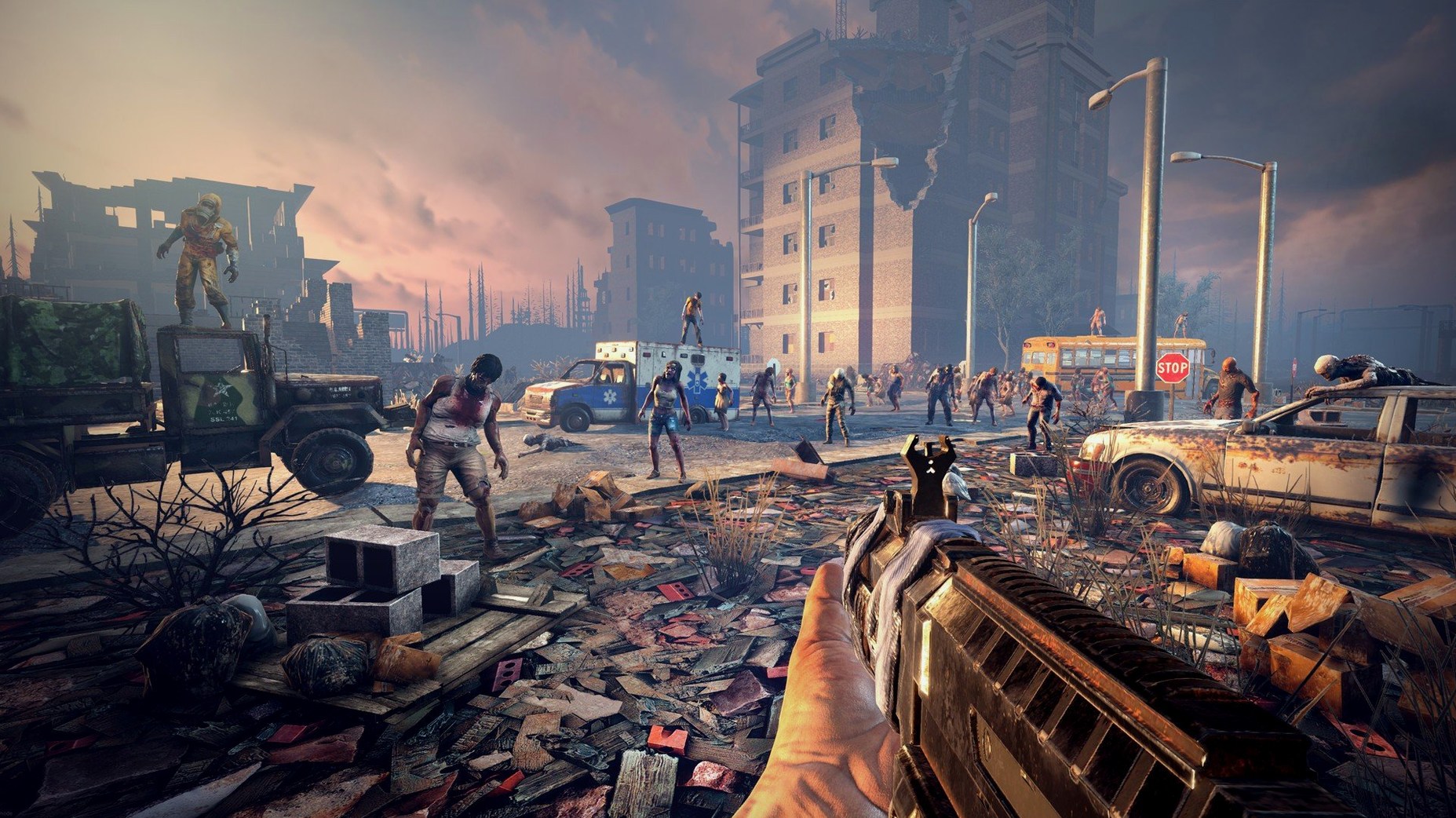
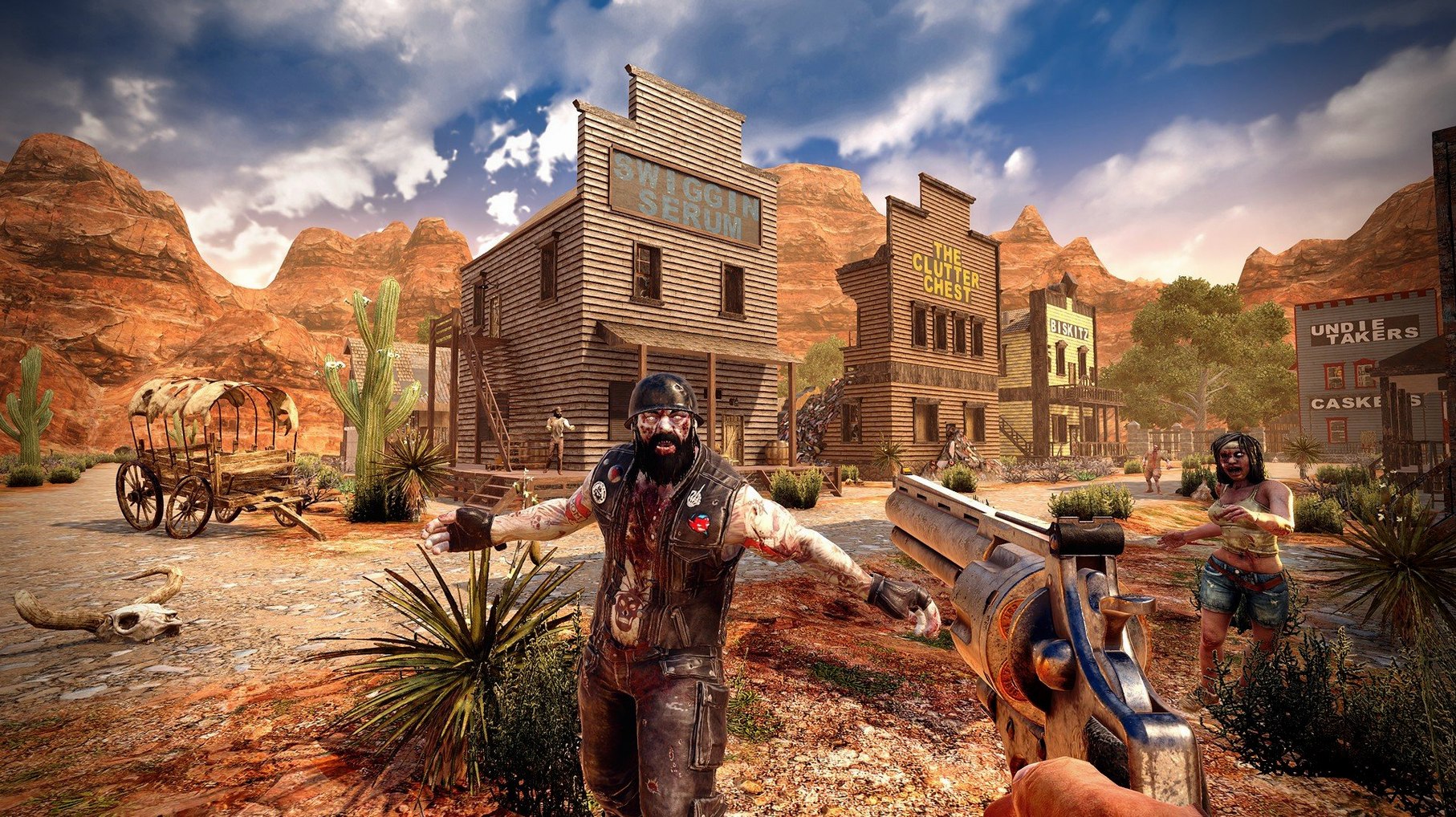
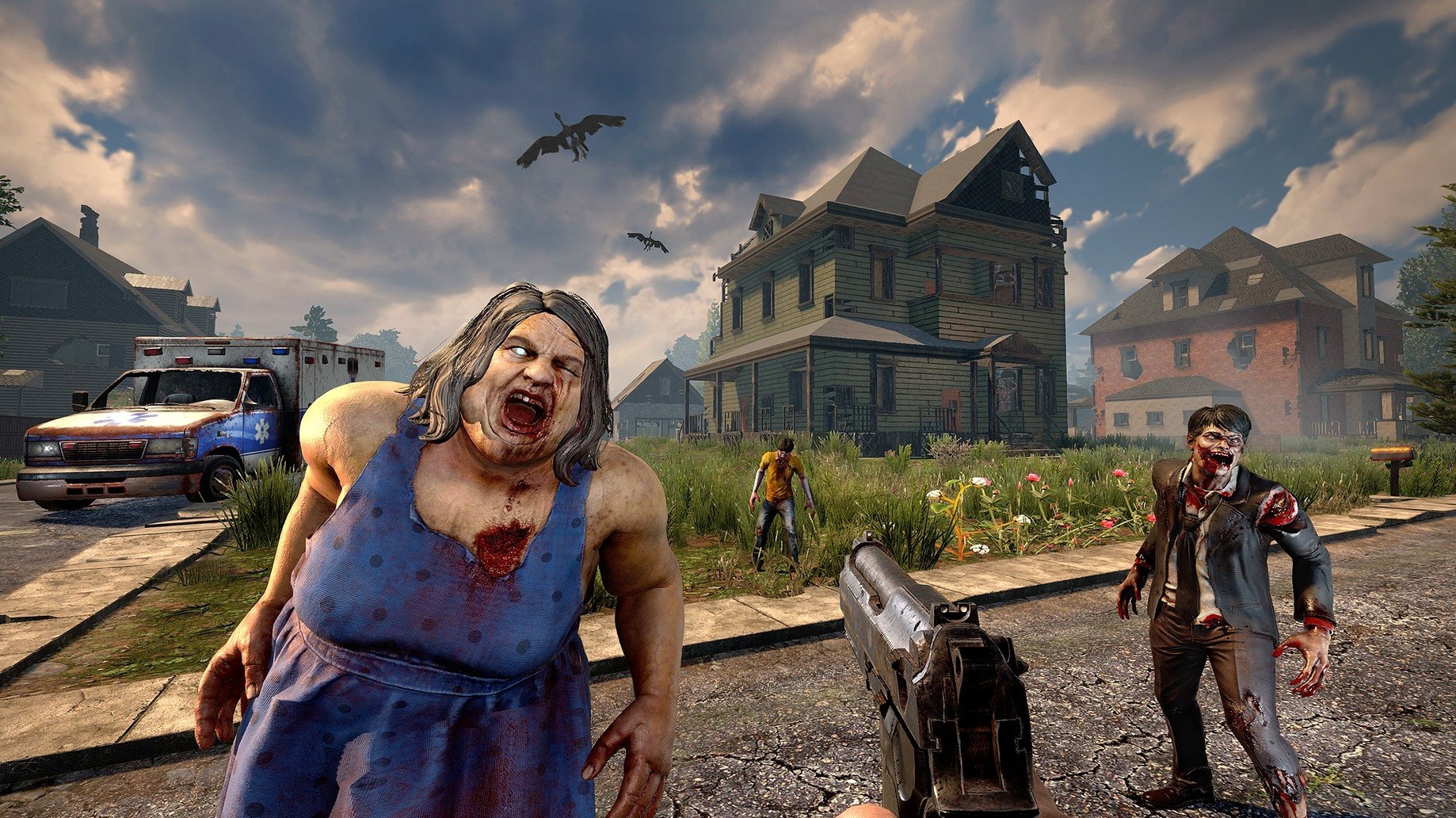
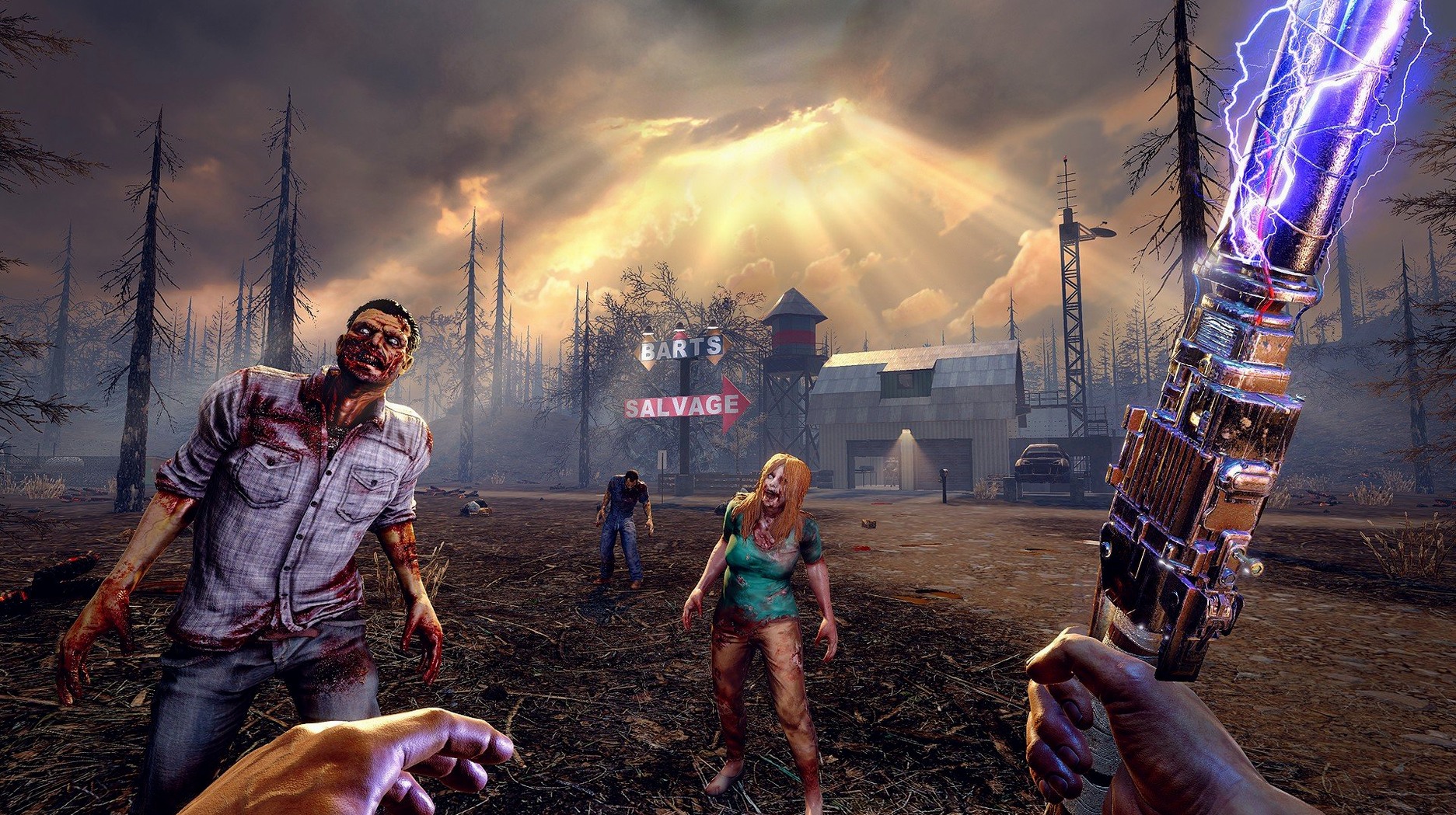
You've scavenged every ruined house on the block and the canned goods are running out. Night is falling and the distant moans are getting louder. That is the problem 7 Days to Die drops on your doorstep — and it's up to you to solve it with a makeshift fortress, a spiked club, and a garden you planted behind the reinforced walls.
Over 60 zombie variants and 1,300 building blocks
| What's in the box | The details |
|---|---|
| Developer | The Fun Pimps |
| Current version | 3.2.0.B10 |
| Gameplay | First-person survival, crafting, base building, combat |
| Zombie types | More than 60 unique variants |
| Building blocks | Over 1,300 to shape any fortress |
| Character system | Five main attributes with skill progression |
| Status effects | Nearly 50 buffs, effects, and illnesses |
The world gives you a lot to work with. Farming and hunting let you keep your belly full without relying on loot alone. When it's time to dig in, you can wire up electric fences, rig automatic turrets, set pressure-plate gates, and layer spike traps into kill zones. The character system ties it together: five attributes shape how you fight, build, and survive, while nearly 50 status effects — from infections to buffs — keep every supply run tense. If you want a survival sandbox where the depth comes from what you make of it, this one delivers.
Combine station UI rework cuts menu friction
Version 3.2.0.B10 isn't a flashy overhaul, but the tweaks it brings land where they count — in the little friction points you run into every session. The combine station UI got reworked, which means less squinting at cramped menus when you're trying to merge weapon parts or upgrade a tool mid-crafting binge. If you spend a lot of time at the workbench, that alone saves clicks and cuts down on mistakes.
The memory fix for player gear textures is the kind of change you feel rather than see. Before it, certain armor and clothing textures would grab more RAM than they should, which could lead to stutters when cycling through inventory near a horde. Now that weight is lifted, and the inventory screen stays snappier even with a full kit of modded gear.
And then there's the slightly absurd detail: trader doors can now be opened with a vehicle horn. It's small, but when you roll up to a settlement on a minibike with a backpack full of salvage, not having to dismount just to nudge a door open is a quiet quality-of-life win. One of those things you didn't know you wanted until it's there.
Field of view and other first-change defaults
A fresh install throws you in with defaults that work, but a few quick changes make the game feel like it's running on your machine, not someone else's. Here's where I'd start:
- Field of view. The default is tight and can make close-quarters looting feel claustrophobic. Bump it to 75–85 in the video settings. You'll see more of the room without the fisheye effect, and spotting zombies creeping in from the sides gets easier.
- Grass distance. Set it to low or medium. Tall grass looks nice but hides crawlers and eats frames for no good reason during blood moons. Your framerate will thank you, and you'll spot threats sooner.
- Mouse smoothing. Turn it off. The game's combat isn't twitch-shooter fast, but raw input gives you better control when you're lining up a headshot on a sprinting infected or aiming for a weak spot on a demolisher.
- Audio balance. Drop the music slider to around 30% and raise ambient sounds. You want to hear the wet growl of a zombie behind the door before you open it; the soundtrack won't save you, your ears will.
- Backpack slots. If the game rules you're playing allow it, increase loot abundance slightly. It doesn't break the survival loop — it just means fewer trips hauling stone back to base and more time building the thing you actually wanted to build.
Tip: bind the "drop item" key somewhere you won't fat-finger it in a panic. Losing a full stack of concrete mix because you hit the wrong key while a spider zombie is climbing your wall is a lesson you learn exactly once.
Smooth chunk generation on M-series Macs
On a Mac with an M-series chip, the ARM-native build runs like it means it. Loading into a pre-generated world takes seconds, not minutes, and chunk generation while sprinting across a city rarely hitches. On an Intel Mac with dedicated graphics, it's still respectable — you'll want to keep shadows on medium and reflection quality low, but the frame rate stays playable even during a seventh-night horde with a dozen zombies pounding the walls and turrets firing.
RAM use sits around 5–6 GB in a normal session with a medium-sized base and a few active forges. That climbs toward 8 GB when the world gets busy — lots of player-placed blocks, electrical systems, and zombies pathing at once — but the 3.2.0 texture fix helps keep it from spiking unpredictably. If you're running close to the 8 GB minimum, closing a browser in the background makes a real difference.
Stability on macOS has been solid through long sessions. The game doesn't leak memory the way some Unity titles do after three or four hours, and I've had crafting marathons with the combine station and chemistry bench running side by side without a crash. The occasional bug still exists — a zombie clipping through a door, a vehicle bouncing on uneven terrain — but nothing that corrupts a save or forces a restart. The build feels like a mature port, not an afterthought.
If you're coming from a Windows install or hunting down a 7 Days To Die torrent for an older build, the Mac version here is current and doesn't need tinkering to run. Whether you grabbed a 7 Days To Die download torrent for a previous alpha or just want to see what's changed, jumping into 3.2.0.B10 feels like the right time to start fresh.
- Apple Silicon or Intel 64-bit Mac
Questions from the stall
What kind of defenses can I build?
You can construct elaborate fortresses using traps, electricity, automatic turrets, gates, and various defensive positions to hold off the horde.
How much memory does the game need?
The official support page lists 8 GB of RAM as the minimum memory requirement for smooth play.
Does the game have character skills to unlock?
Yes, character progression is built around five main attributes that you can develop to shape your playstyle.
Notes from other shops 0
Sign in or open a shop account to leave a note.
No notes yet. If you've used this on a shop Mac, tell me how it went.