
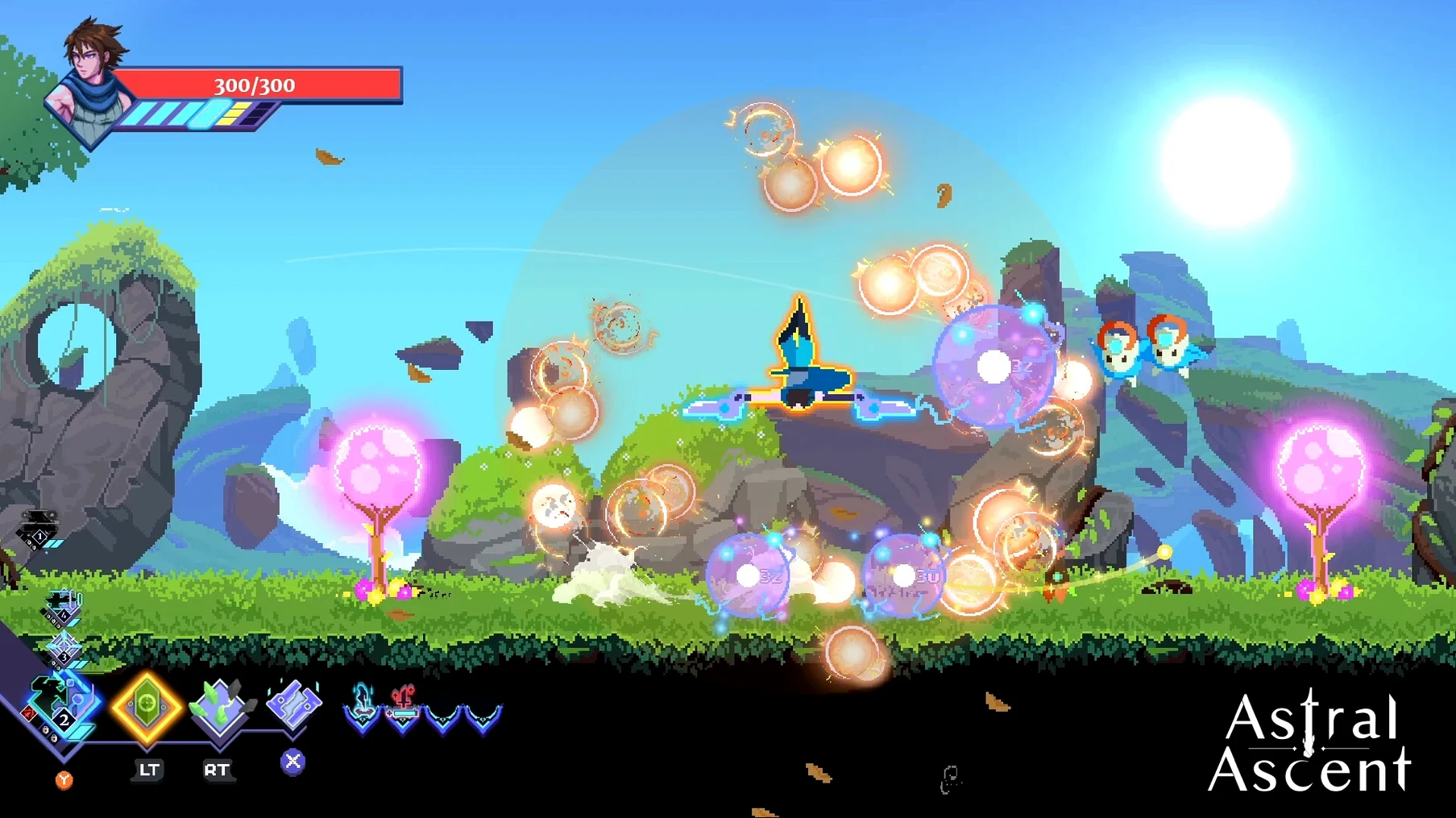
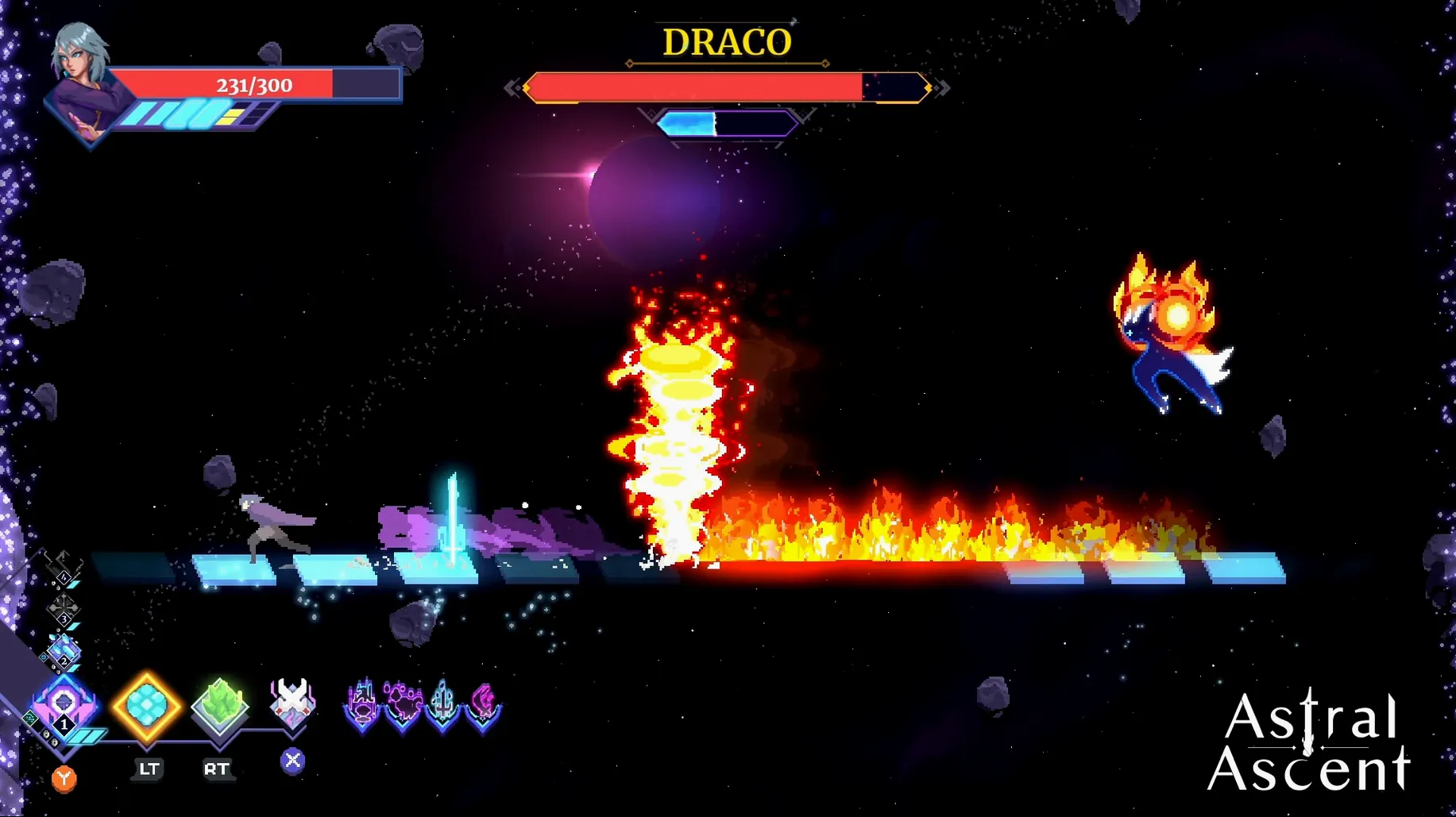


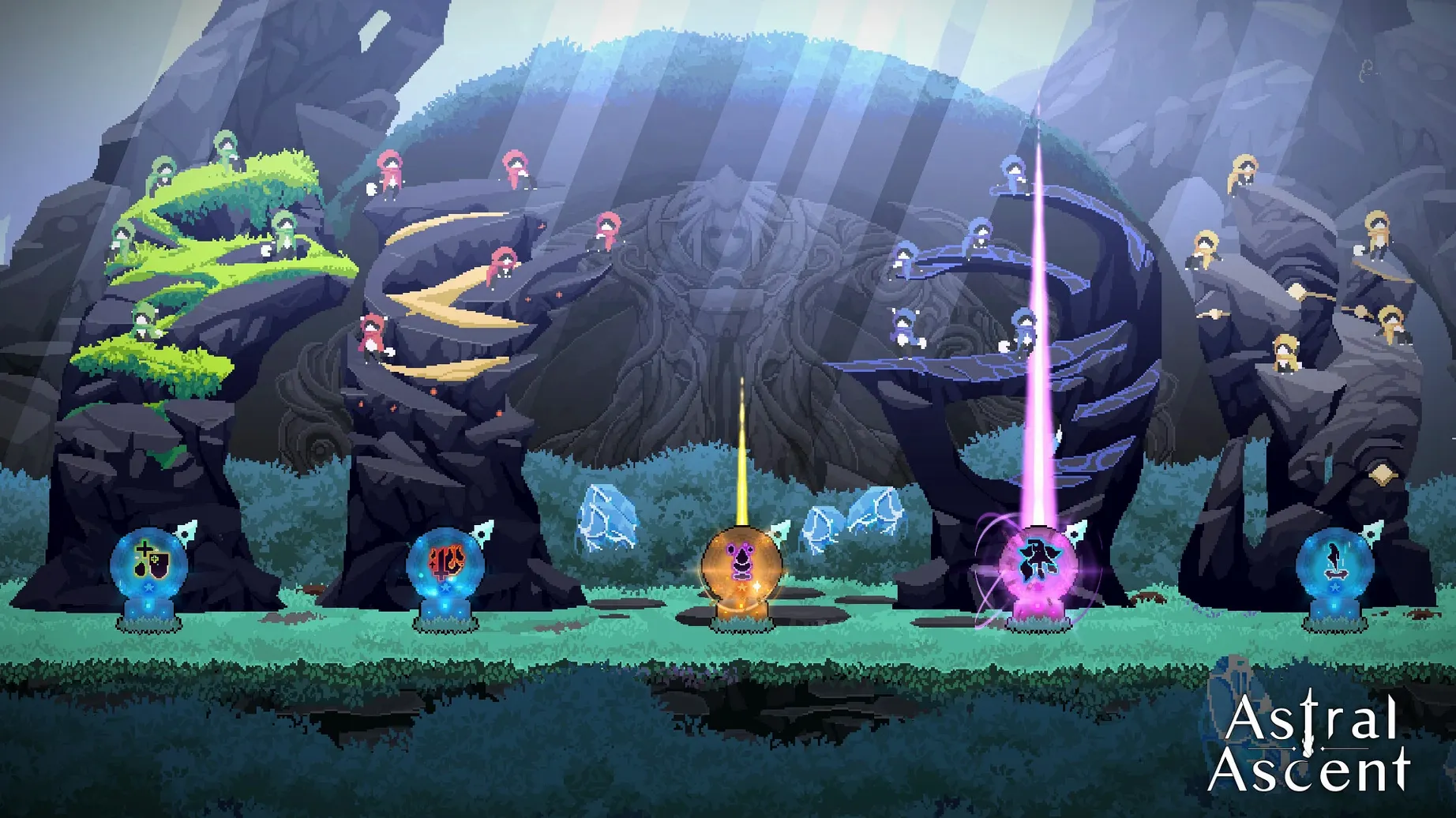
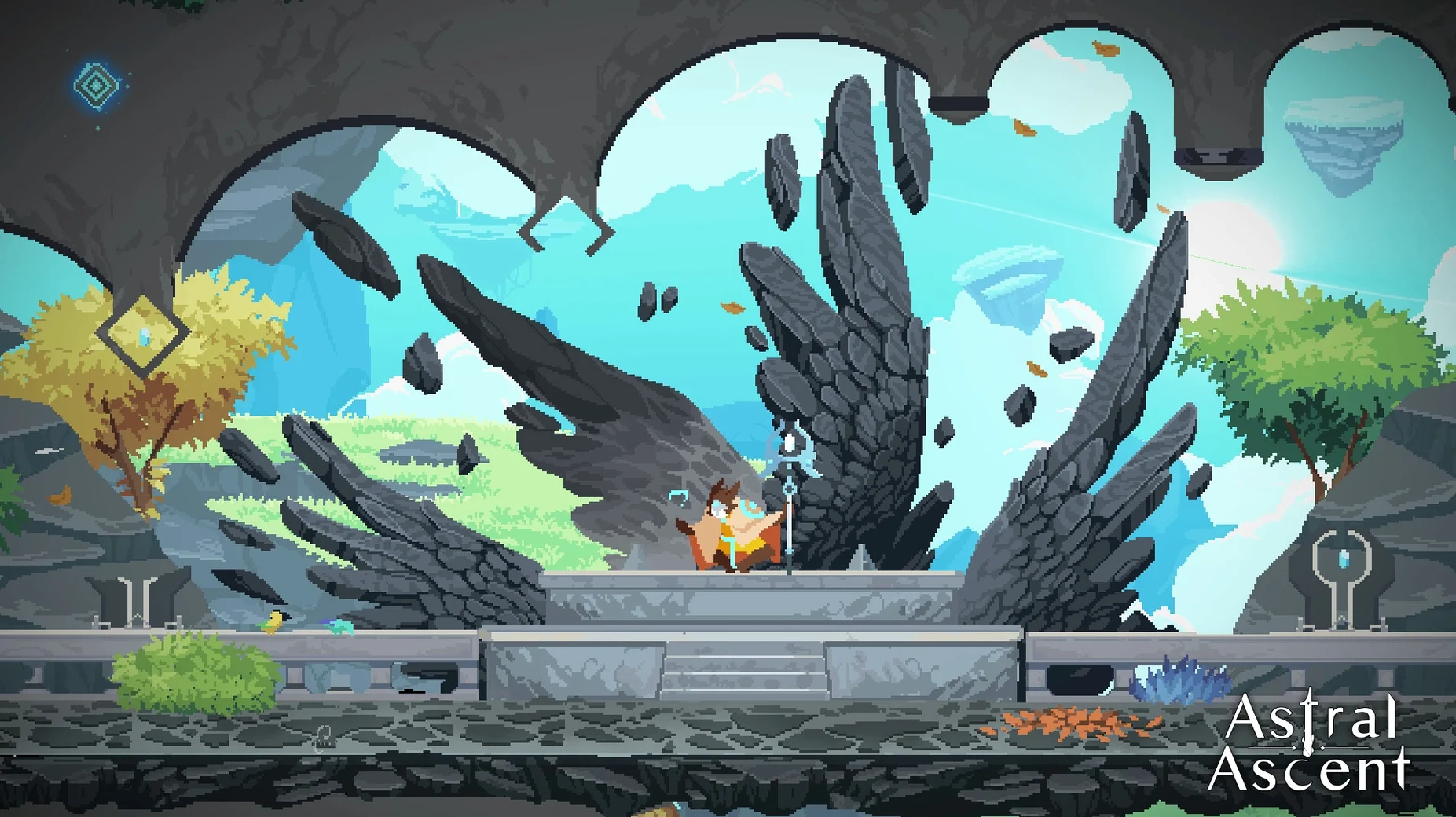
If you’ve ever enjoyed the fast, spell-slinging combat of a game like Dead Cells, Astral Ascent takes that feeling and wraps it in a colorful modern fantasy. The setup is simple in the best way—you pick a hero, break out of an astral prison called the Garden, and fight your way past 12 Zodiac bosses who act as the jailers.
Getting into a run
- Choose your hero. Ayla, Kiran, Kalli, and Octave each feel distinct. One might lean on quick sword combos while another controls space with ranged spells. Pick the one that fits your mood.
- Build as you go. Runs are procedural, so you won’t memorize layouts. Between fights you collect spells and upgrades that stack into different builds, and it’s designed so no run locks you into a single path.
- Bring a friend if you want. Local and online co-op for two players is included. Having a second person changes the rhythm of fights and lets you cover for each other against tougher Zodiacs.
- Try again differently. Between attempts you learn more about enemy patterns and unlock options. The developer says it’s meant to be played your way, forever, and the loop holds up to that promise.
What I’d use it for: quick sessions when I need a break from shop paperwork. The co-op mode also makes it a solid pick for a casual evening with a friend who doesn’t need a long tutorial to jump in.
Reading boss telegraphs instead of dashing blind
Getting smacked around by the first Zodiac before you've found your rhythm is pretty standard. Your initial instinct might be to dash straight into attack patterns, but the key is watching the telegraphs. Each boss has a visual tell before a strike lands—pause a beat, dodge, then punish the recovery window. If a particular Zodiac keeps stonewalling you, try running a different hero. Kalli's mobility can reframe a fight that felt unfair with Octave's slower setup.
Another common frustration is feeling underpowered by the second world. This usually comes down to spell synergy. Don't just grab the highest-rarity spell on offer. Look for effects that trigger each other—a source of burning paired with something that deals bonus damage to ignited enemies will carry you much further than two strong but unrelated spells. The pause menu lets you inspect your current synergies mid-run, which is easy to miss when you're rushing between rooms.
Damage numbers reveal weak spell combos fast
Before you get deep into a run, there are a couple of tweaks that make everything feel smoother.
- Turn on damage numbers. They're off by default, but seeing exactly what your spells hit for helps you catch weak synergies early. You'll spot when a new pickup actually lowers your output before the boss fight teaches you the hard way.
- Adjust screen shake. The hand-drawn animation is gorgeous, but the default shake during heavy spell combos can make it hard to read enemy tells. Dropping it to about 30% keeps the impact without sacrificing clarity.
- Remap dash to a shoulder button. If you're on a controller, moving dash off a face button means your thumb never leaves the attack keys. It's a small change that helps a lot during the faster Zodiac fights where you're dodging constantly.
Tip: if you're experimenting with the local co-op mode and your partner doesn't usually play platformers, load them up with defensive auras and let them learn the dodge timing. The game doesn't punish the less experienced player as harshly as some roguelites do.
- Intel 64-bit Mac
Questions from the stall
Which heroes can I play in Astral Ascent?
You can play as Ayla, Kiran, Kalli, or Octave. Each one has a different fighting style that changes how you approach a run.
Does the game support multiplayer on a Mac?
Yes, it includes both local and online co-op for two players. You can team up with a friend from the same machine or online.
What languages are available in the interface?
The interface is available in Russian, English, Traditional Chinese, Simplified Chinese, Korean, French, and Japanese, with English voice audio.
Notes from other shops 0
Sign in or open a shop account to leave a note.
No notes yet. If you've used this on a shop Mac, tell me how it went.