Compatibility fixes with no public patch notes
The developer didn’t publish specific change notes for this Mac build, so the update likely focuses on compatibility tweaks and under-the-hood fixes to keep the game running smoothly on current hardware and macOS versions.
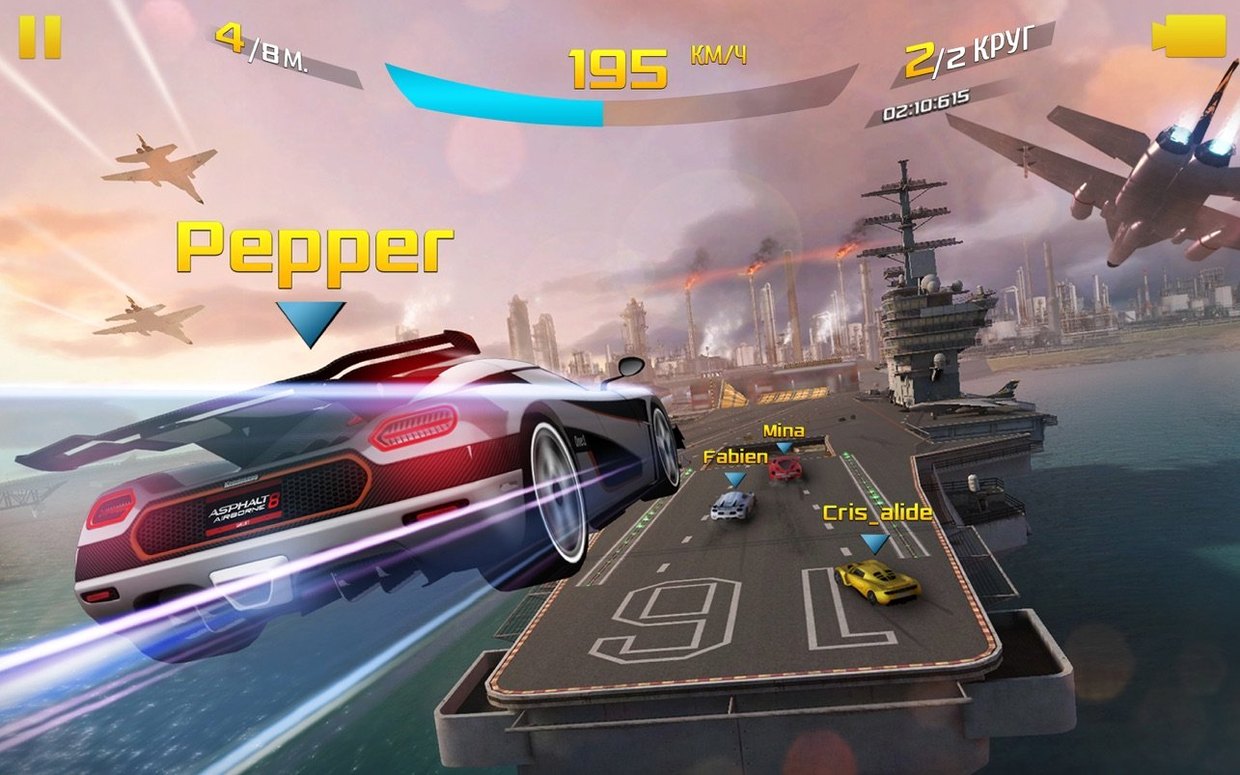
Drifting through factories and launching off canyon ramps
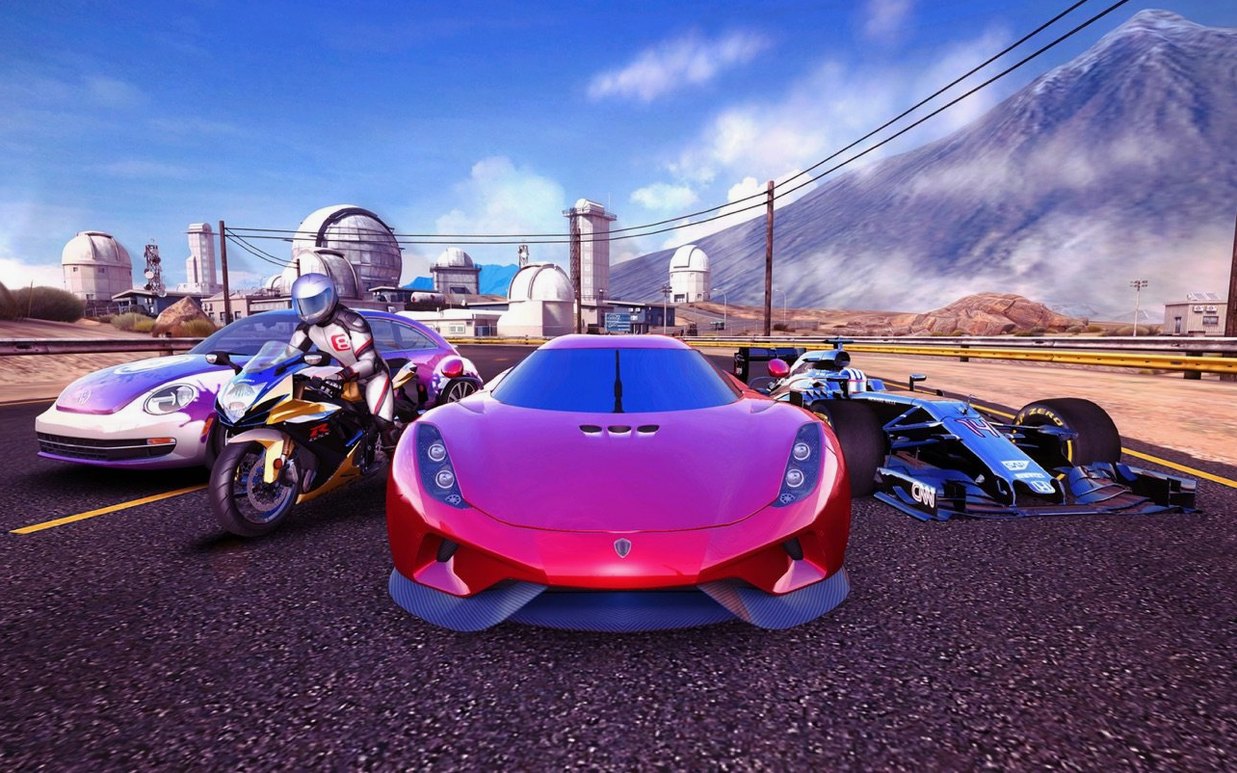
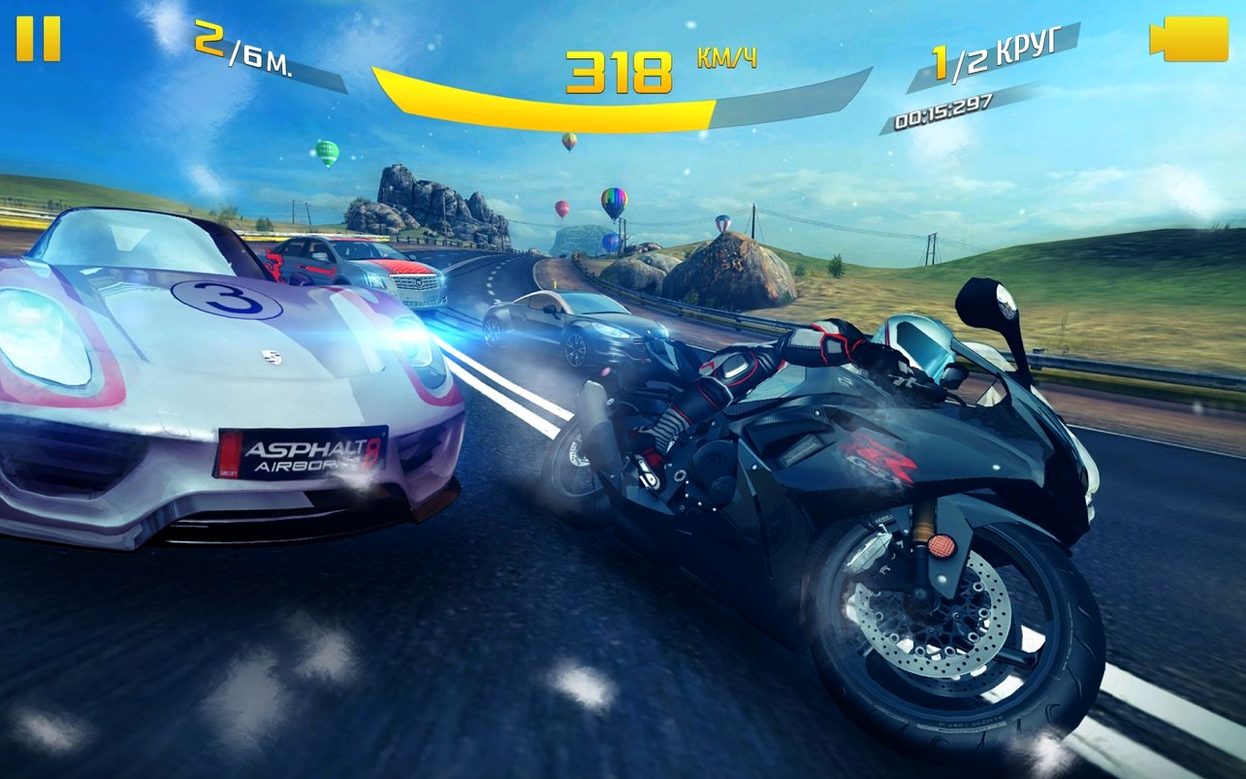
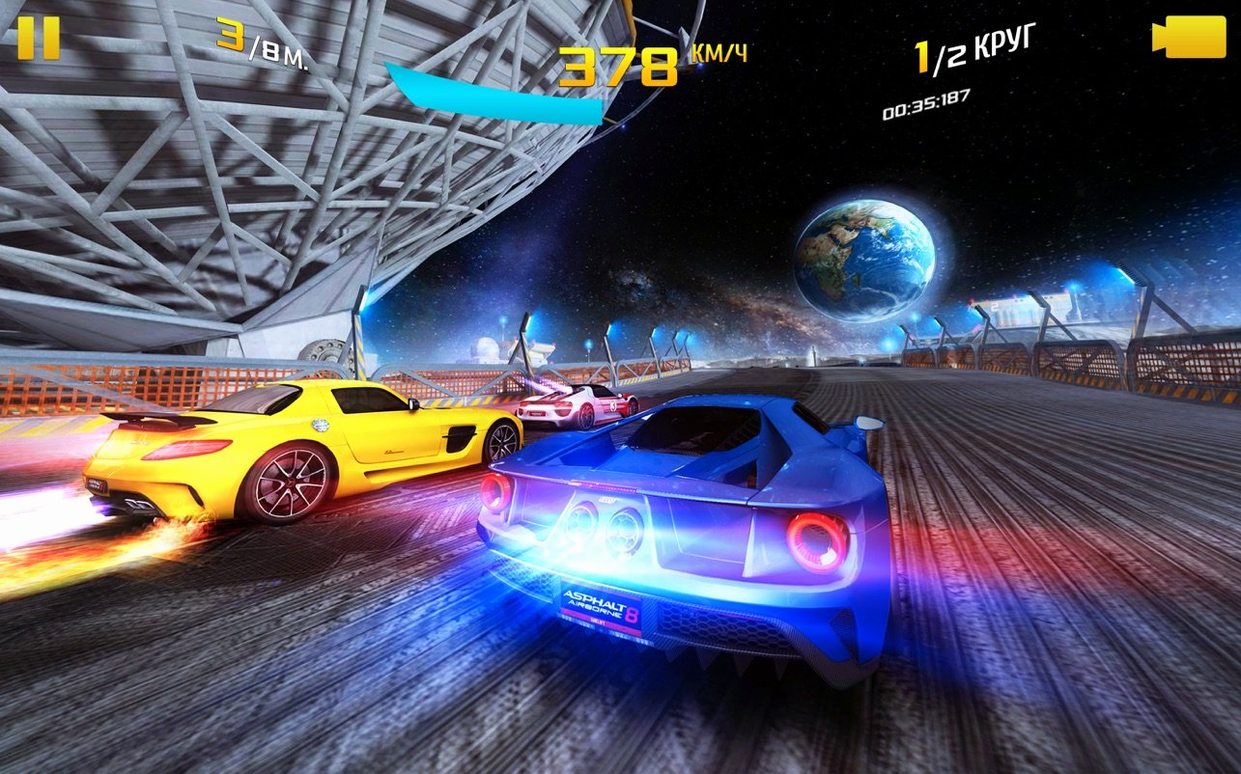
You pick a car or a motorcycle, drop into a race, and the chaos starts immediately. Tracks aren’t just flat circuits — you drift through factory floors, launch off ramps in Nevada canyons, and dodge oncoming trams in city streets. The nitro boost refills as you drift, draft, and wreck opponents, so you’re constantly hunting for the next stunt to keep the meter full.
Between races, you tweak your vehicle’s looks with decals from a collection of over 2,300, or chip away at the 1,500 mastery challenges that push you to race cleaner, drift longer, and land bigger jumps. The five game modes mix things up — classic races, elimination rounds, and timed stunt runs all ask for a slightly different approach.
Races that fit a coffee break on Intel or M4 Macs
- Quick, five-minute sessions that still feel like a proper race.
- Players who enjoy motorcycle physics alongside car handling.
- Mac setups ranging from older Intel machines to M4 Apple Silicon models.
Music-only audio with oversized mobile menus
- Sound is music only — don’t expect engine audio feedback or environmental effects.
- It’s a mobile-first design, so some UI elements feel large on a desktop screen.
- The 1,500 challenges give structure, but the core loop is pure arcade action, not a sim.
Game Center syncs progress across all your Apple devices
Asphalt 8: Airborne+ plays nicely with standard macOS features in a few practical ways. It hooks into Game Center for leaderboards and multiplayer matchmaking, so your progress and friend challenges carry across any Apple device you own — start a race on your Mac, then pick up the same career on an iPad or iPhone later. The iCloud sync isn't something you configure separately; it just follows your Apple ID.
On the controller side, the game recognizes PlayStation and Xbox wireless controllers the moment you pair them through the macOS Bluetooth menu. If you use Focus modes to block notifications during work hours, the game respects those settings — no interruptions mid-drift unless you allow them. Screen recording and screenshots work with the built-in macOS shortcuts, which is handy for saving that one absurd barrel roll through a factory roof.
One setup worth knowing: if you play on a Mac connected to an external display, the game adapts to the screen’s native resolution without manual tweaks. It also responds to the system-wide Dark Mode setting, though the effect is subtle on the menu screens.
Turn off tilt prompts before your fourth race
Before your third or fourth race, a couple of adjustments make the experience tighter. These aren't buried — they live in the game's main options panel.
- Tilt and touch prompts off. Since you're on a Mac, the on-screen hints for tilting a phone or tapping the screen are just visual noise. Disable them and the HUD feels cleaner immediately.
- Steering sensitivity. The default leans toward forgiving, which works for casual play. If you're using a controller, nudging sensitivity up by 10-15% gives you sharper drifting control without making the car twitchy on straightaways.
- Graphics quality. The auto-detect usually picks a sensible setting, but on Apple Silicon Macs you can bump it higher than the default without dropping frames. On older Intel machines, dialing it back slightly keeps the nitro-heavy moments smooth.
Tip: If you're playing on a MacBook with a smaller screen, increasing the UI scale a notch helps the speedometer and nitro meter stay readable during the busiest stretches of a race.
- macOS version not specified by the developer
- Works natively on both Apple Silicon and Intel 64-bit Macs
Questions from the stall
Does Asphalt 8: Airborne+ work on Apple Silicon Macs?
Yes, it supports both Apple Silicon and Intel 64-bit Macs and was tested on a 2024 M4 Mac mini.
What game modes are included?
The game includes five distinct modes, covering standard races, elimination-style events, and stunt-focused challenges.
Can I play it on other Apple devices?
Yes, it’s a universal purchase that supports Mac, iPhone, iPad, and Apple TV.
Notes from other shops 0
Sign in or open a shop account to leave a note.
No notes yet. If you've used this on a shop Mac, tell me how it went.