
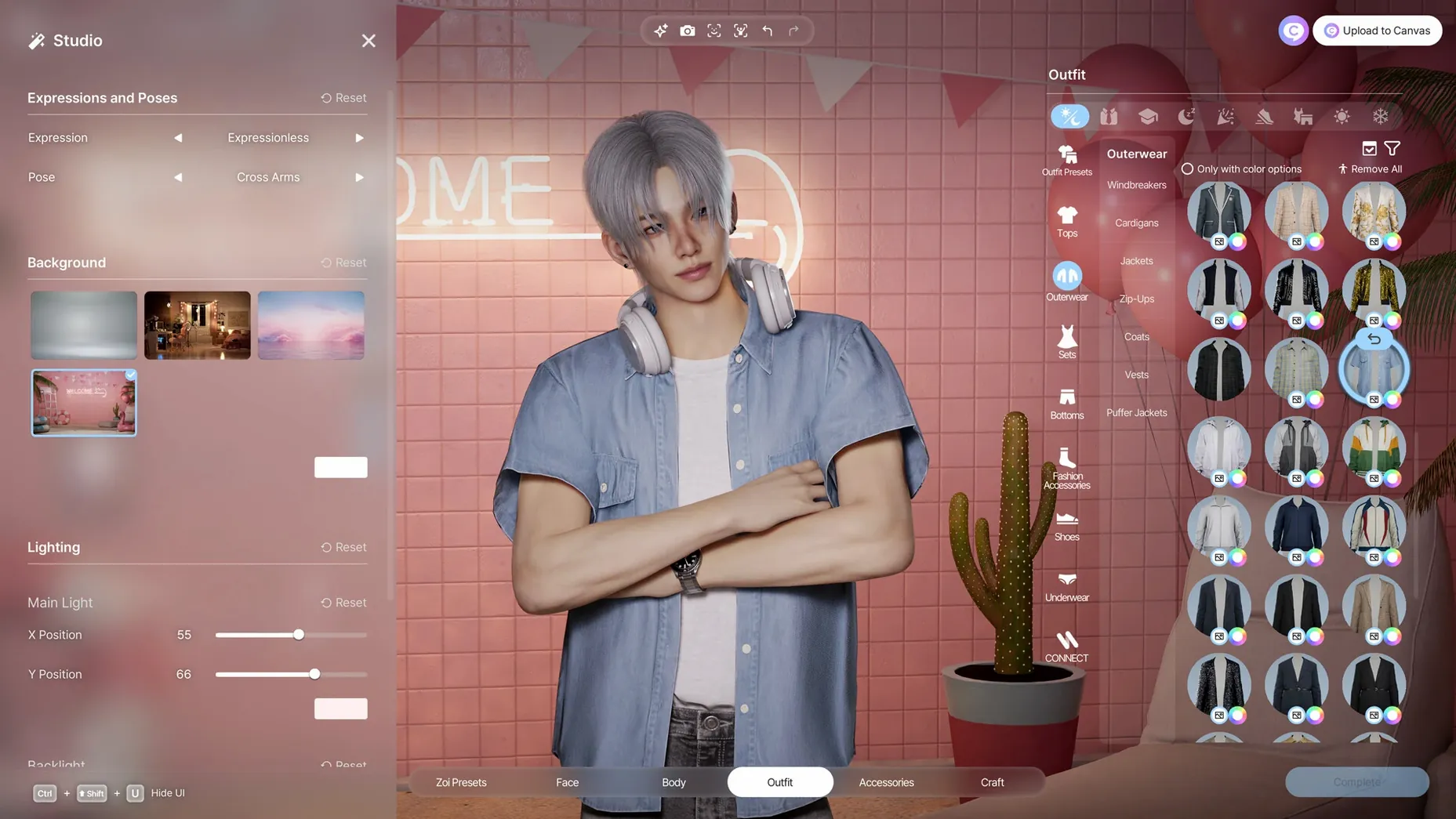



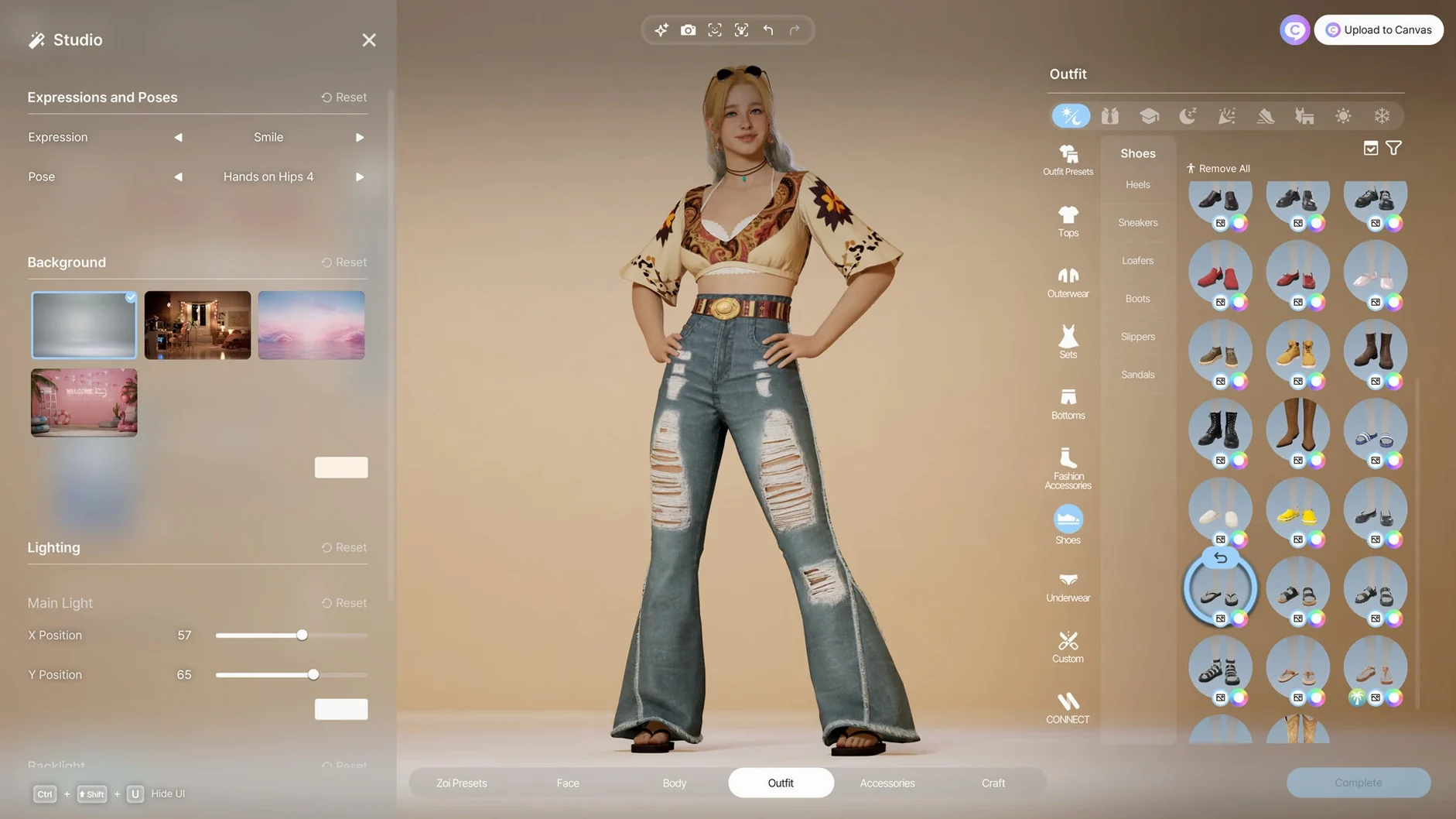

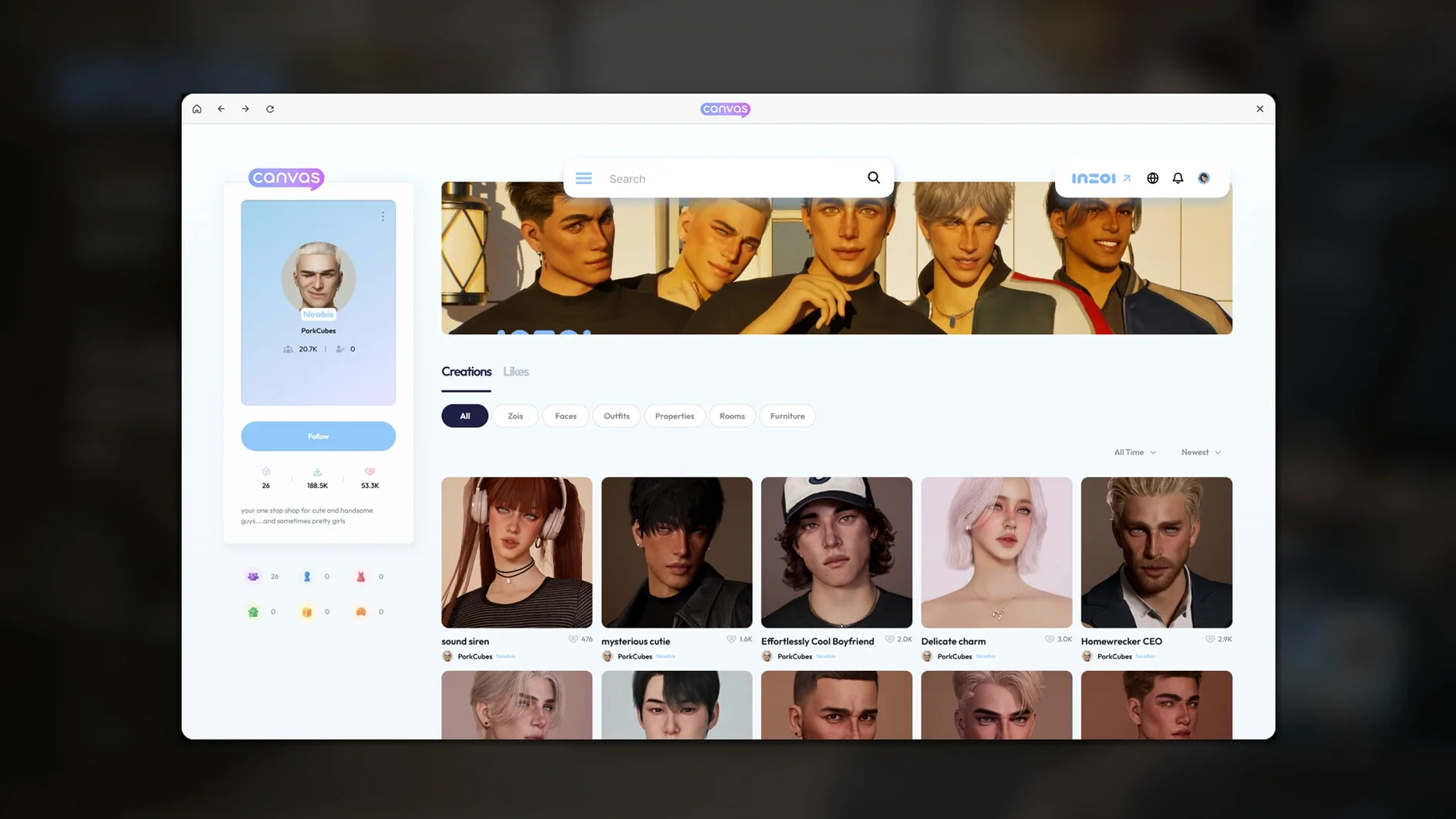

If you've ever pushed The Sims' building tools to their absolute limit, inZOI feels like the next logical step—Unreal Engine 5 provides the fidelity, but it's the logic under the hood that steals the show.
Text-to-Asset — You aren't just picking swatches here; type a prompt to generate original patterns and imagery for clothing, furniture, and wall decorations.
2D-to-3D — Feed the game a flat image file, and it interprets it as a three-dimensional object ready to place in your Zoi's apartment.
Video Motion Input — Instead of canned animations, upload a short video clip to drive a character's specific movements and gestures.
Emergent Simulation — The city isn't just a backdrop. The engine cooks up organic trends, contagious diseases, and neighborhood rumors that affect how Zois react to each other based on their accumulated life experience and distinct personality traits.
Quiet corners to explore before your real Zoi
Early access means some systems are deeper than the tutorial lets on, and a few are barely mentioned. Give yourself a quiet first session to poke at the corners.
- Let a test Zoi loose before your "real" one. Create a throwaway character, drop them into a small lot, and watch what the simulation throws at them over a few in-game days. You'll spot relationship chains and rumor propagation that aren't obvious from the tooltips.
- Play with the generative AI tools early. The text-to-pattern feature for furniture and clothing gets more intuitive once you learn how the model interprets short, concrete prompts. "Faded floral tile with navy background" gives you something usable faster than a single vague word.
- Don't overhaul a whole city block on day one. The weather, lot placement, and street editing tools are powerful, but they ripple into how Zois pathfind and socialize. Adjust one street or park, then live in it for a while before remodeling the next.
- Check the in-game phone often. Rumors, trends, and health alerts surface there before they show up in Zoi behavior. A disease notification you ignored yesterday might be why your Zoi keeps getting rejected for conversation today.
Who clicks with inZOI fastest
Not every Mac user will connect with the game the same way. Based on what the toolset rewards, a few groups stand out.
Creative builders who treat construction as the main game. If you spent more time in build mode than live mode in other life sims, the architectural pieces here—walls, roofs, stairs, fencing, platforms, gates—plus the text-to-asset pipeline will feel like the game was built around you. The 250-plus character customization options are practically a secondary app on their own.
Simulation tinkerers who love watching systems interact. The emergent layer—diseases spreading, trends catching, rumors altering reputation—rewards players who observe more than they micromanage. If you enjoy setting initial conditions and then watching chaos unfold, the city simulation side gives you a lot to study.
Modders and DIY asset creators. The 2D-to-3D conversion and video motion input open routes into the game that don't require learning a full 3D pipeline. If you already make textures, patterns, or short motion clips, you can bring work into inZOI without starting from scratch.
Casual storytellers who want guided narrative will find the game playable but may feel under-directed. The simulation doesn't hand you a plot—it hands you ingredients. You decide whether to cook.
Why your Zoi won't just behave
A few patterns show up repeatedly in the first week of play. Most aren't bugs—they're just the game's logic being less forgiving than people expect.
- Assuming Zois will act rationally. Personality traits and life experience genuinely drive behavior. A Zoi with a suspicious trait and a bad romantic history will interpret innocent interactions as hostile. It's not broken—it's the simulation doing its job.
- Neglecting the city layer entirely. Players who focus only on their household miss the fact that neighborhood conditions—street design, lot density, weather patterns—directly shape what trends and diseases appear. A Zoi living on a cramped, poorly planned block faces different challenges than one in a spread-out district.
- Over-relying on text prompts without testing variations. The generative AI model for patterns and objects responds best to short, structured prompts. One long rambling sentence produces muddled results. Two to four concrete descriptors almost always work better.
- Treating the video motion input as a gimmick. People upload one clip, get a weird result, and never touch it again. The system interprets motion data, not aesthetics—a well-lit video with a single clear movement works. A shaky phone clip of someone dancing in a dark room doesn't.
- Skipping the rumor feed. It's easy to ignore the phone notifications as flavor text. They're not. A rumor about your Zoi can tank social opportunities for days unless you actively address it through interactions.
Trade spectacle for smoothness on your Mac
inZOI ships with defaults that favor visual spectacle. On a Mac—even an Apple Silicon one—a few adjustments make the experience smoother.
Graphics and performance: The game runs on Unreal Engine 5, so it's hungry. Drop shadow quality and post-processing one notch before touching resolution. The visual difference is subtle; the frame-time improvement on integrated thermal situations isn't. If you're on a fanless Mac, cap the frame rate in the settings menu—the simulation logic doesn't benefit from an uncapped framerate anyway.
Autonomy toggles: By default, Zois have fairly high autonomy. If you prefer to micro-manage social interactions, dial down the autonomy slider for "social decisions" specifically. You can leave "routine tasks" autonomous so they still eat and sleep without babysitting, while you control who they befriend and romance.
Notification granularity: The default notification settings throw everything at you. Early on, that's useful for learning the systems. Once you know what a rumor alert looks like, you can quiet the repetition—toggle off "trend updates" and "minor health notices" while keeping "relationship changes" and "rumor alerts" active.
AI generation cache: The generative AI features store results locally. If you're experimenting heavily with text-to-pattern or 2D-to-3D, allocate a bit more cache space in the settings so the game isn't regenerating assets you already liked. It saves time and keeps your custom library responsive.
Save discipline: Early access versions don't always handle long sessions gracefully. Set the autosave interval to something shorter than the default—15 minutes instead of 30—until you get a feel for stability on your specific Mac.
A note for Mac players finding their way in
The game was built and tested on Apple Silicon, and it shows. On an M4 Mac mini running macOS Tahoe, the simulation layer stays responsive even when the city is dense. Intel Macs aren't supported, so if you're searching for an inzoi mac download that works on older hardware, this isn't it—but on any M-series machine, the optimization is solid for an early access title. Players looking via inzoi mac torrent or inzoi torrent routes will find the same build floating around; the version here is 0.10.4, and the experience holds up identically. If you went hunting for inzoi mac free options because you wanted to test performance before committing, that instinct makes sense with a simulation this dense. Just know the game rewards patience in the first few hours—the systems reveal themselves slowly, and the second session almost always clicks harder than the first.
- Apple Silicon Mac
- macOS version not specified — check the download page for details
Questions from the stall
Is inZOI optimized for Apple Silicon Macs?
Yes, the Mac version is built and optimized specifically for Apple silicon, tested on macOS Tahoe with an M4 chip.
Does character customization go beyond basic sliders?
Absolutely. You can customize hair, skin, body shape, clothing, accessories, and manicures, plus generate custom fabric patterns from text prompts.
Notes from other shops 0
Sign in or open a shop account to leave a note.
No notes yet. If you've used this on a shop Mac, tell me how it went.