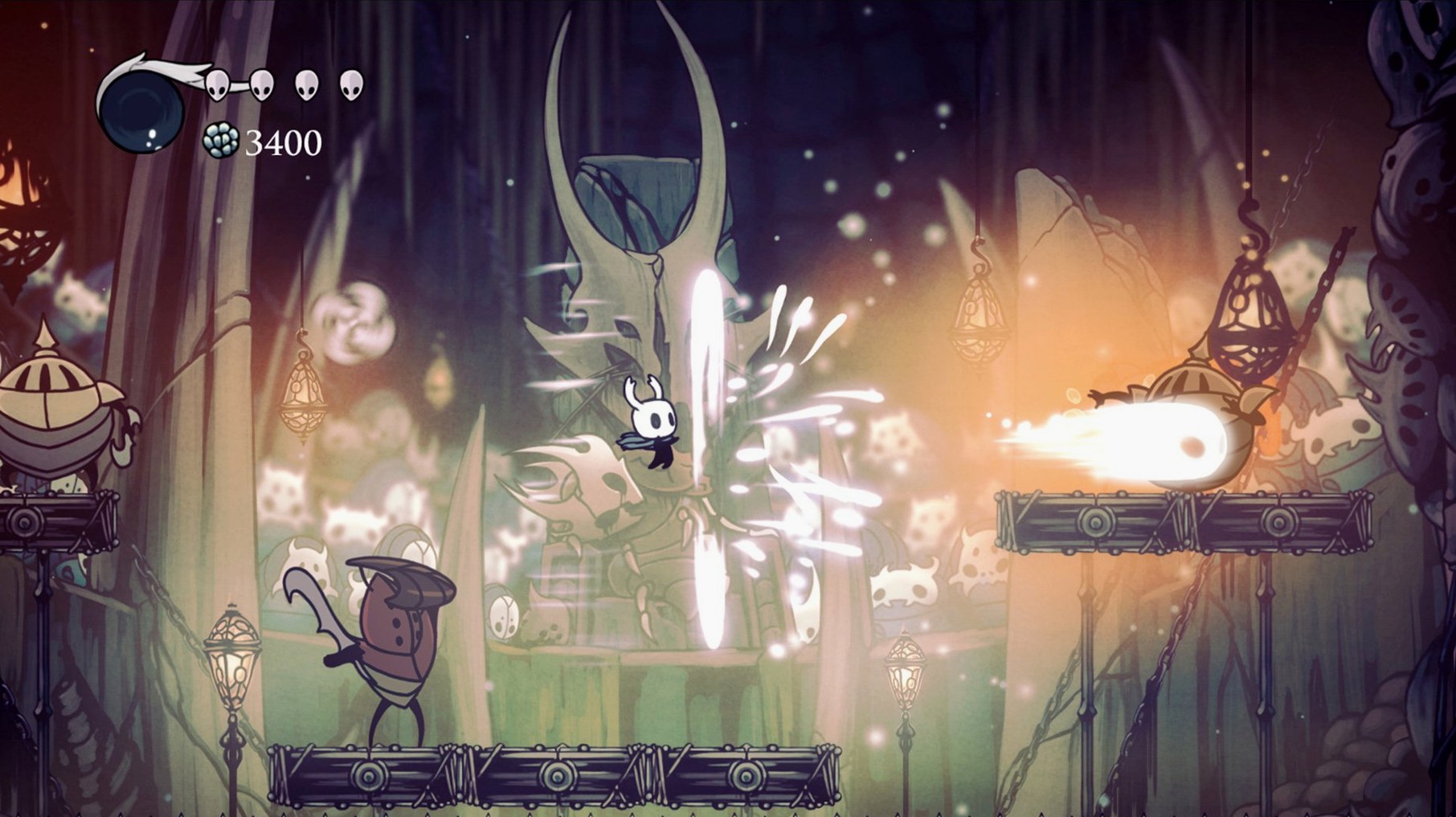
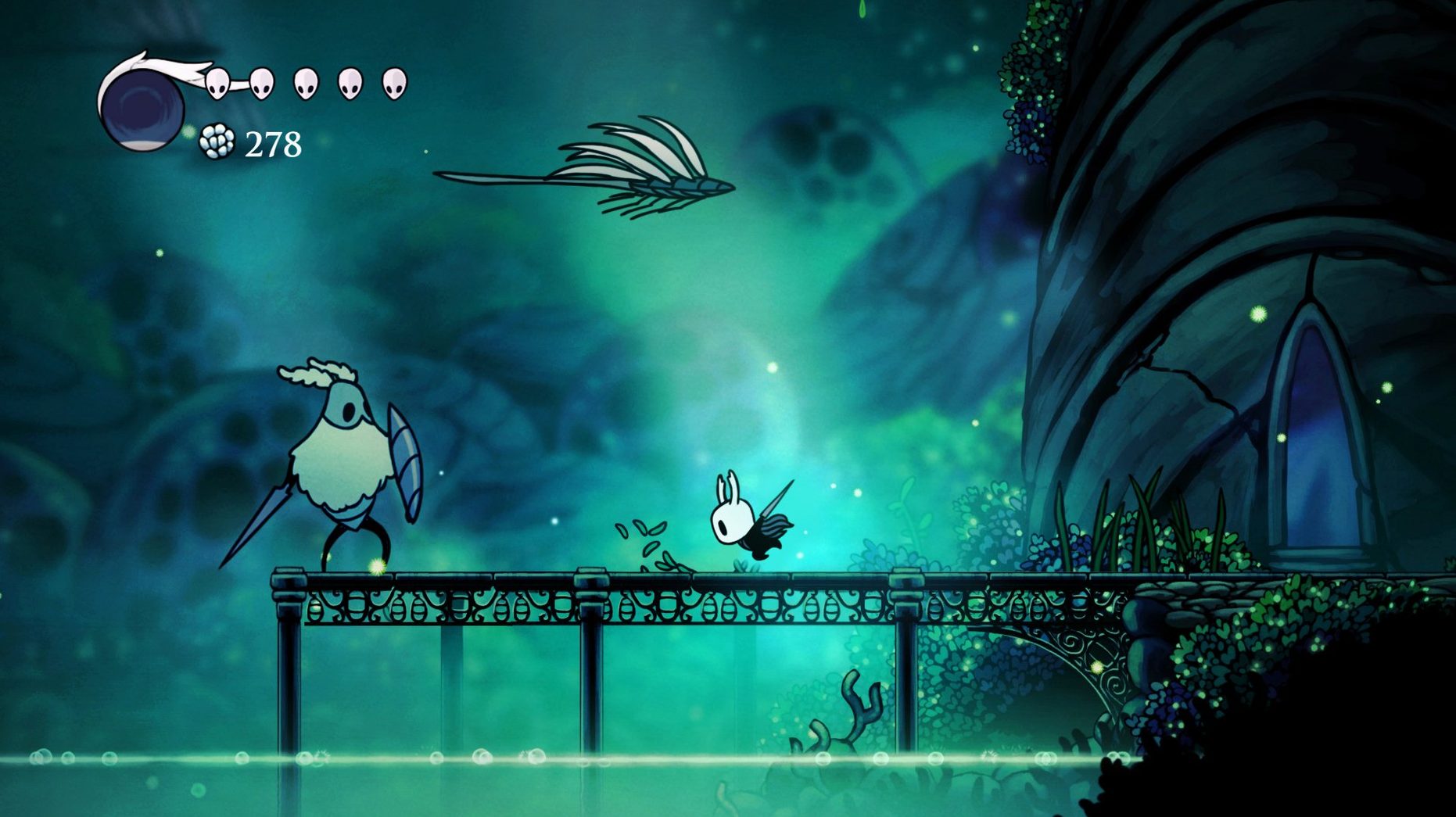
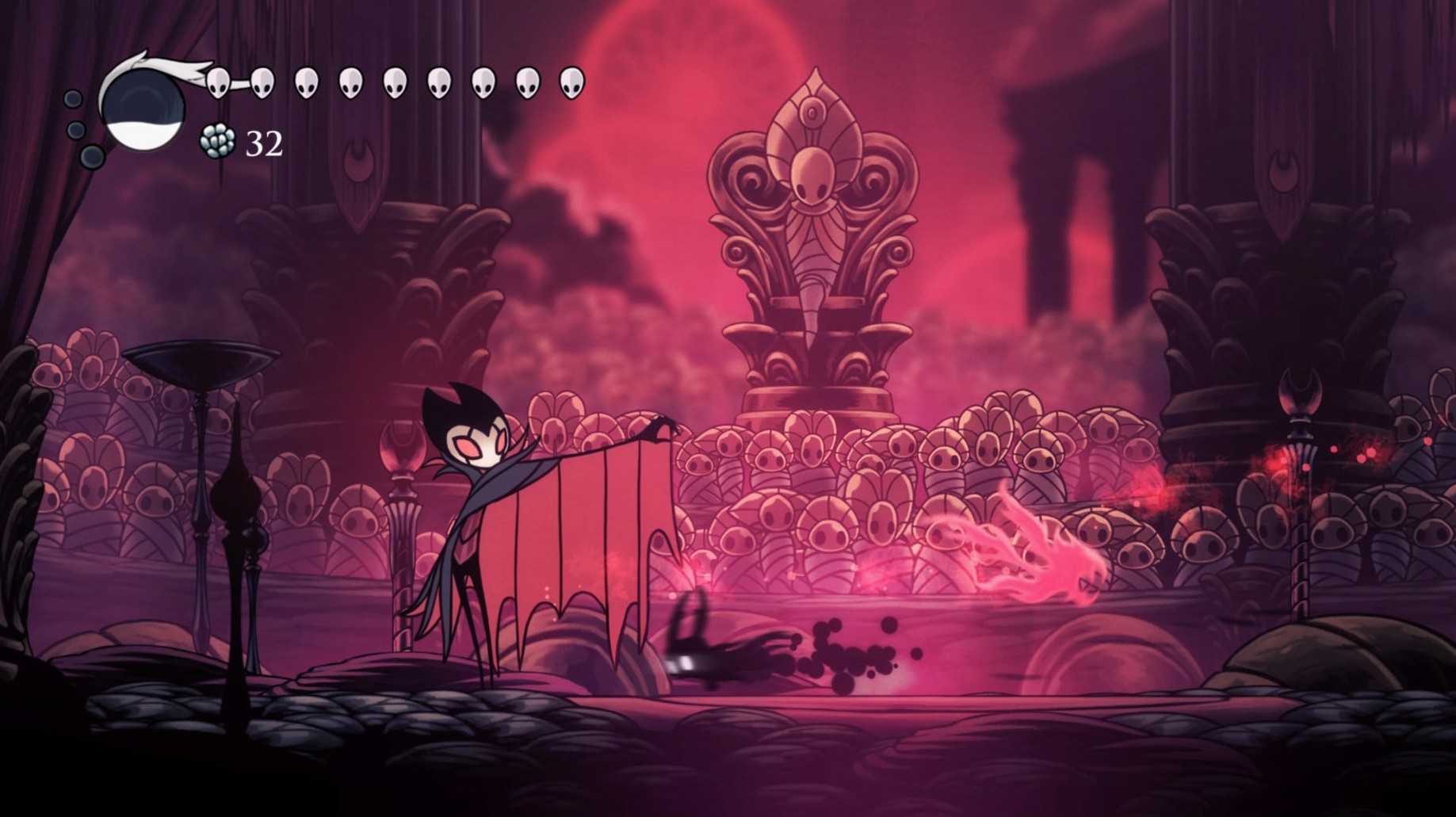
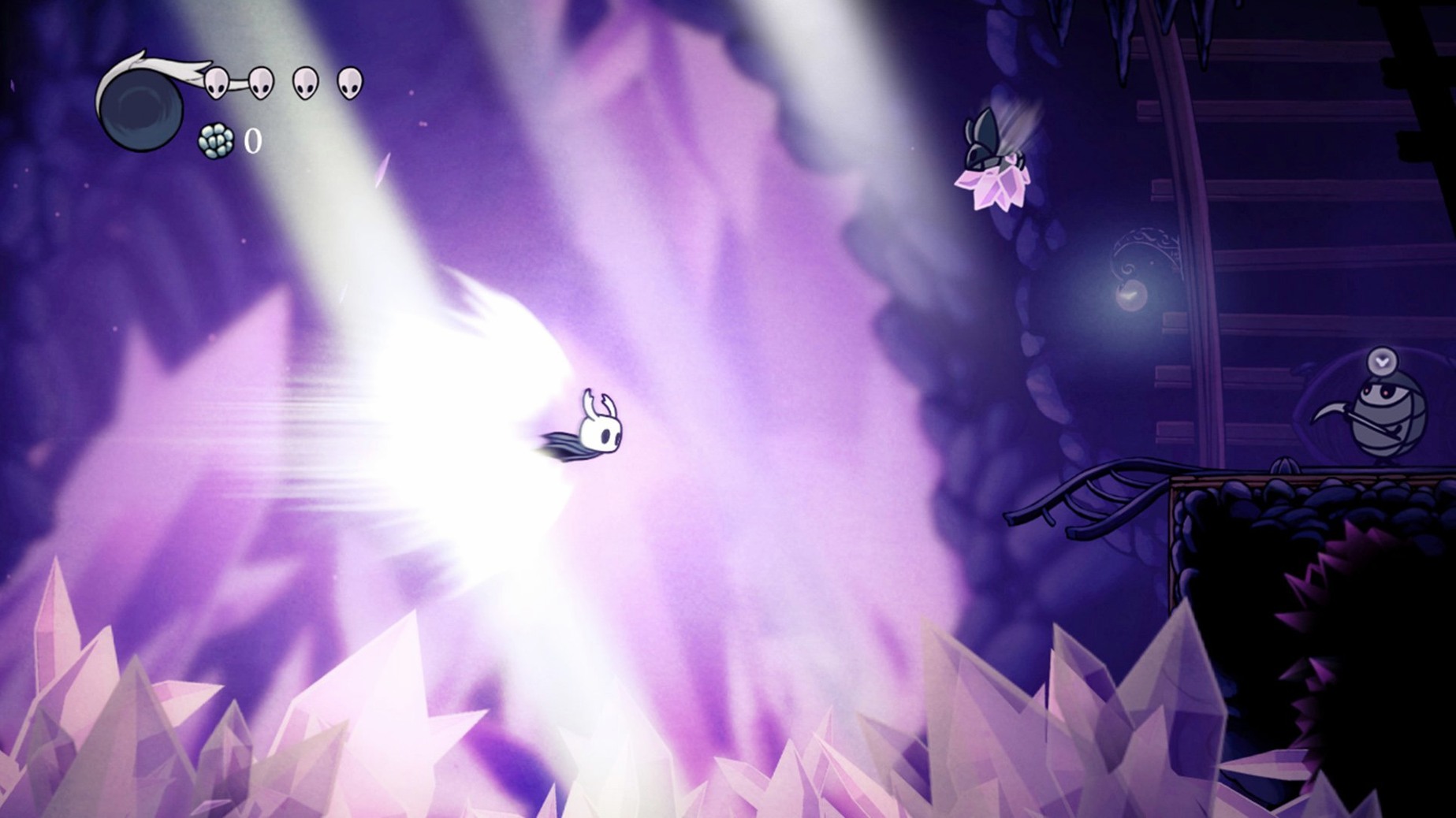
This game is built for both Apple Silicon and 64-bit Intel processors, so it should feel at home on practically any modern Mac without a hitch. It's a native app, not something you'll need to wrestle into running.
A few things to know before you start
- It's a challenging 2D action-adventure set in a vast, ruined underground kingdom.
- You'll explore twisting caverns, faded ancient cities, and overgrown wastelands.
- The characters you meet are all strange, hand-drawn bugs with their own stories.
- Team Cherry, a small studio in Adelaide, South Australia, is behind the whole thing.
Cool and smooth on Apple Silicon, best with a controller
Performance expectations are solid. On any Mac with Apple Silicon, it runs cool and smooth. A controller feels like the natural choice here—the tight platforming and precise combat really benefit from physical buttons. Keyboard controls work fine too, but I'd reach for a gamepad if you have one lying around.
A quick save-scouting loop for fragile currency
Geo is tight early on, and dying twice in a row wipes what you dropped. I like a short loop that keeps retrieval manageable while you build up enough for the Lumafly Lantern or a charm notch. Head to the Forgotten Crossroads Stag Station bench first—it is the easiest central reset point. From there, take the lower-left exit into the narrow shaft with the two husk guards. Kill both, drop down one more screen, and clear the three wandering husks near the well exit. That cluster reliably drops around 30 Geo per clear. Loop back up, bench again, and the enemies reset.
If you have the Gathering Swarm charm equipped, you won't need to chase every stray coin that rolls into a spike pit. Equip it the moment you buy it from Sly. It saves more time than it costs in notches during these early farming passes. Once you reach Greenpath, swap this route for the moss knight just below the stag station—harder fight, faster payoff.
Keep walkthroughs and boss checklists floating alongside
Hollow Knight runs windowed or fullscreen with standard Mac shortcuts, so you can keep a browser tab open for community maps without alt-tabbing chaos. I keep Stickies or Tot floating on the desktop with a short boss-attack checklist, and Mission Control swipes let me peek at it between deaths without closing the game. The DRM-free build means nothing dials home in the background—no launcher, no overlay, no always-on helper process. It sits quietly in your Applications folder like an old Mac game used to.
If you record footage, QuickTime Player's screen recording picks it up cleanly. Gamepad support leans on Apple's built-in Bluetooth stack, so pairing a DualSense or Switch Pro controller from Control Center just works. For anyone searching for hollow knight macos free builds that run without storefront wrappers, this is the kind of self-contained app that plays nicely with Time Machine backups and drag-and-drop reinstallation.
Small snags and how I'd handle them
Some players hit a black screen on first launch. Nine times out of ten, that's the game trying to open on a disconnected external display or a resolution your current setup doesn't like. Hold Option while launching and pick a lower resolution in the dialog that appears—that has sorted it for me every time. Another recurring headache is the camera stutter in Dirtmouth when V-Sync is left on. Disable it in the video settings, then toggle the frame cap to match your display's refresh rate instead.
Controller dead zones can feel off if you are coming from a console version. The Mac build has no in-game dead-zone slider, so I always nudge the stick sensitivity in System Settings > Game Controllers before starting a session. A small tweak there stops the Knight from drifting forward during precise platforming in the White Palace. If the game suddenly stops reading inputs after waking your Mac from sleep, unplug the controller and plug it back—the Bluetooth reconnect sometimes drops the HID profile without warning. A quick replug fixes it faster than restarting.
- macOS (native Apple Silicon & 64-bit Intel support)
Questions from the stall
Does Hollow Knight support Apple Silicon natively?
Yes, it runs natively on both ARM (Apple Silicon) and 64-bit x86 Intel Macs.
What languages are available in the game?
The interface and subtitles are available in English, Russian, German, Spanish, Italian, Simplified Chinese, Korean, Portuguese, French, and Japanese.
Is a controller recommended for playing on Mac?
While the keyboard works, the precise platforming and combat feel much more natural with a controller.
Notes from other shops 0
Sign in or open a shop account to leave a note.
No notes yet. If you've used this on a shop Mac, tell me how it went.