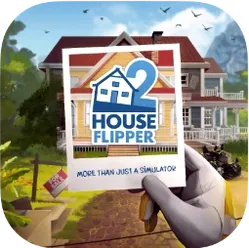
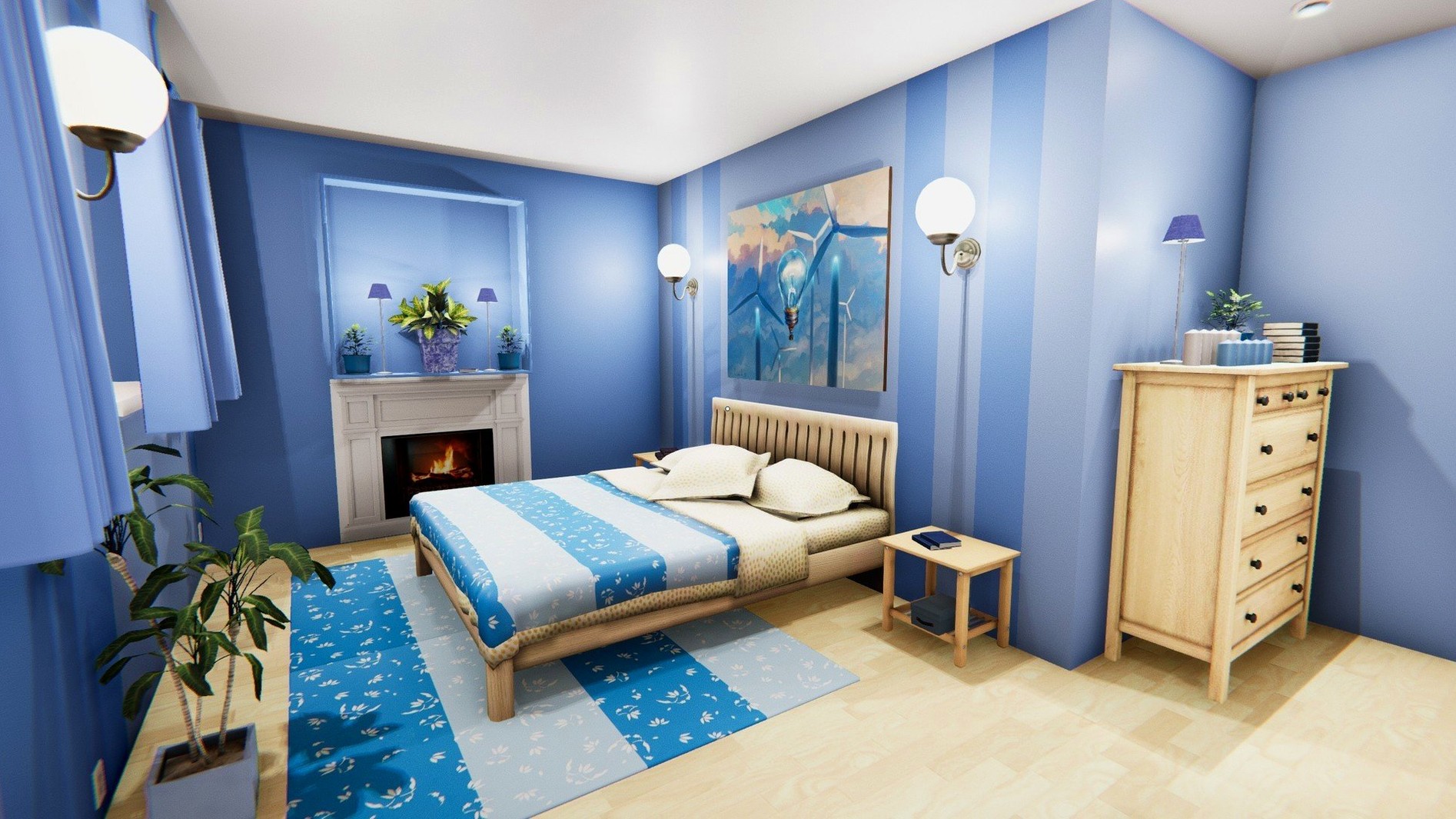
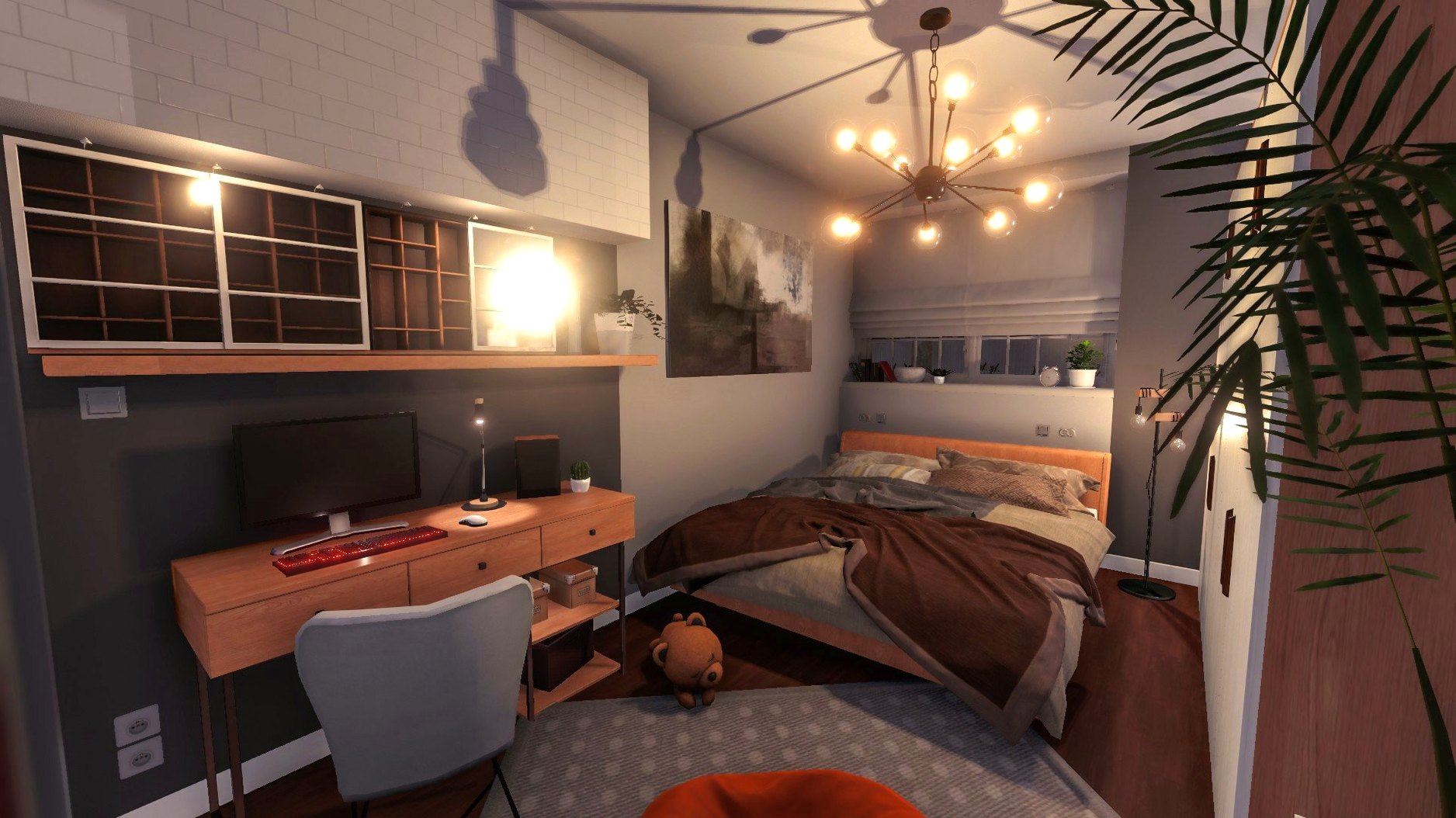
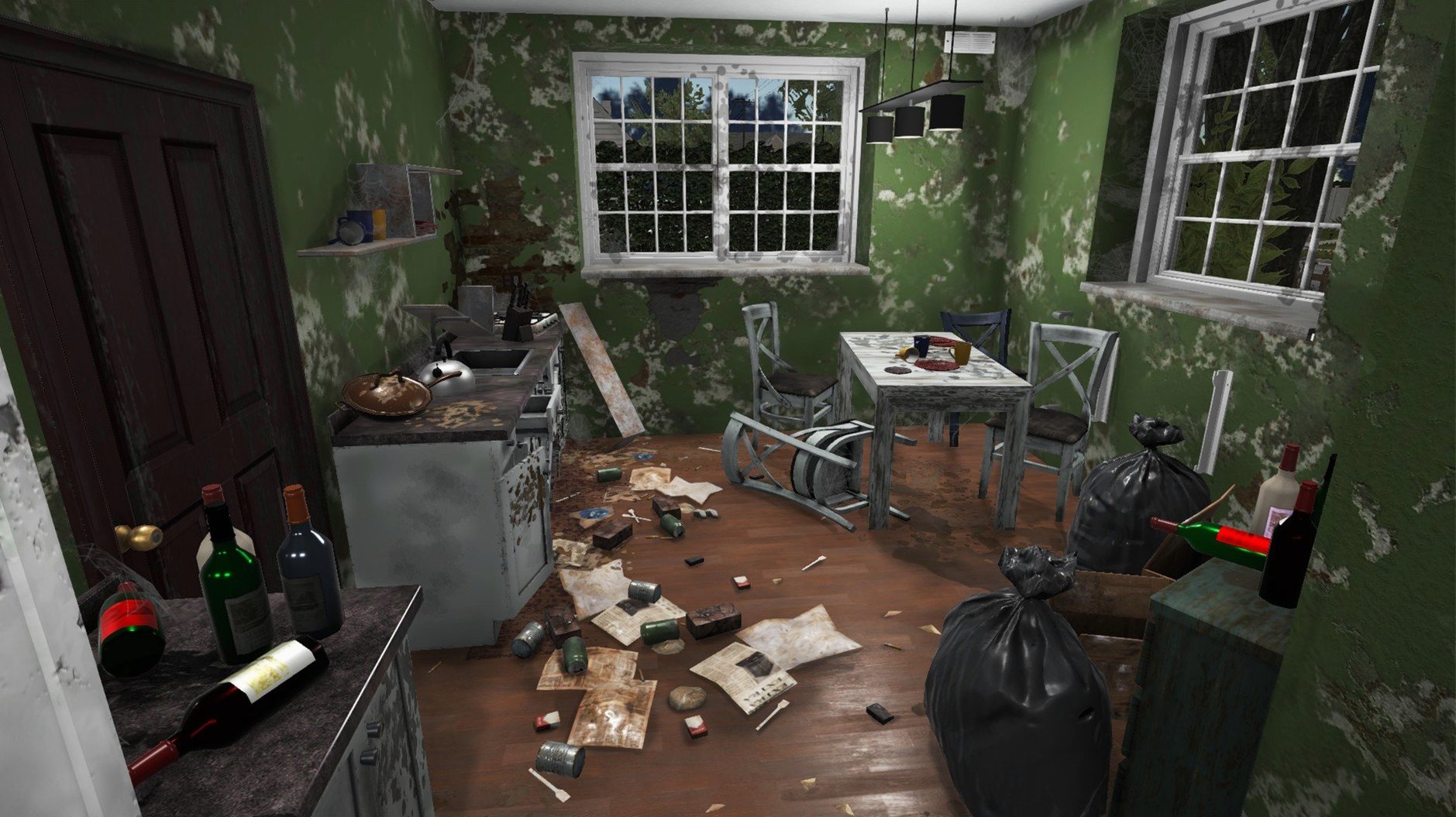
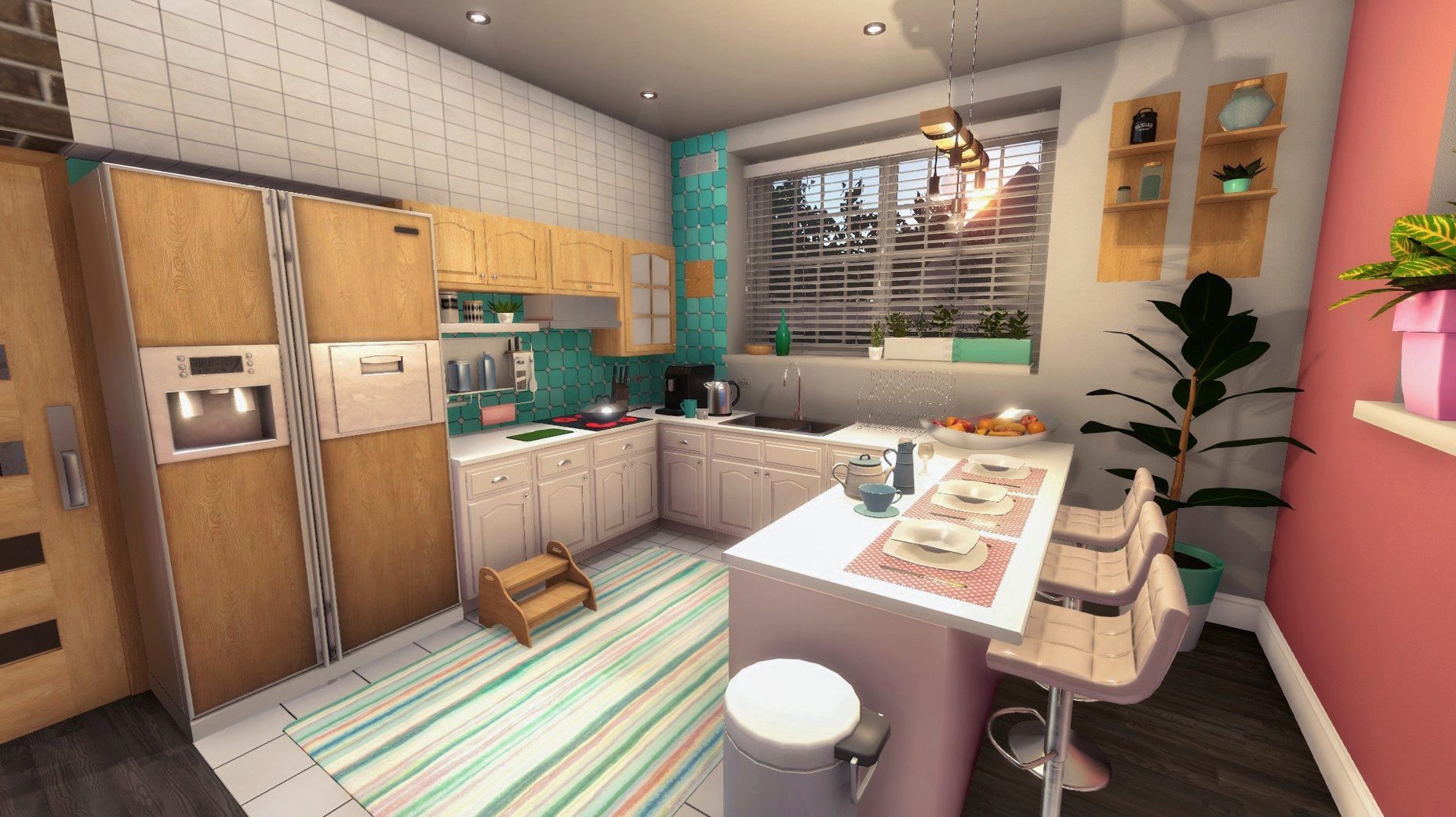
House Flipper runs natively on modern Macs, with support for both Apple Silicon (M1/M2/M3) and 64-bit Intel hardware. That means you get a smooth experience whether you're on a newer MacBook Air or an older iMac, without emulation getting in the way. The current build (version 1.26252) is a solid, stable release from 2017 that still holds up for a relaxing afternoon of virtual renovation.
What you'll be doing
- Swinging a hammer to demolish unwanted walls and open up floor plans
- Clearing out broken glass, trash, and abandoned furniture before the real work starts
- Painting walls with a roller and scrubbing windows clean
- Installing practical fixtures like radiators, shower cabins, and air conditioners
- Managing jobs through an in-game tablet that keeps track of your tasks
Controls and feel on a Mac
The game plays best with a mouse and keyboard — the point-and-click controls map naturally to painting, tiling, and placing furniture. Trackpad users will find it perfectly playable too, though a mouse makes detailed cleanup work a little more comfortable. Performance is consistently steady on both Apple Silicon and Intel Macs for a game of this scope, so you can focus on turning a mess into a home without frame drops pulling you out of the moment.
Coffee, pizza boxes, and a no-plan Saturday flip
I fire up the game after lunch on a Saturday, coffee still warm, no real plan. The tablet pings with a new job: a cramped studio apartment covered in pizza boxes and bad wallpaper. The client wants it cleaned, repainted, and fitted with a radiator before the week is out. I grab my gear and step inside.
First ten minutes are all demolition and trash. I swing the hammer at a flimsy partition wall until it crumbles, then pick up every crumpled flyer and broken bottle off the floor. The place already breathes better. I scrub the windows with the cleaner — it's repetitive in a good way, the kind of task that quiets the mind.
Next comes the paint roller. I cover the grimy beige with a soft sage green, cutting in around the doorframe by feel. The room transforms in real time, and that small hit of progress keeps me going. I check the tablet to confirm the paint job's requirements, then move on to installing the radiator. A few clicks to align it under the window, a quick tighten with the tool, and the task list shrinks.
By hour's end I'm arranging a secondhand armchair and a floor lamp I found in the shop inventory. Not required by the job, but it looks right. I step back, do a slow walkthrough of the finished studio, and hand it over to the client. The payment drops into my account, and I start browsing listings for a cheap fixer-upper of my own. That's the rhythm: messy job, methodical cleaning, tiny creative choices, then the payoff. No timers, no combat, just a house that needs you to pay attention.
From blood scrubbing to paint swatches
If you've spent time with games that scratch a similar itch, here's where House Flipper sits in the lineup.
Viscera Cleanup Detail leans hard into meticulous grime removal, but it's all cleanup and no decorating. You scrub blood off walls in sci-fi facilities. It's satisfying for the detail-obsessed, though it offers zero creative outlet — no paint colors, no furniture, no floor plan changes. House Flipper gives you the mess and the makeover in one package.
The Tenants flips the focus toward property management: you renovate apartments, then screen renters and handle tenant drama. The renovation tools are simpler than House Flipper's, and the jobs feel more like a means to an end. If you want the renovation itself to be the main event, House Flipper is the more direct choice.
My Summer Car isn't about houses at all — it's a car-building sim — but it shares the same unhurried, hands-on repair loop. Both games trust you to figure out the tools and the process without much hand-holding. House Flipper is gentler in tone and far less punishing, which makes it easier to dip into after a long day.
Paint first, then wonder why the trash is in the way
New flippers tend to trip over the same few things, and I've done most of them myself.
Painting before clearing trash. It's tempting to slap color on the walls right away, but leftover garbage blocks your path and messes with your sightlines. Always clear the room first — you'll paint faster and miss fewer spots.
Ignoring the tablet's task list. The tablet isn't just flavor. It lists every required action for the current job. Skipping a small item, like a specific radiator placement or a window that needs cleaning, holds up your payment until you circle back. Glance at it before you call a job finished.
Demolishing load-bearing walls without a plan. The hammer lets you tear down walls freely, but opening up a floor plan without thinking about where furniture will go can leave you with an awkward, echoey space. Walk the room first and picture the layout before you swing.
Rushing to buy a property. Early job money burns a hole in your pocket, but a cheap house with a long renovation list can stall your progress if you lack the skills and cash for materials. Run jobs until you've upgraded a few core skills and built a comfortable buffer.
- macOS (supports both Apple Silicon and 64-bit Intel processors)
Questions from the stall
Does House Flipper work on Apple Silicon Macs?
Yes, the game supports ARM architecture and runs natively on M1, M2, and M3 Macs.
What languages does House Flipper support?
The game includes interface text for 19 languages including English, French, German, Spanish, Japanese, and Simplified Chinese.
Notes from other shops 0
Sign in or open a shop account to leave a note.
No notes yet. If you've used this on a shop Mac, tell me how it went.