
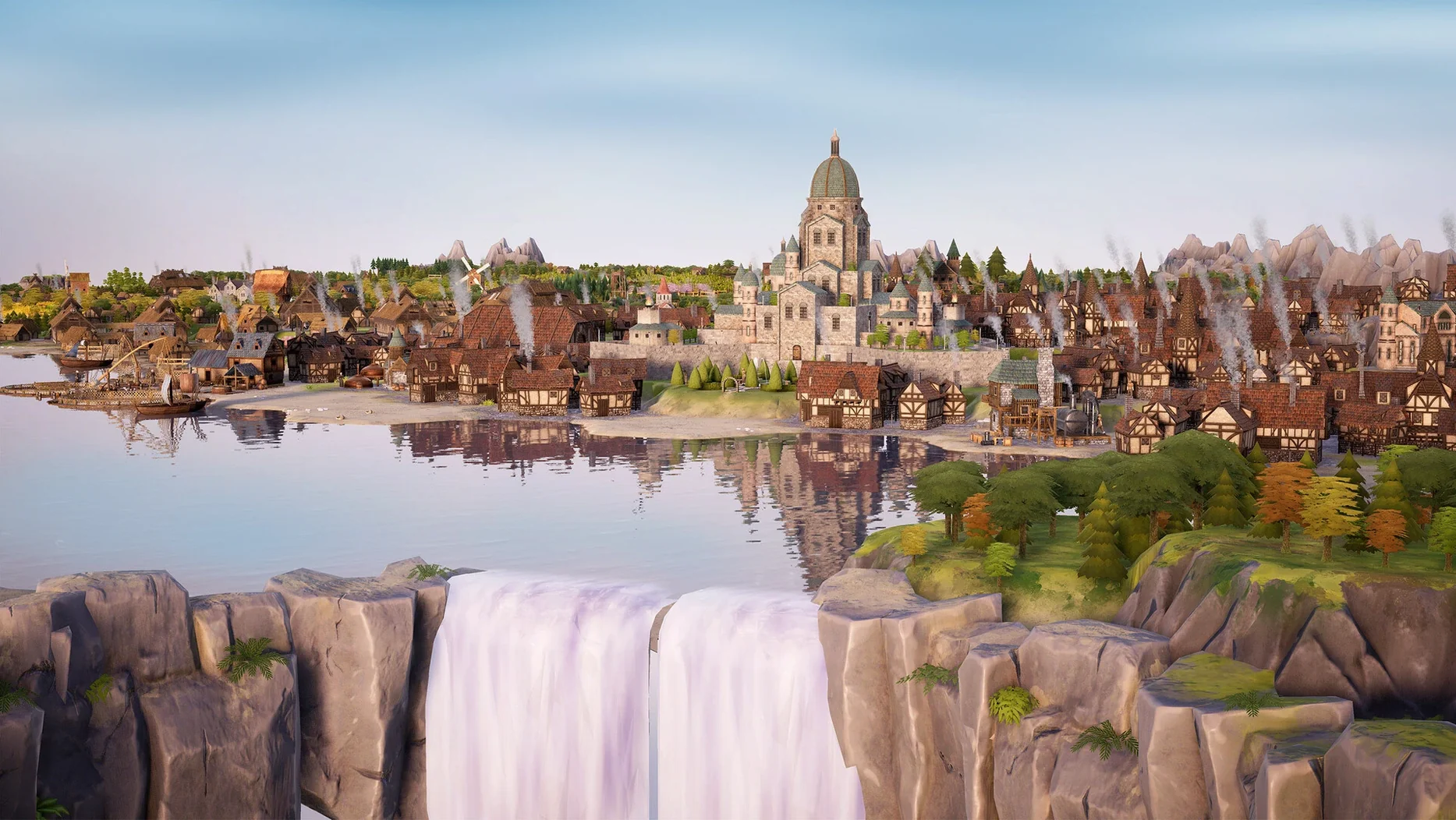
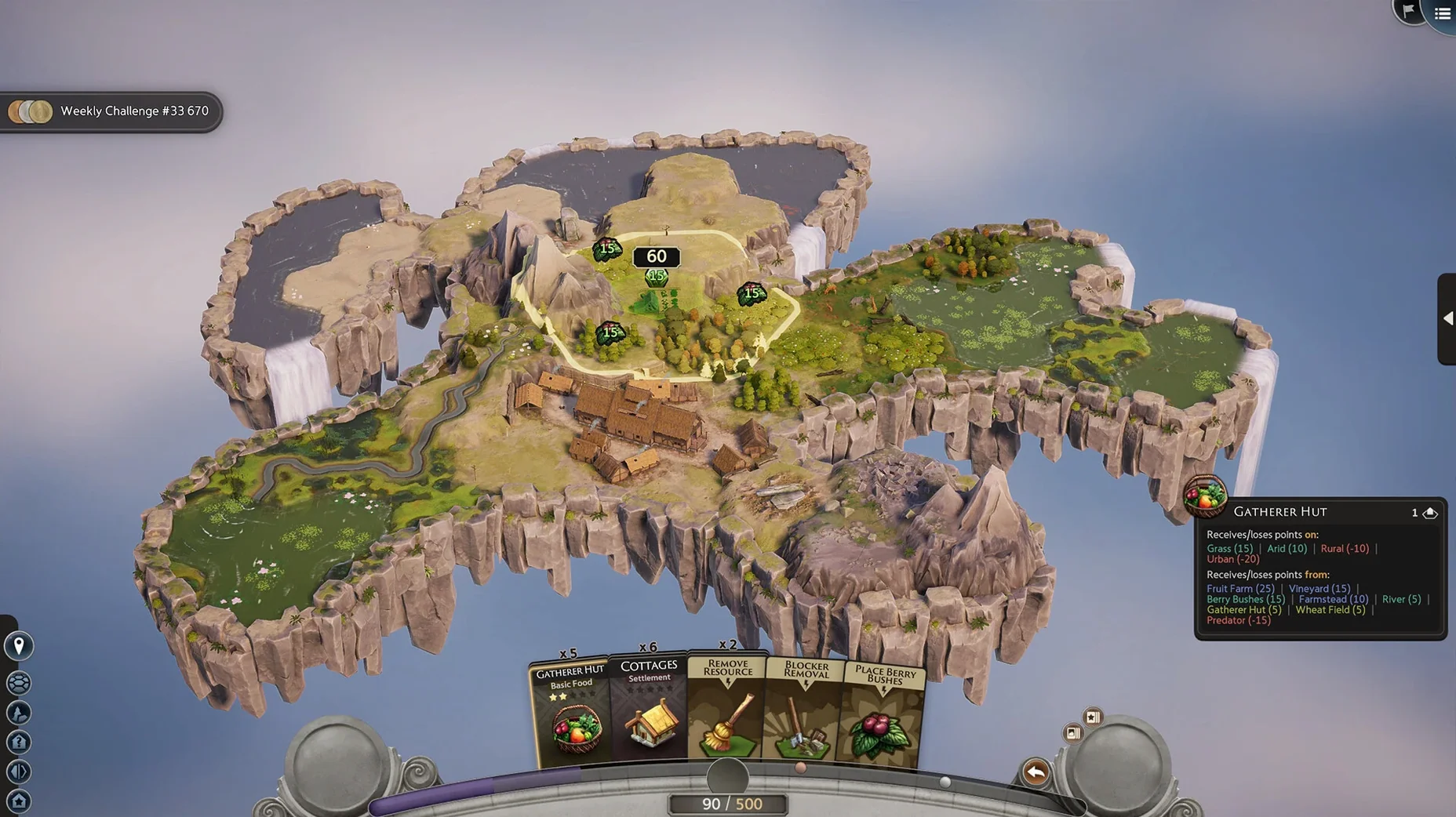
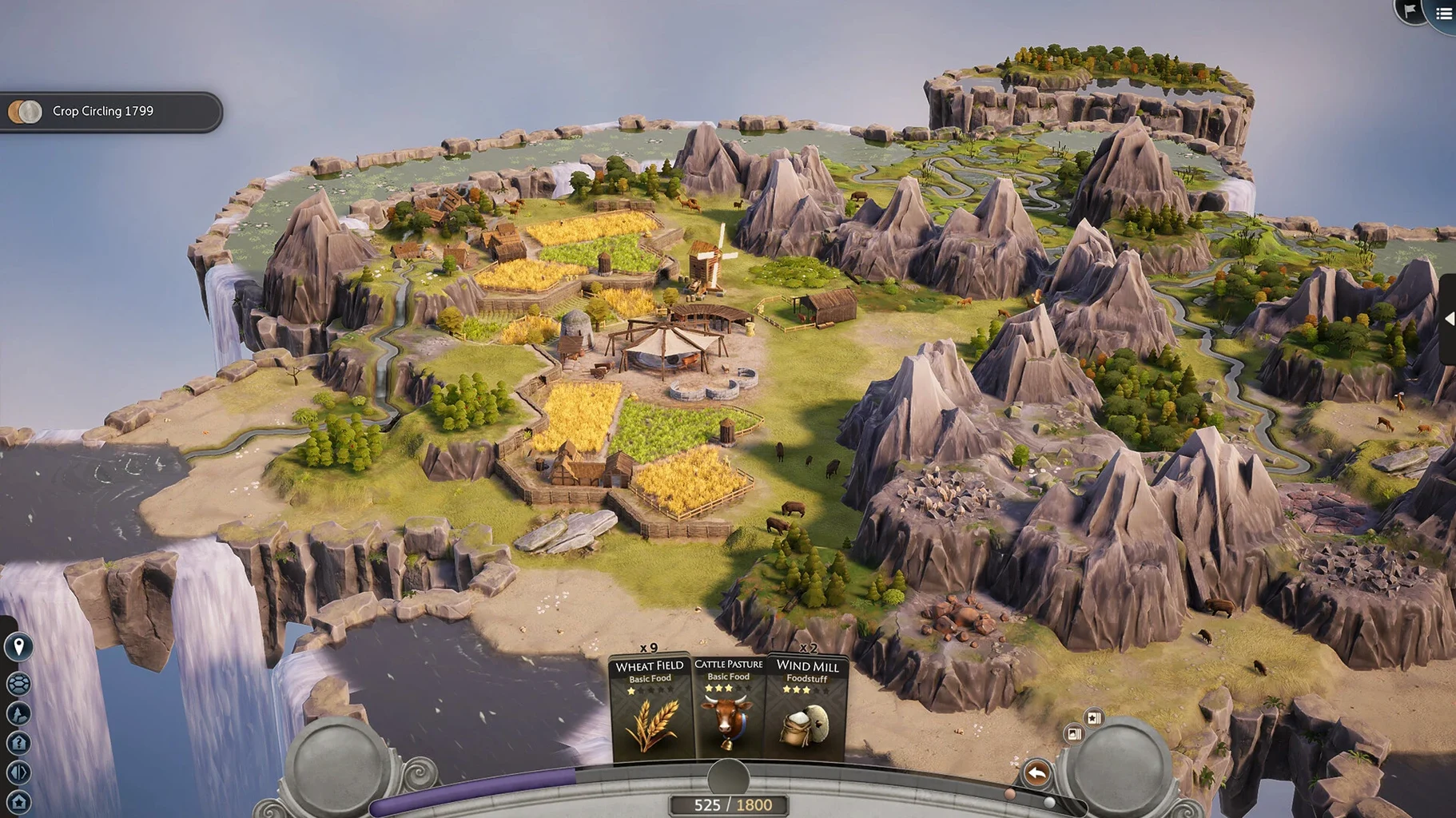
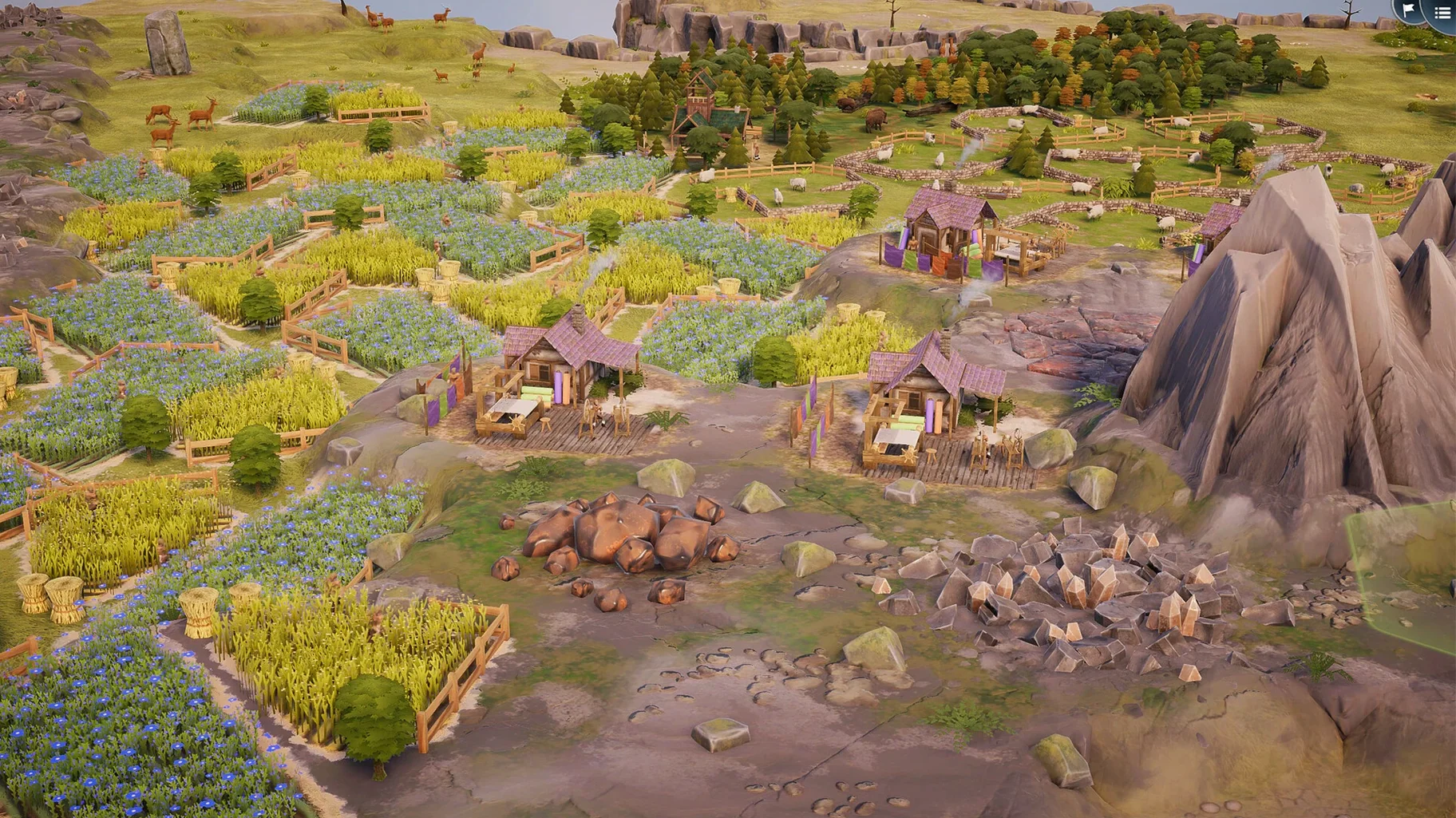
Version 2.1.0.3 landed as a stability and polish update, smoothing out small rough edges and keeping the kingdom-building as gentle as ever. No flashy new toys this time — just a more solid place to plant your cottages and castles.
Card-by-card puzzling without the clock
Someone who likes to tinker without a clock ticking. TerraScape hands you cards, not a crisis, and lets you puzzle over where a sawmill best fits next to a forest or how to chain a market into a village complex for bonus points. It appeals to the part of the brain that loves Carcassonne, a calm Sunday morning, and seeing a tidy little kingdom come together tile by tile.
No disasters or deep economies to manage
If you crave sprawling simulations with traffic flow, tax policy, and tiny citizens with their own opinions, this will feel too light. There are no disasters, no time pressure, and no deep economic systems to untangle. It is more a meditative puzzle than a management sim, and players who want a story or a real challenge to overcome may find themselves looking for the exit after a few rounds.
What keeps a session interesting?
The way buildings talk to each other — and to the land itself. With over 40 buildings and more than 15 combined structures, you are always weighing whether to chase a quick point bump or hold out for a complex that unlocks extra cards and special effects. Biomes, nearby resources, and building placement all ripple outward, so a meadow that looks perfect now might limit a better combo two moves later.
Point-driven strategy where Dorfromantik stays freeform
Dorfromantik is the comparison people reach for first, and it makes sense. Both games turn tile-laying into a quiet, almost therapeutic activity. Dorfromantik leans harder into landscape beauty and matching edges, while TerraScape replaces the freeform countryside with a point-driven puzzle where building synergies and card unlocks steer your choices. I find TerraScape nudges me toward more deliberate planning, where Dorfromantik lets me drift.
Islanders shares the minimalist city-building-on-islands DNA, but its rounds are short and score-chasing, with a sharper restart loop. TerraScape’s unhurried pace and lack of a timer put it in a different headspace — less arcade, more afternoon tea. If you bounced off Islanders because it felt too brisk, the shift here might click.
Townscaper is pure creative play with no rules, which is freeing but can leave the goal-driven part of the brain hungry. TerraScape fills that gap with clear scoring, combined buildings, and a deck system that gives each session a gentle shape. It sits somewhere between Townscaper’s sandbox and a proper strategy game, and for a certain mood, that middle ground feels just right.
First days with TerraScape — a few practical tips
Start with one biome and stick to it for your first few rounds. Learning how buildings interact inside a single environment teaches you the rhythm of placement before you layer in the extra complexity of biome-switching.
Chase combined buildings early. The bonus cards and effects they hand you snowball quickly, and a couple of well-placed complexes can carry a session further than scattering lone buildings for small points. Pay attention to the little previews that show what a building will affect before you commit — it saves a lot of quiet regret three cards later.
Tip: hold a card back sometimes. The deck doesn’t punish you for waiting, and a building that scores poorly now might unlock a chain in the next hand when the right neighbor appears.
- Apple Silicon or Intel 64-bit Mac
Questions from the stall
Does TerraScape have multiplayer?
No, it is a single-player experience built around quiet, personal puzzle-solving at your own pace.
Is there a time limit during gameplay?
No timer pushes you along. You can study the board and consider each placement as long as you like.
What languages does the interface support?
It supports Russian, English, German, Spanish, Italian, Simplified Chinese, Korean, Dutch, Polish, Portuguese, French, and Japanese.
Notes from other shops 0
Sign in or open a shop account to leave a note.
No notes yet. If you've used this on a shop Mac, tell me how it went.