

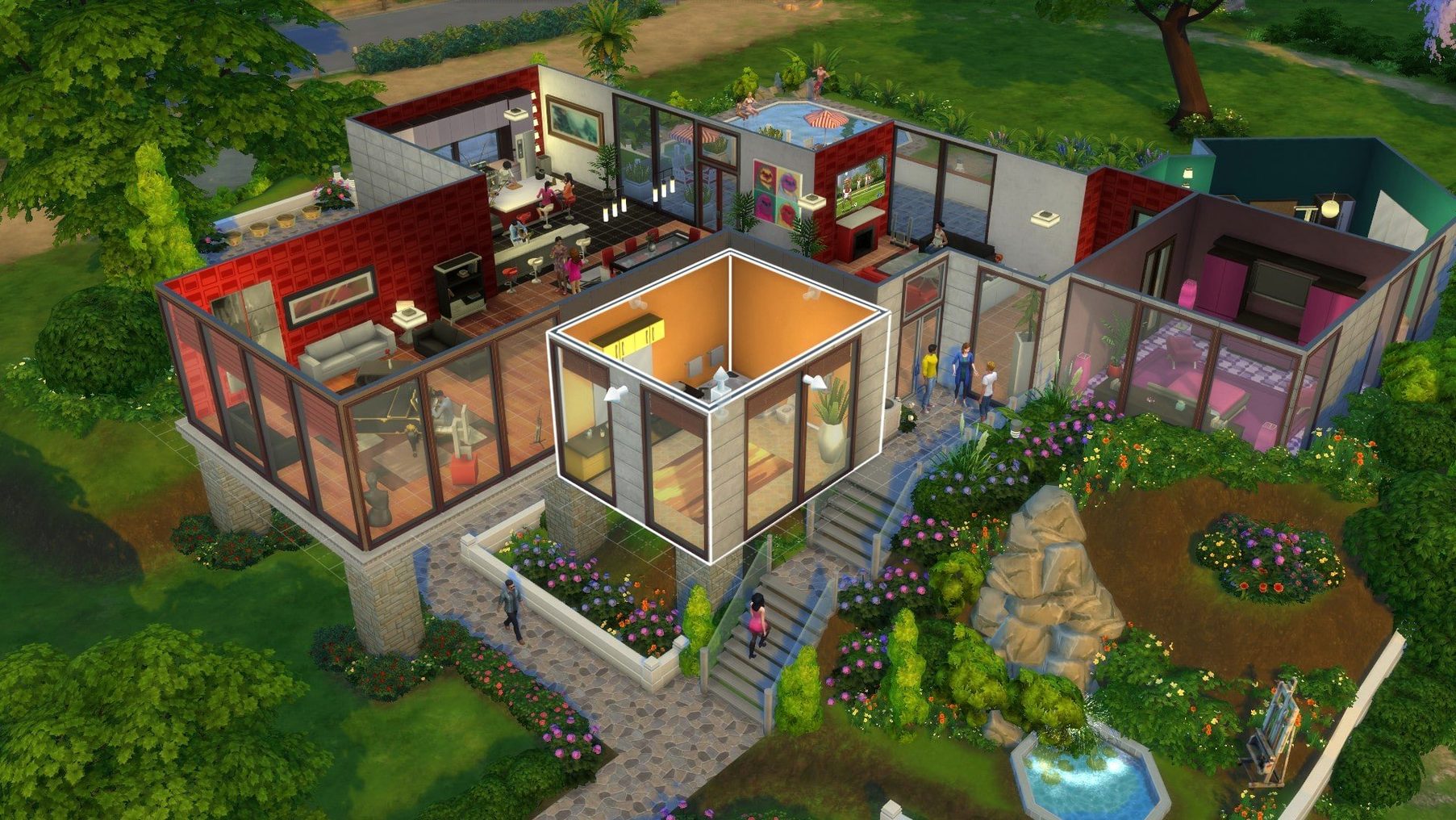

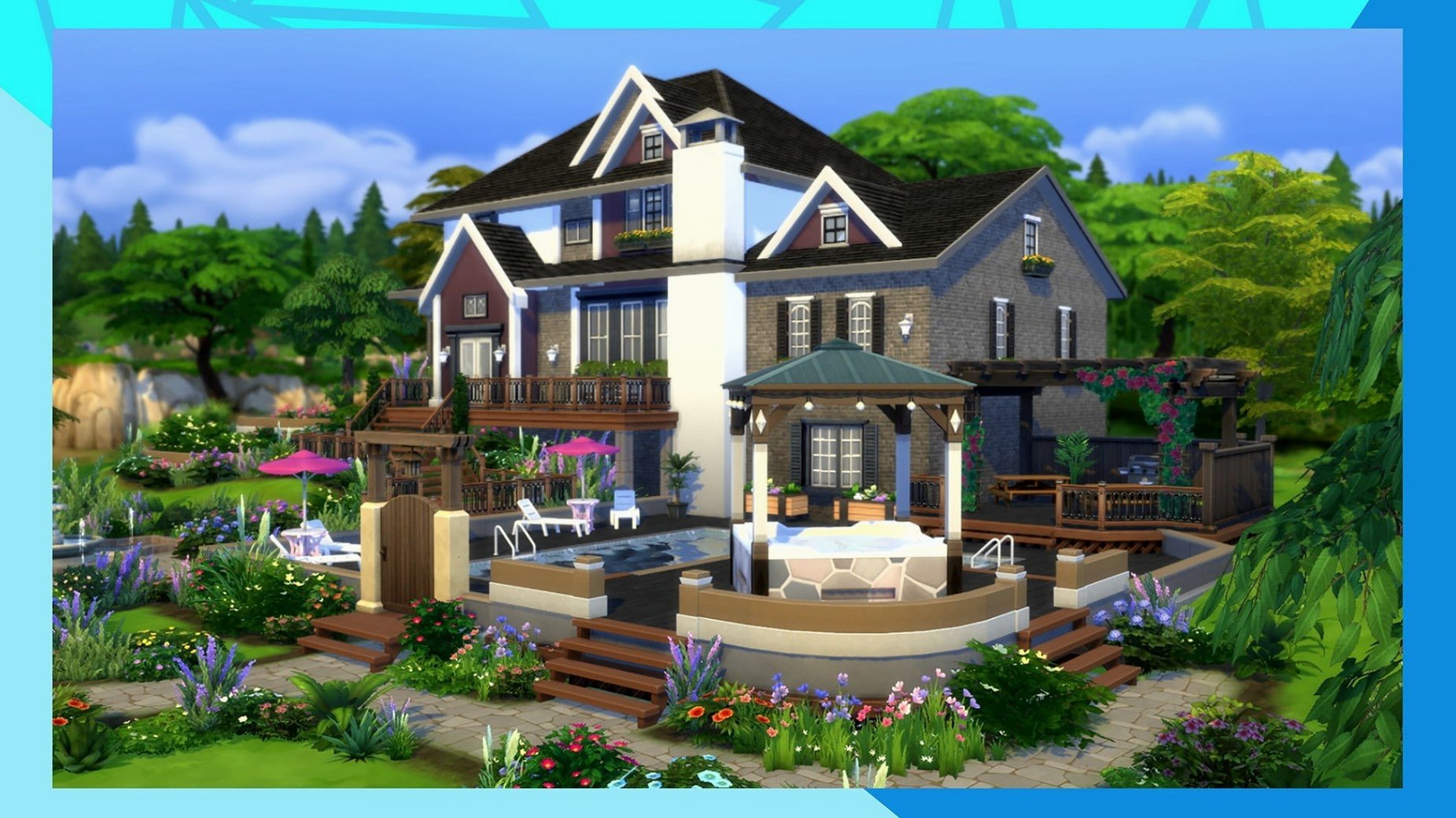
The Sims 4 is for the storyteller who already spends evenings in photo editors and design apps. It sits comfortably next to those creative tools, letting you sculpt a character's face with click-and-drag precision, then arrange furniture in a room as if you were laying out a page. You move from tweaking a Sim's personality traits to picking wallpaper, and the shift feels natural—like switching from a layout app to a sketchbook.
- Build a Sim. Shape facial features, choose a walk style, and assign aspirations that guide their wishes. The detail work echoes what you'd do in any character design tool, just more playful.
- Create a home. Place walls, pick countertops, and adjust lighting. The build mode leans on a grid and catalog system that anyone who organizes assets will find familiar.
- Direct daily life. Send your Sim to work, have them practice guitar, or travel to another town. Neighborhoods open up and other Sims wander in, bringing small surprises that push your story forward without a script.
- Switch languages on the fly. Open the EA App without any extras, head to game properties, pick from eighteen supported languages, and let the update patch things over.
If the game hangs on the first splash screen after installing, a quick cleanup of The Sims 4 folder in Documents usually sorts it—just keep Tray, Saves, and Mods if you rely on them. The M1 MacBook Air handles it smoothly, and the latest update even caches Marketplace images so browsing feels snappier the second time around.
Ten-second loads, smooth frames on an M1 Air
On an M1 MacBook Air the game settles into a steady rhythm. Loading a household takes about ten to fifteen seconds, and once you're in, the frame rate stays comfortable even on a medium-sized lot with four or five Sims. The fanless design means you hear nothing—no whirring, no thermal throttling that I've noticed during two-hour sessions. Memory usage hovers around 2.5 to 3 GB, which leaves room for a browser and a messaging app in the background without swapping.
Stability is a quiet strength of this build. I've had the game running while putting the Mac to sleep overnight, and it picked up right where it left off the next morning. Crashes are rare—maybe one in thirty hours, usually when I've thrown too many third-party build objects onto a single lot. Autosave isn't built in, so I've learned to hit Save As before any major remodel. The 1.127.41.1030 update fixed a few lingering bugs, and the cached Marketplace images mean browsing community creations doesn't re-download thumbnails every visit.
On Intel Macs with integrated graphics, you'll want to keep lighting settings on medium and limit the number of mirrors in a room. The game runs, but large parks with a dozen Sims can dip below 30 fps. Apple Silicon handles those scenes without complaint.
Open world trade-offs and the 32-bit cutoff
The Sims 3 offers an open world—no loading screens between your house and the neighbor's—but that freedom comes at a cost on modern Macs. It's a 32-bit app, so it won't run on anything past macOS Mojave unless you use workarounds. Build mode there is clunkier, Create-a-Sim feels stiff by comparison, and the texture detail hasn't aged gracefully. The Sims 4 trades the open neighborhood for individual lots, but loading screens last only a few seconds on Apple Silicon, so the trade-off feels less painful than it reads.
Stardew Valley scratches the same itch for daily routines and relationship building, but from a top-down pixel-art angle. It's tighter in scope—one farm, one town, a fixed cast—and runs on practically any Mac without breaking a sweat. What it doesn't offer is the architectural sandbox. You can't knock down a wall, split a room, or spend an hour choosing between three shades of grout. The Sims 4 is for when you want the routine and the renovation.
Second Life overlaps in the avatar-customization and home-decorating departments, and its marketplace is vast. But it's an online world with no offline mode, no pause button, and a learning curve that starts with a steep climb into inventory management and land ownership. The Sims 4 gives you a quiet, single-player space where time stops when you step away—something that matters if you're juggling a shop's worth of interruptions.
Swipe to Notes for hex codes while you build
The game plays well with macOS handoff habits. I keep Notes open on the same desktop for build ideas—room dimensions, color hex codes pulled from a reference photo—and swipe between spaces without the game stuttering. Screenshots land on the desktop as PNGs, ready to drag into a design moodboard or share with a client who wants a color palette inspired by a Sim's living room.
For storytellers who use scriptwriting tools, the family biographies and relationship panels can feed into character sheets. I've copied Sim traits and aspiration descriptions straight into character notes in a writing app, using the game as a visual brainstorming tool. The eighteen supported languages also make it handy if you're practicing reading in another language—switch the game to French or German, and the familiar menu layouts help you navigate while picking up household vocabulary.
macOS feature integration is minimal—no iCloud sync for saves, no Handoff support—so you'll want to manually back up your Saves and Tray folders if you move between machines. Time Machine catches them automatically if you include your Documents folder, which I recommend.
Spend an evening perfecting one bathroom
Builders and interior designers. If you spend free time rearranging rooms in your head, the build mode becomes a playground. The grid-and-catalog system rewards patience and an eye for proportion. You can spend an entire evening on one bathroom and feel productive.
Character creators and storytellers. Writers, illustrators, and anyone who designs characters will find the trait and aspiration system a lightweight framework for exploring personality. The face-sculpting tools are precise enough that you can model a specific person or invent someone from scratch, then watch how their traits play out in social situations.
Mac users with Apple Silicon. The game feels built for these machines now. Quick loads, cool temperatures, and enough headroom to run other creative apps alongside it. Intel users can still play comfortably, but they'll make more graphical compromises.
Mod-curious players. The game's folder structure is transparent—Mods, Saves, Tray—and the community has documented it thoroughly. If you've ever organized a font library or sorted photo presets, you'll find the rhythm familiar.
Kill edge scrolling before it fights your second screen
- Edge scrolling. Turn it off in Game Options under Camera. It's the first thing that fights you when you're moving between the game and a second monitor. Use the right mouse button to pan instead, and the cursor stays where you expect it.
- Sim autonomy. Set it to Full in Gameplay settings if you want your Sims to feel like independent characters who surprise you. Turn it off if you're staging scenes for screenshots and need everyone to hold still.
- Lighting quality. Drop it to Medium on Intel Macs before touching anything else. The visual difference is subtle indoors, and you'll gain back enough frames to keep camera movement smooth on larger lots.
- Classic camera mode. Found under Game Options. The Sims 4 camera feels floaty; the classic The Sims 3-style camera locks to a tighter orbit and makes build mode feel more precise. Try both for ten minutes each and you'll know which one your hand prefers.
- Notification wall. The game likes to send tutorial pop-ups long after you've figured things out. In Gameplay settings, uncheck "Enable Tutorials" and silence the noise.
- Music volume. Set it to about 30% of the sound effects level. The soundtrack is pleasant but repetitive after the first hour, and a softer music bed helps you hear the small audio cues—a Sim humming while they cook, a doorbell, the chime of a promotion—that make the world feel lived-in.
A fresh update tidied a few corners of The Sims 4:
- Marketplace browsing got smoother and more responsive.
- Marketplace images now cache after the first download, so revisiting feels quicker.
- A handful of bug fixes landed alongside the improvements.
- Works on Intel and Apple Silicon Macs
- Tested on macOS Sonoma with an M1 MacBook Air
Notes from other shops 0
Sign in or open a shop account to leave a note.
No notes yet. If you've used this on a shop Mac, tell me how it went.