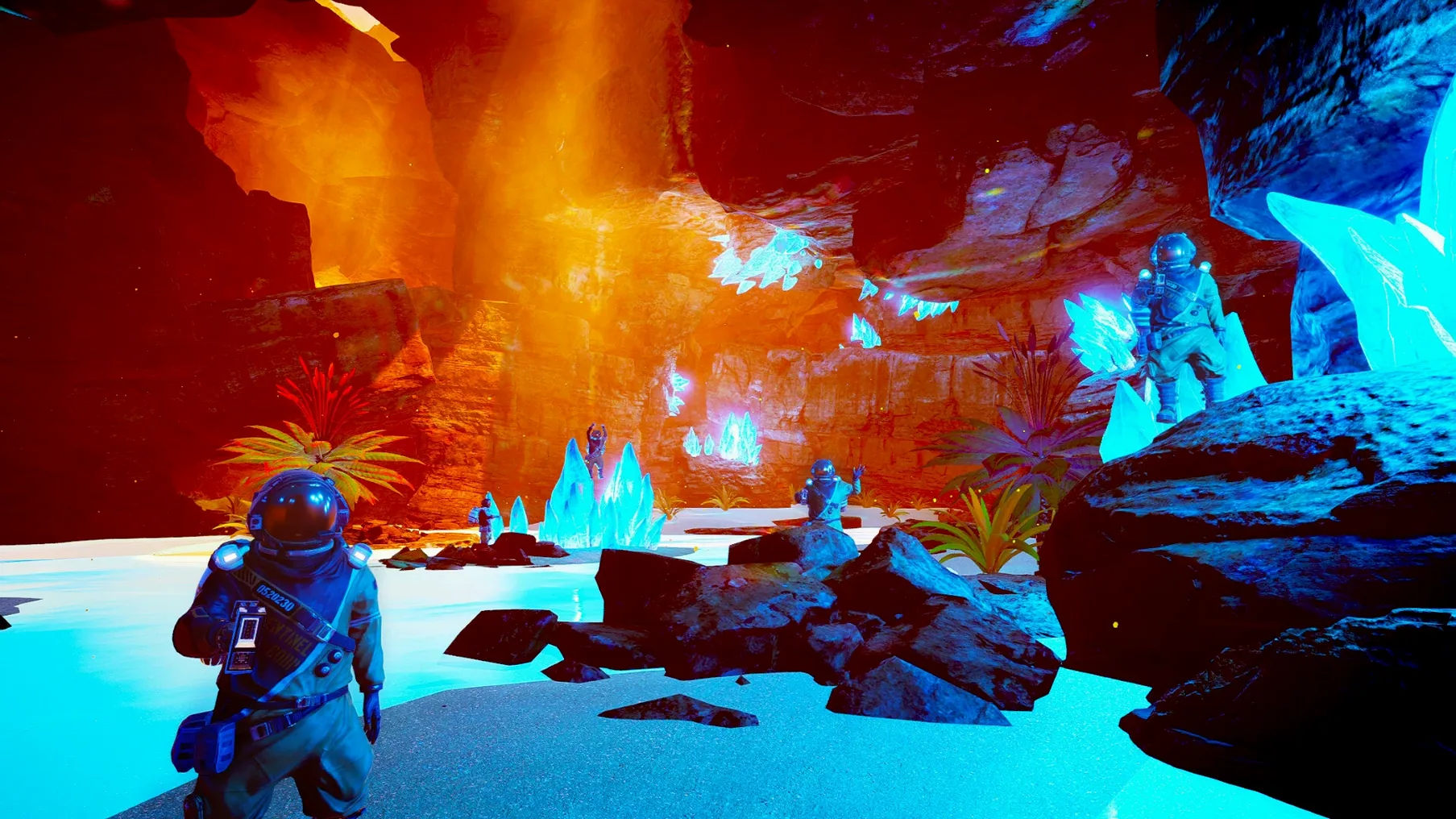
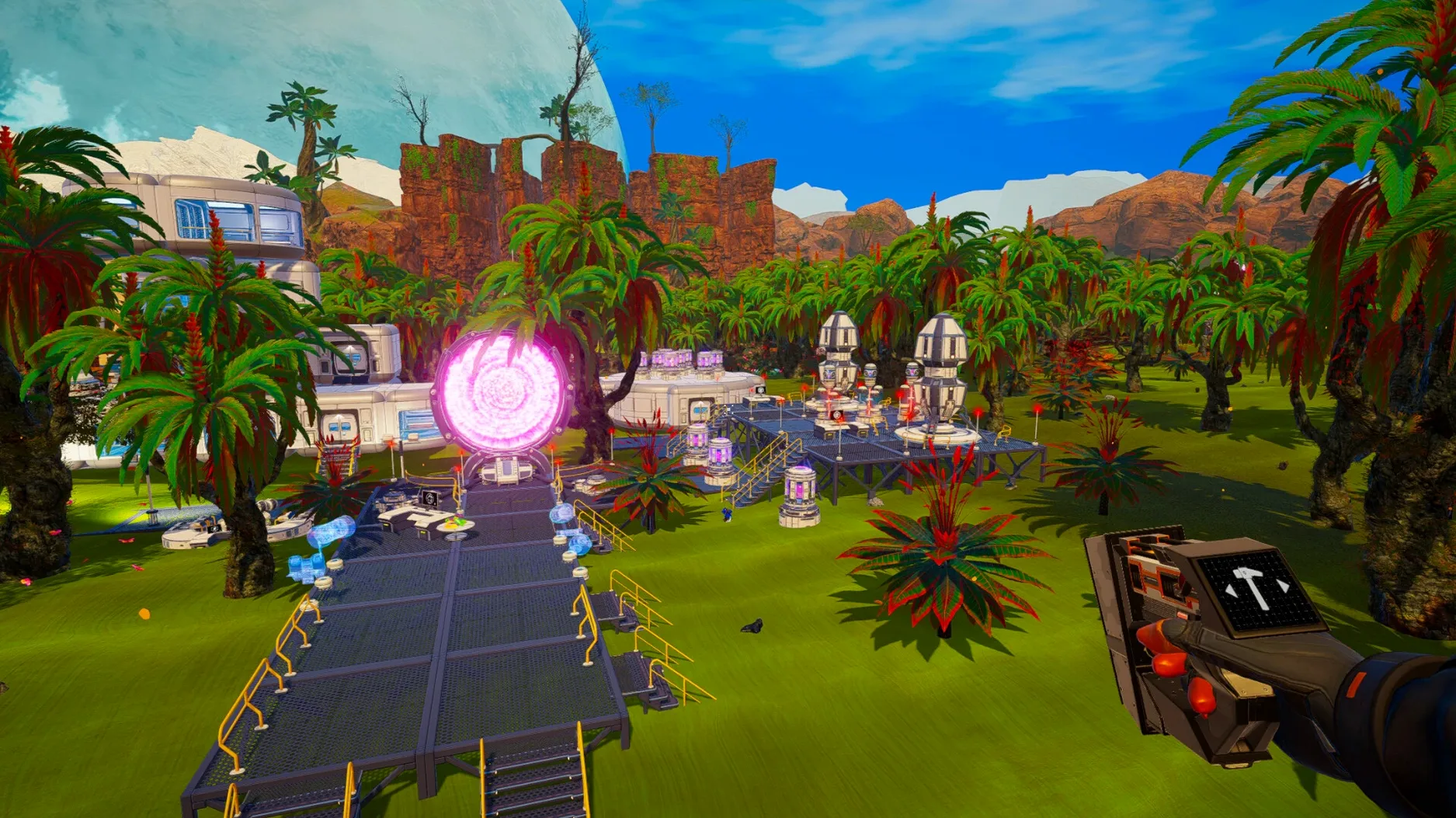
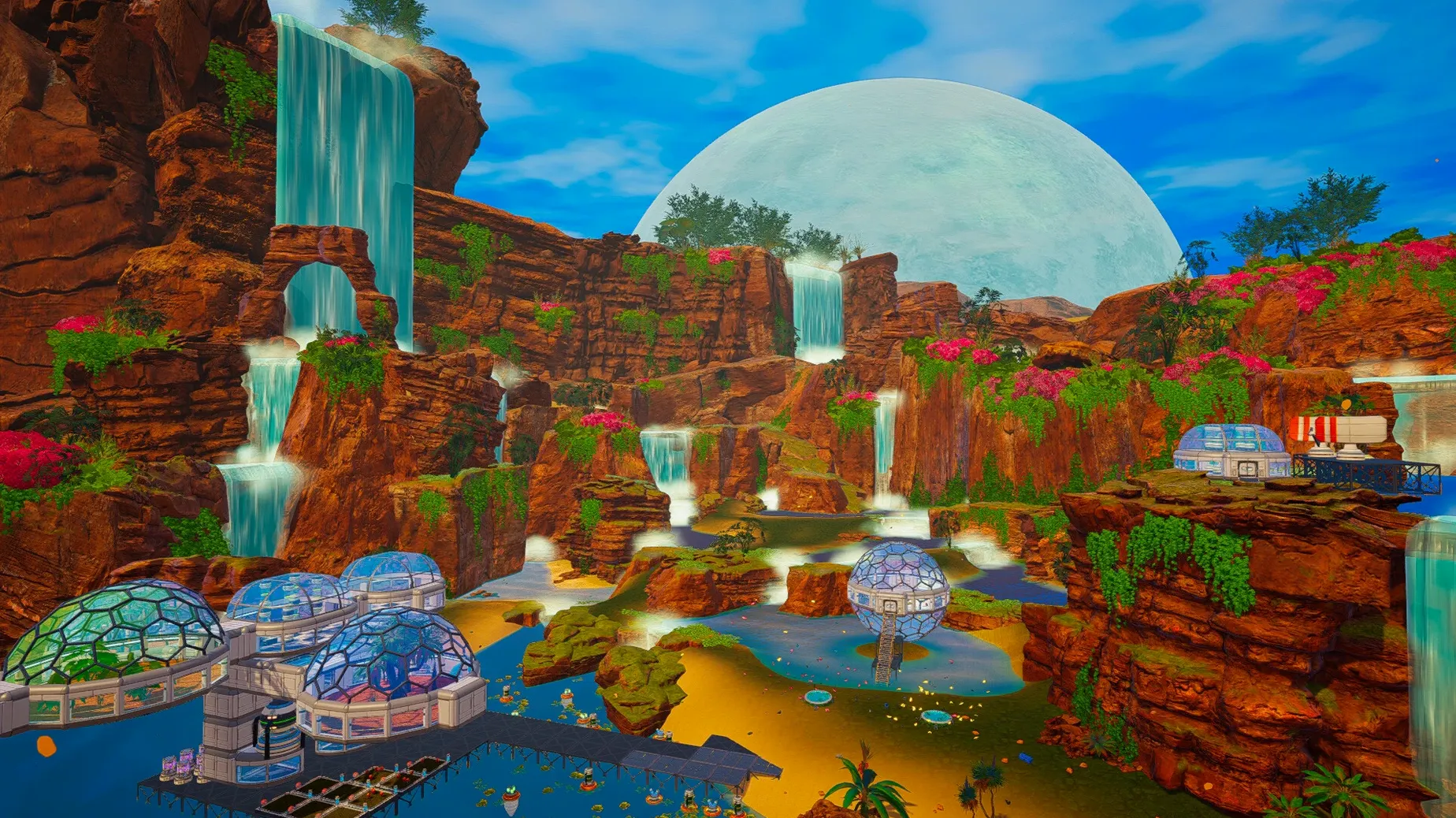
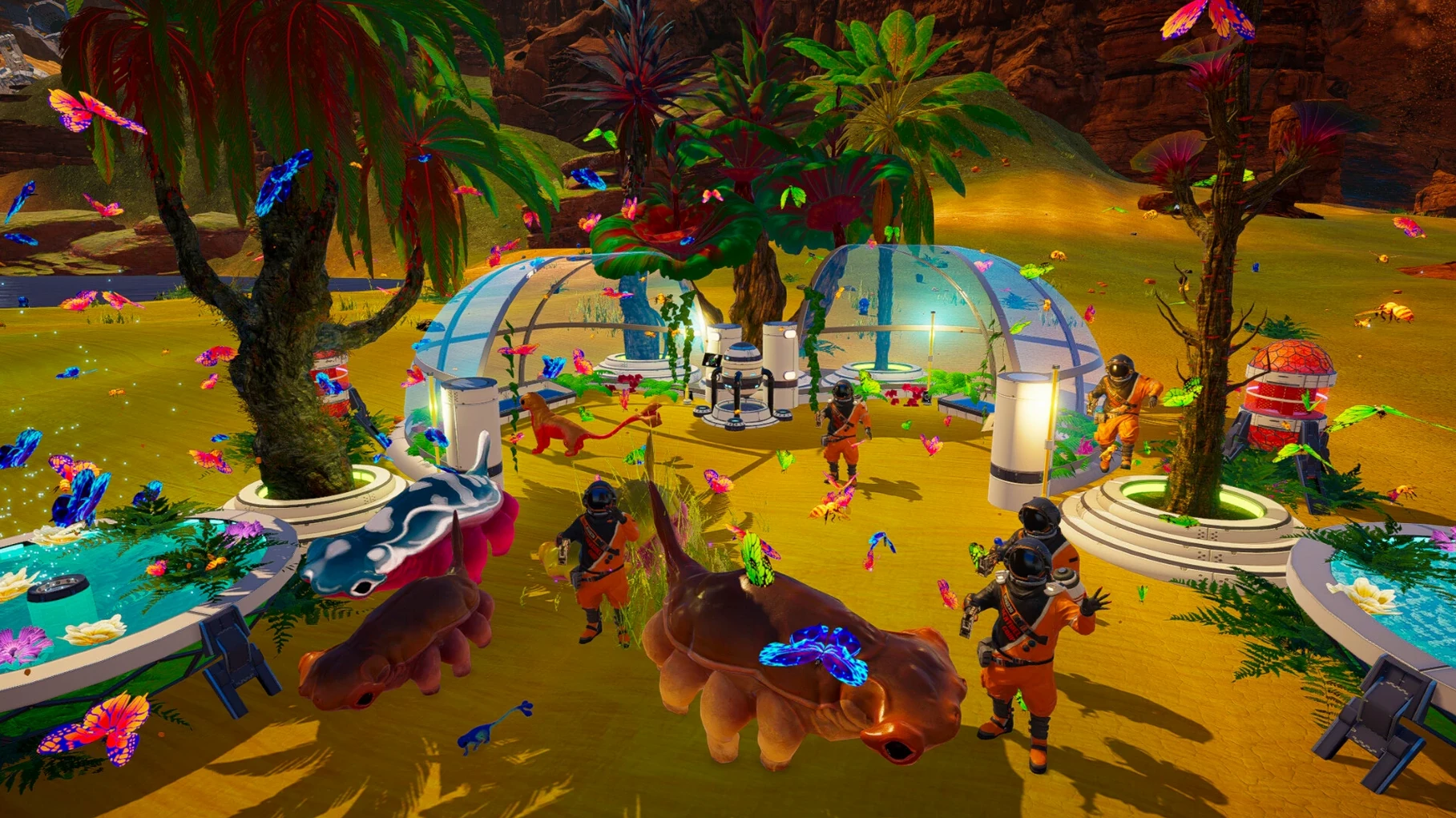
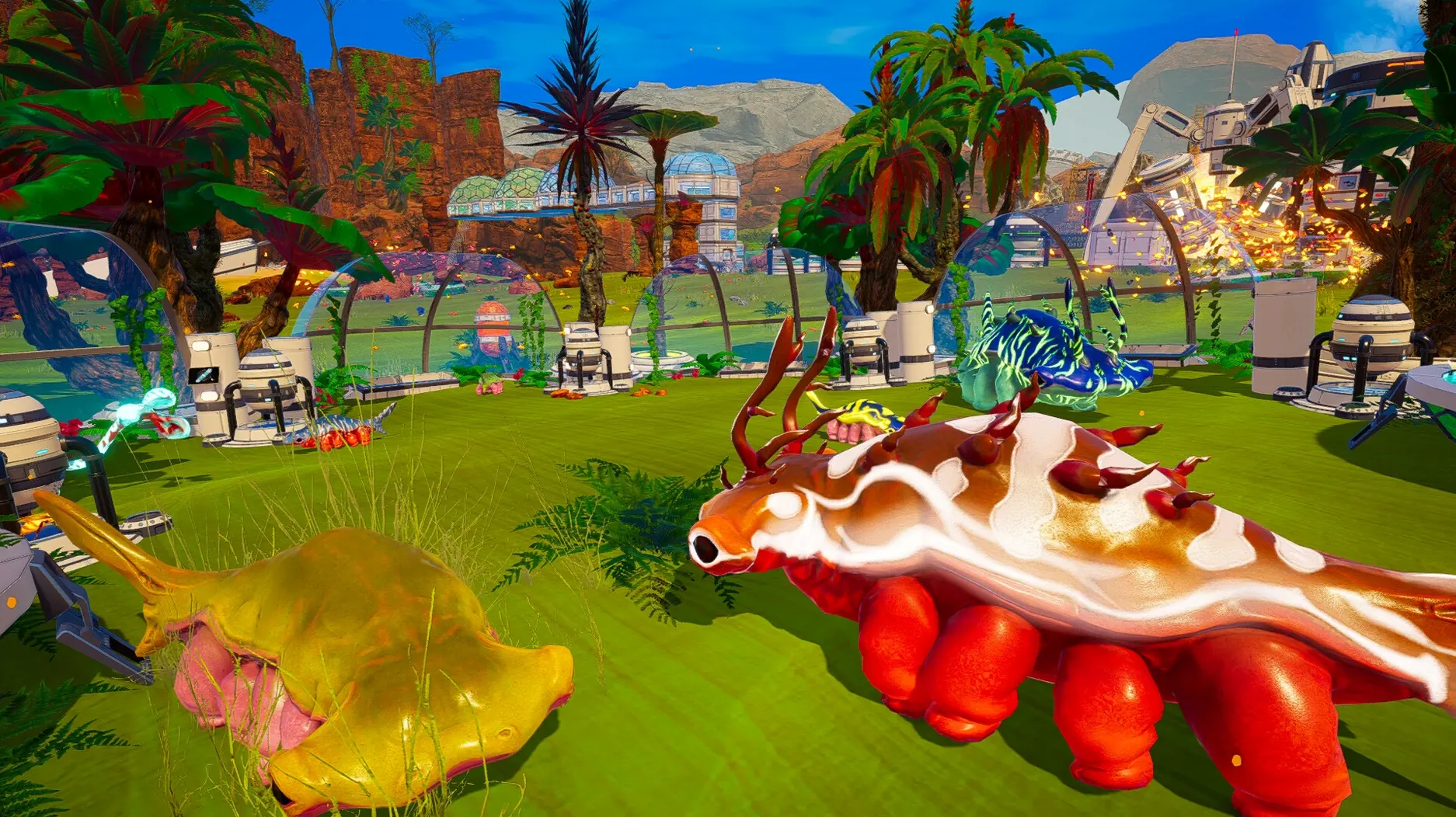
Version 1.618 brings the full terraforming experience to ARM Macs, wrapped and tested for a smooth start on modern systems. Here's what's in the box.
Survival and gathering — You land on a barren planet with a basic tool and one job: stay alive. You'll collect minerals, find water, and scavenge for anything useful while keeping your oxygen and health in check.
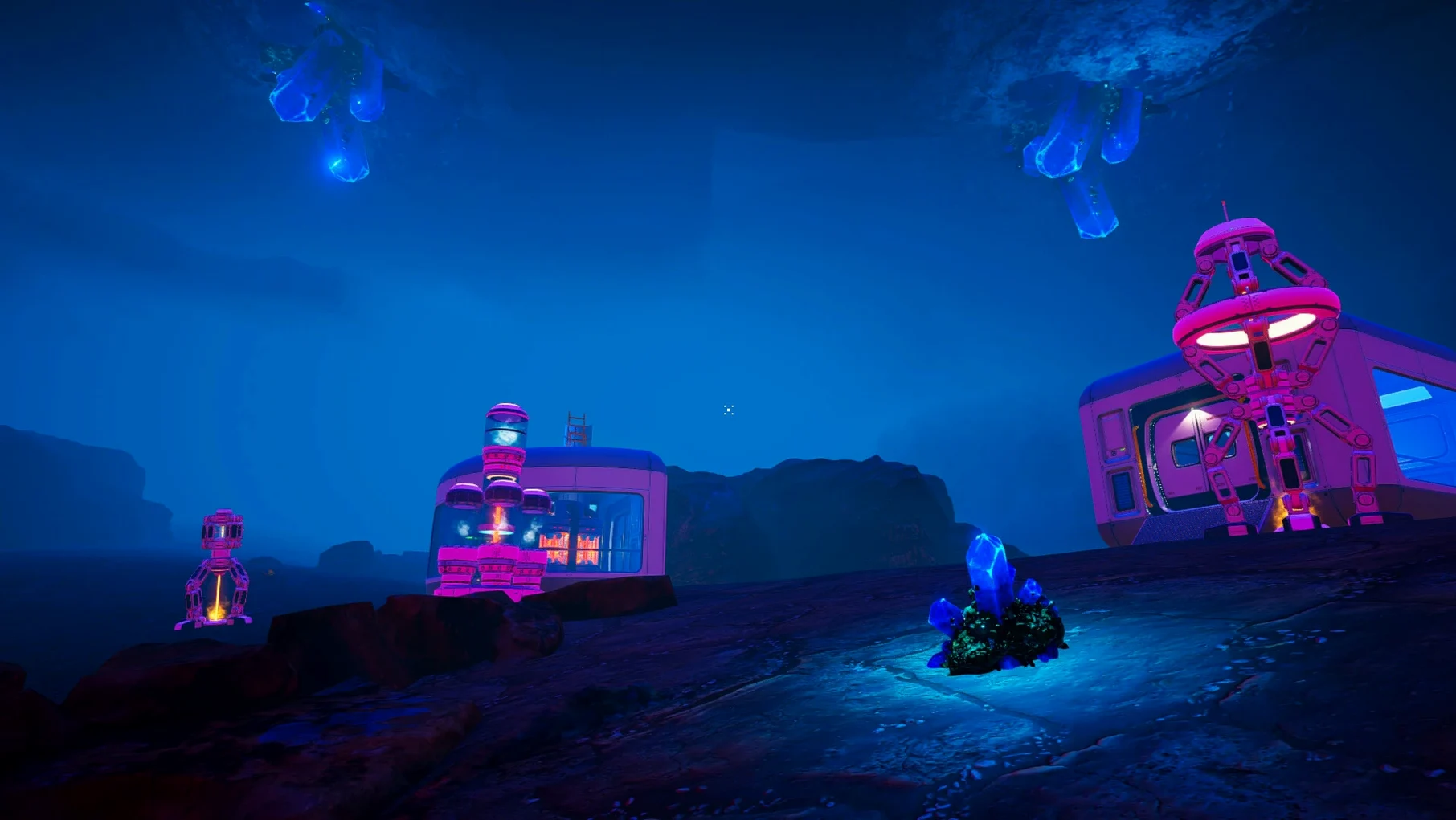
Base building — From a single shelter, you grow a network of habitats, crafting stations, and storage rooms. Every new structure pushes your foothold a little further across the rock.
Terraforming mechanics — The core loop is about changing the planet itself. As you generate oxygen, warmth, and pressure, the sky shifts color, water appears, and the landscape slowly transforms around you.
Language support — The interface speaks Russian, English, German, Spanish, Simplified Chinese, Korean, Polish, Portuguese, French, and Japanese. Switch languages any time from the in-game settings. Voice lines stay in English.
The build was fine-tested on macOS Sequoia with an M4 Mac mini. It's a focused package — no filler, just the game and the tools to get it running.
Landing with empty pockets and racing the oxygen bar
You start by scanning the horizon. The first few minutes are pure scavenging — cobalt, iron, magnesium, whatever glints on the ground. You craft a bottle, drink, and immediately think about oxygen. Your inventory fills fast, so you drop a temporary shelter with a storage chest inside. No door yet, but it blocks the wind.
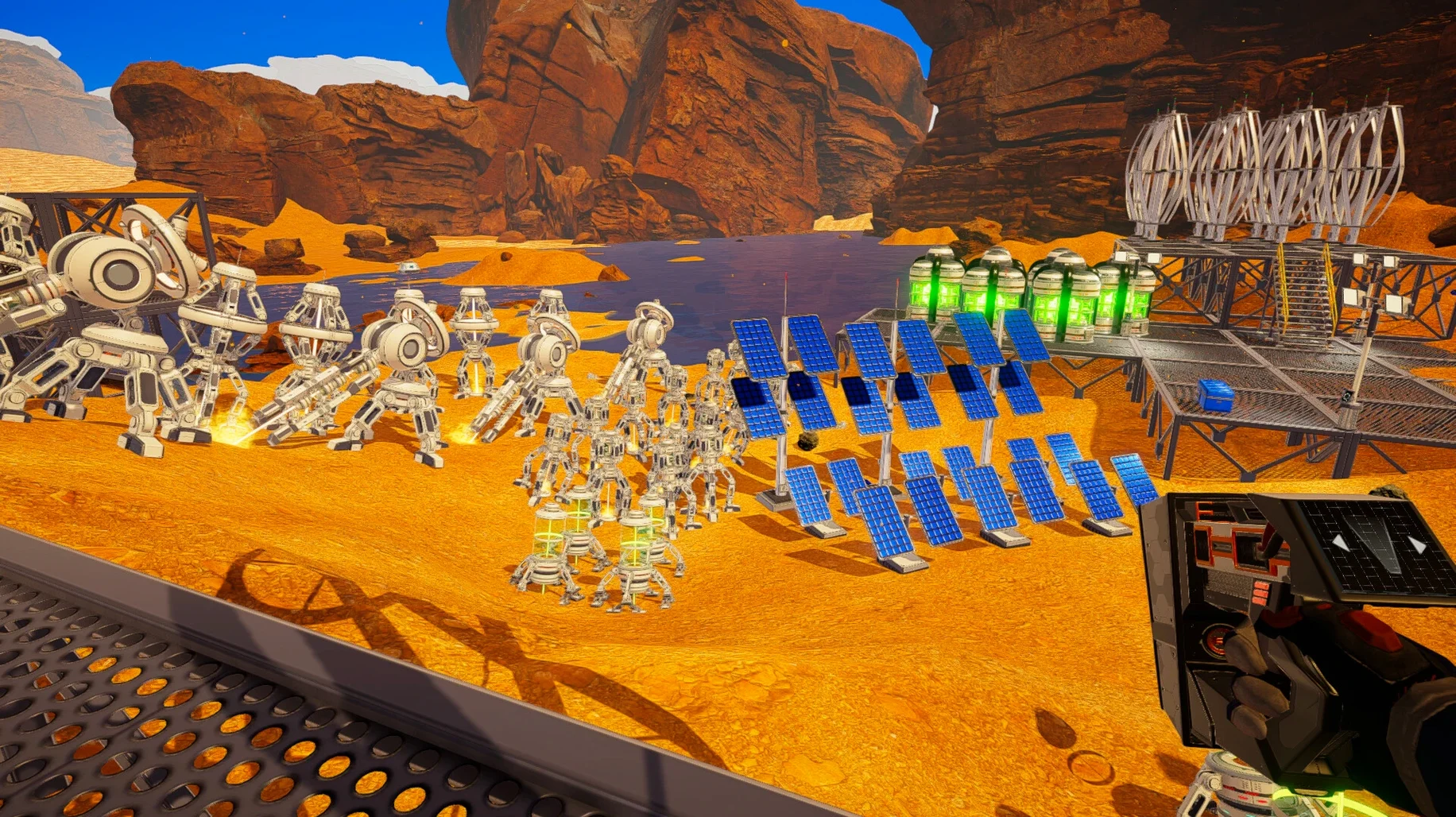
By the twenty-minute mark, you've built a drill and a wind turbine. Power sputters when the turbine spins slow, so you chase silicon for a solar panel. The first terraforming index tick — a tiny pressure increase — feels oddly satisfying. You check the stats screen, then head out for ice. The landscape still looks dead, but you've got a foothold.
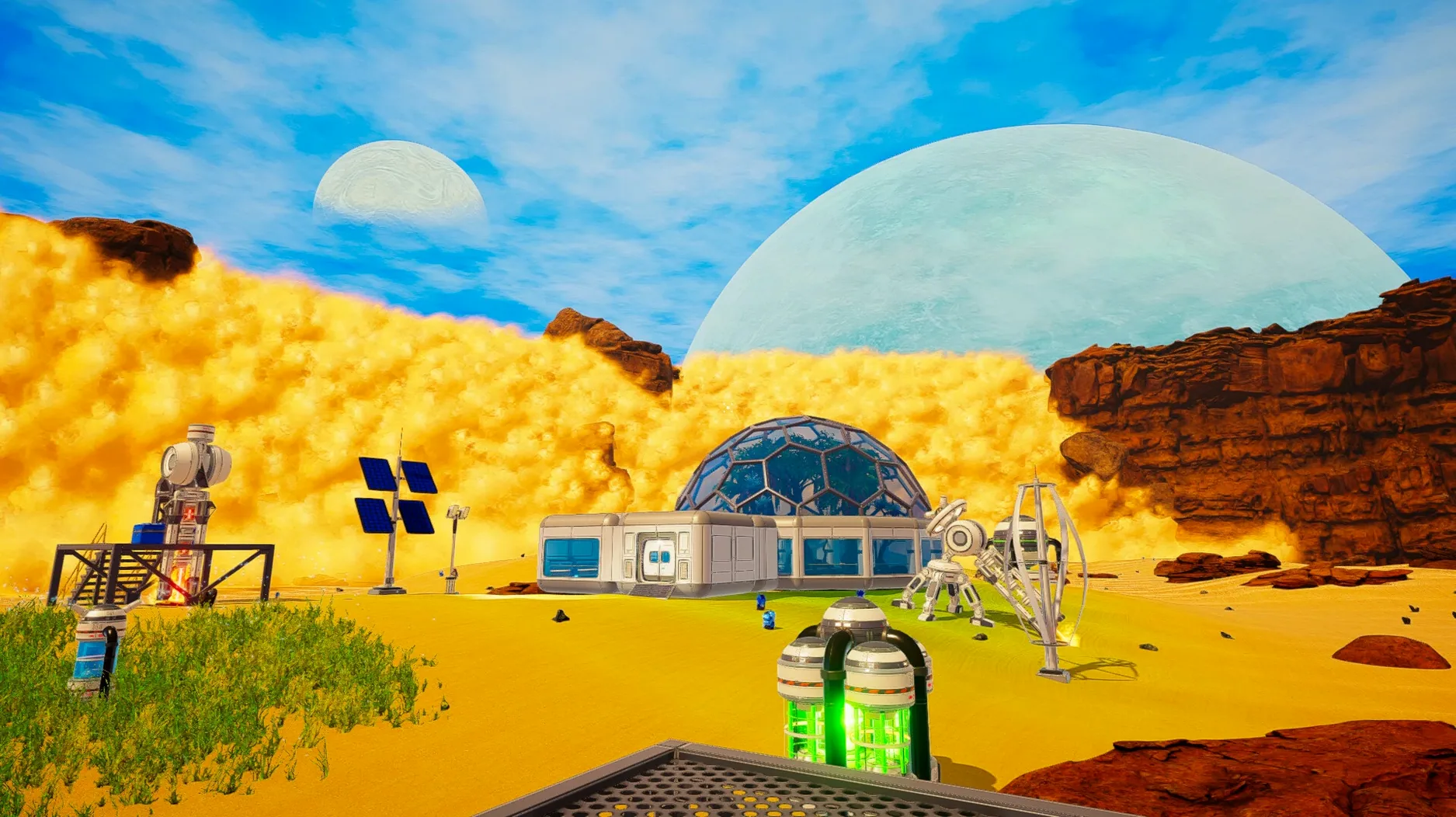
Around hour two, you're laying out a proper base: a living compartment, a biodome for algae, heaters, a crafting corner. A sandstorm hits and you scramble indoors. You use the downtime to reorganize chests and queue up cobalt bars. When the dust clears, the sky is a slightly different shade of blue. You step outside, breathe the air you made, and check the map for your next wreck site.
First-days guide for new terraformers
Claim a flat patch early. Don't build on the first hill you climb. Flat ground near a wreck gives you easy expansion room, shorter walking loops, and fewer times you'll fall into a ditch while running from a meteor shower.
Label your storage. Chests look identical until you click them. Drop a sign or, at minimum, keep ores in one corner and food seeds in another. Five hours in, you'll thank yourself.
Rush the oxygen tank upgrade. It's tempting to build walls first, but an extra tank doubles your gathering runs and cuts the panic of a long walk back. Craft it the moment you have the cobalt.
Use the creative mode as a training ground. If you're new to survival-craft games, start a creative save to learn the building snap points and terraforming screen without hunger or oxygen pressure. Then switch back to survival.
Run the Fix file once, then forget it. If the game throws an error on first launch, run the Fix file from the disk image and relaunch. It's a one-time step that clears up Wineskin quirks on ARM Macs.
ARM-native wrapping keeps mining lasers stutter-free on Mac
Version 1.618 on Wineskin is the same Planet Crafter you'd play elsewhere, but the packaging matters for Mac users. The ARM-native wrapping means no Rosetta translation lag — mining lasers fire without stutter, and the terraforming screen opens quickly even when your base sprawls across half the map.
The included Fix script handles the most common launch hiccup on macOS Sequoia, so you spend less time troubleshooting and more time chasing rare minerals. Save files live in a predictable folder inside the app bundle, which makes manual backups straightforward if you ever want to preserve a world before a big terraforming push.
Multiplayer sessions stay smooth up to ten players, though the host's machine does the heavy lifting. Procedurally generated wrecks keep exploration fresh across patches, and the adjustable difficulty sliders let you soften thirst or harden meteor damage to match the kind of evening you want — quiet base expansion or a tense scramble for survival.
- Apple Silicon Mac (ARM architecture)
Questions from the stall
What do I do if the game shows an error on first launch?
Run the Fix file included on the disk image. It resolves the most common startup hiccup on a fresh install.
Notes from other shops 0
Sign in or open a shop account to leave a note.
No notes yet. If you've used this on a shop Mac, tell me how it went.