
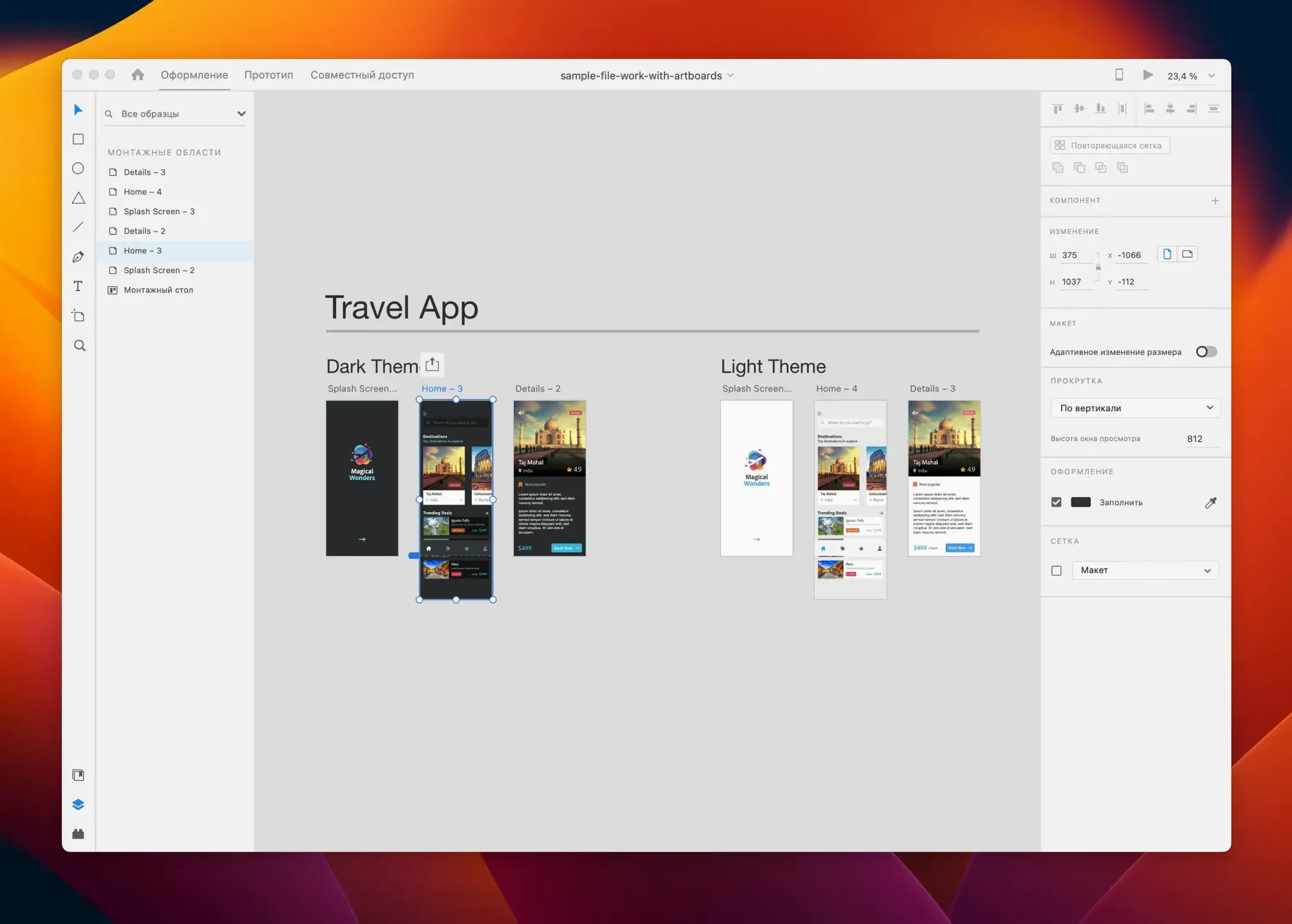
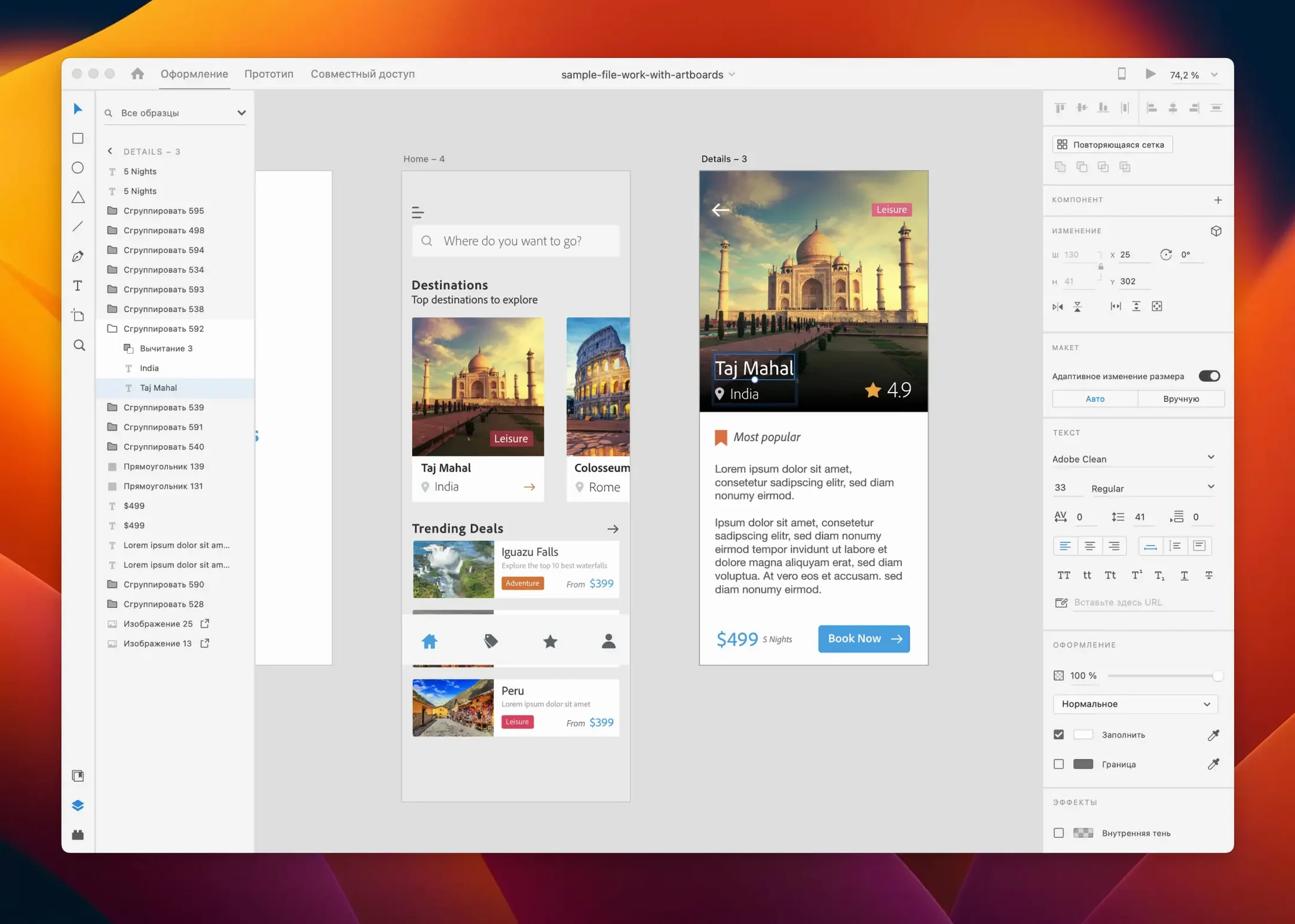
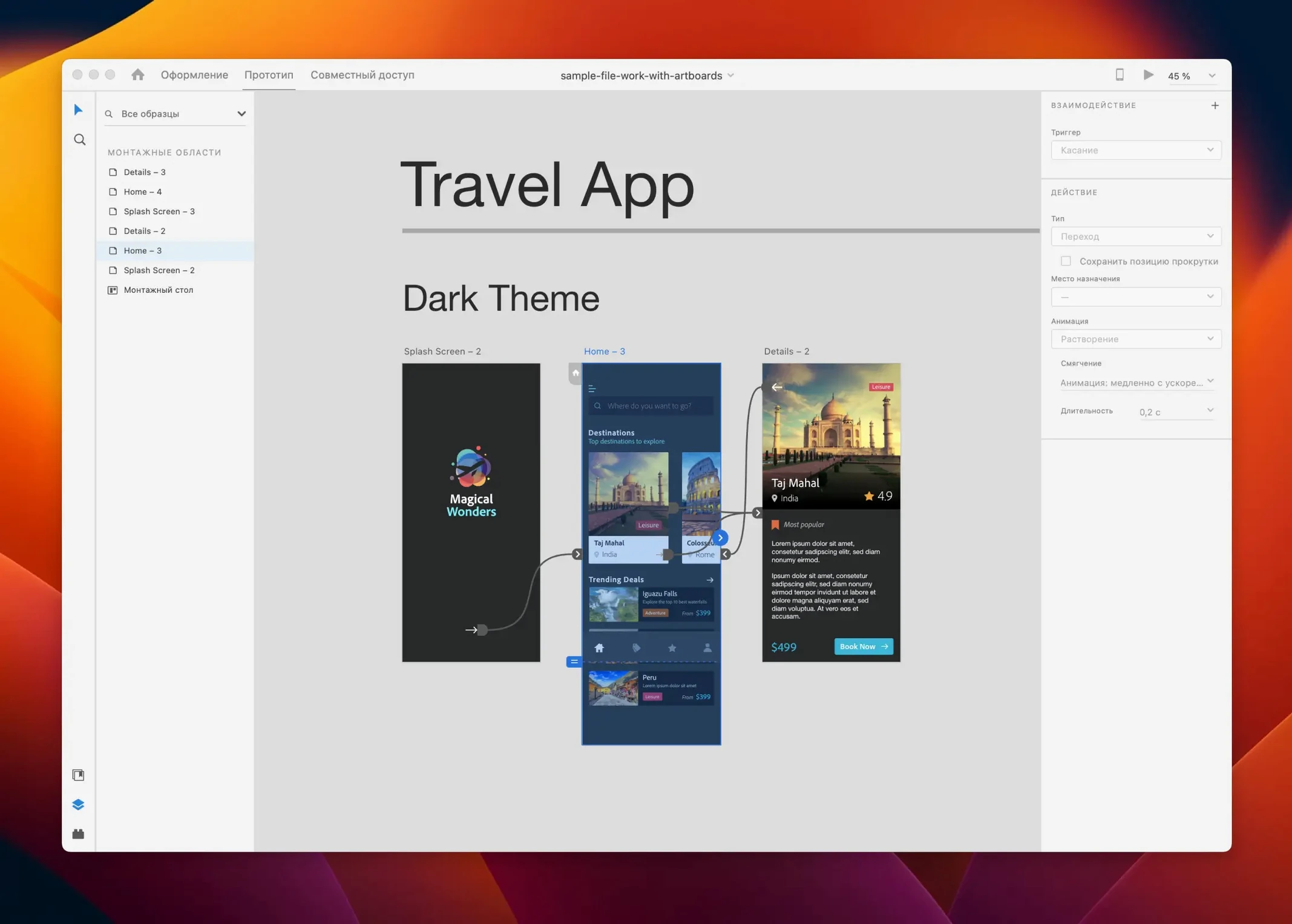
Designers who build websites, mobile apps, and interactive screen flows reach for Adobe XD. It’s a dedicated UI/UX tool for wireframing, high-fidelity mockups, and clickable prototypes — all from one canvas. Before clearing space on a Mac for it, people tend to ask the same few things.
What actually comes with it
- A vector-based design surface with responsive resize and repeat grid for laying out repeating elements fast
- Auto-animate for transitioning between artboards without coding
- Content-aware layout that adjusts padding and alignment as you edit
- Interactive prototyping you can share as a link for feedback
- Creative Cloud Libraries and Adobe Stock integration for pulling in assets across projects
It’s built for voice interfaces, game UIs, email templates, and standard web and mobile work. You can use it solo or hand off specs to developers through shared links.
Plug-ins and Creative Cloud syncing with Photoshop and Illustrator
XD works on Mac and Windows and plays nicely with third-party tools through a growing plug-in panel. Your libraries and colours sync with Photoshop, Illustrator, and other Adobe apps if you already use them. That’s the main draw for small teams — fewer export-import loops when moving from visual design to prototyping.
Freelance designers and UX teams sketching mobile flows
Freelance product designers and in-house UX teams tend to feel most at home here. If your day involves sketching flows for a mobile app update, testing a checkout screen variation, or handing redlines to a developer, XD removes a lot of friction. The prototyping engine sits right next to the design tools, so there’s no export step between laying out a screen and wiring up its taps and drags.
I also see it clicking for visual designers who already live in Creative Cloud and want to stay in one ecosystem. Pulling brand colours and components from CC Libraries saves the usual "which file had the final logo?" scramble. Solo founders building their first SaaS dashboard or a portfolio site will appreciate that they can produce something shareable without learning a second tool for prototyping. It’s less suited to print designers or illustrators — the canvas thinks in screens, not spreads.
Building a clickable prototype from a card component with repeat grid
Imagine a Tuesday morning. You open a new XD file and drop in an iPhone artboard. From the Libraries panel you pull in the project’s type styles and primary palette. The repeat grid turns a single card component into a scrollable list of eight, and a quick drag on the corner handles adjusts the gutter until the rhythm feels right.
Next, you wire up the prototype. Switching to Prototype mode, you drag a connector from the list item to a detail artboard, set the trigger to Tap, and pick auto-animate as the transition. The card appears to expand into a full screen — no timeline fiddling, just a duration slider and an easing curve. You add a few more links for the back button and a tab bar, then hit the desktop preview. A browser window opens; you click through the flow and spot a spacing issue on the third screen.
Back in Design mode, you tweak the padding using the content-aware layout controls — surrounding elements shift without manual repositioning. You share a prototype link, paste it into Slack, and a developer opens it on their Windows machine to inspect spacing values and export a couple of SVG icons. The whole loop, from blank file to commented feedback link, fits into a single morning.
Dragging a PNG from Finder and Quick Look for .xd files
XD leans on Creative Cloud for asset syncing, but it also plays nicely with macOS staples. You can drag a PNG straight from Finder onto the canvas, and the Quick Look preview works on .xd files in the save dialog — handy when you’re hunting for a specific version. If you use Sidecar with an iPad, XD runs on the Mac display while you keep the prototype preview open on the tablet for a live client walkthrough.
Integration with Illustrator and Photoshop is the obvious bridge: copy a vector shape in Illustrator, paste it into XD, and it lands as an editable path. Third‑party plug‑ins fill the gaps — tools for exporting to Zeplin, pulling in real data from Google Sheets, or generating placeholder text in different languages all run inside XD’s panel. For teams that rely on adobe cc mac torrent workflows to test the full suite before committing, XD slots into that same shared library structure without extra setup.
First days with XD — practical moves
- Set up a component library early. Even if you only save three buttons and a navigation bar, having them in the Assets panel speeds up every artboard you make afterwards. Colour and character styles behave the same way: define once, apply across the whole file.
- Learn the repeat grid before you need it. Drag out a single card, select it, click the repeat grid handle, and pull. It’s faster than copy‑pasting and aligning by eye, and you can adjust text and images in each instance without breaking the grid.
- Give auto‑animate a test drive early. Duplicate an artboard, move an element, change its opacity or size, and wire a transition between them. Seeing how the easing curves work in ten minutes saves hours of over‑complicating micro‑interactions later.
- Check the plug‑ins panel. Open it from the bottom of the toolbar and browse by category. Some of the most useful ones — like those for accessibility checks or map screenshots — aren’t obvious until you see them listed.
If you’re exploring an adobe xd torrent or an adobe xd crack mac route to try the tool on your own hardware first, these first-day habits still apply. The learning curve feels gentler when you focus on the repeat grid, components, and prototype wiring instead of trying to master every panel at once. And because xd torrent downloads often ship the same build the rest of the team uses, you’ll be working in a compatible version from day one — which matters when you’re sharing prototype links and library assets with other designers.
An Adobe XD Mac torrent setup also tends to include the same offline capabilities as the standard install. Once the app is running, you can prototype and design without an internet connection; the CC Libraries only need a sync when you’re pulling new assets. That’s been useful on train commutes and in coffee shops with spotty Wi‑Fi.
The July 2025 release is a maintenance update: bug fixes and minor workflow improvements that keep things stable.
- macOS 10.15 or later
- Runs on Intel and Apple Silicon Macs
Notes from other shops 0
Sign in or open a shop account to leave a note.
No notes yet. If you've used this on a shop Mac, tell me how it went.